
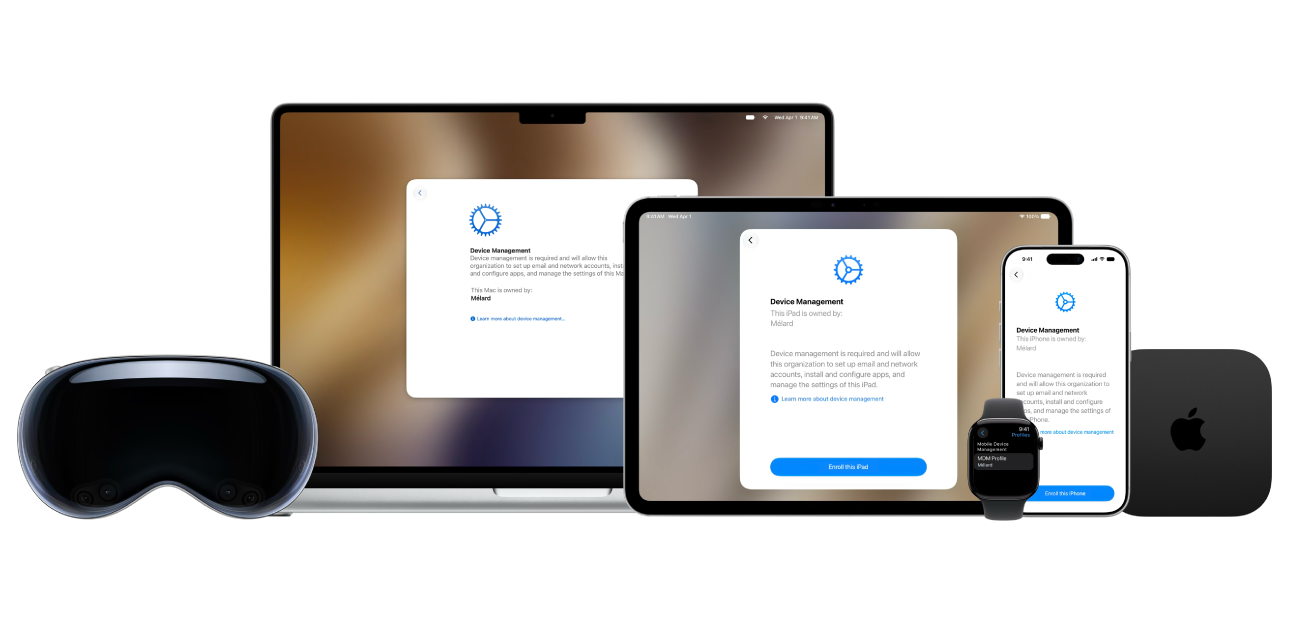
Deploy and manage Apple hardware, software, apps, and services in your organization
Apple devices integrate hardware, software, apps, and services to let you manage your deployment projects easily. Get the control and flexibility you want by using Apple School Manager or Apple Business and your chosen device management service.
To explore Apple Platform Deployment, select Table of Contents at the top of the page, or enter a word or phrase in the search field.
Apple Platform Deployment
- Welcome
- Intro to Apple Platform Deployment
- What’s new
-
-
- Declarative status reports
- Declarative app configuration
- Accessibility declarative configuration
- Apple Intelligence declarative configuration
- App settings configuration
- Audio accessory declarative configuration
- Authentication credentials and identity asset declaration
- Background task management declarative
- Calendar declarative configuration
- Certificates declarative configuration
- Contacts declarative configuration
- Content caching declarative configuration
- DNS settings declarative configuration
- DNS proxy declarative configuration
- Exchange declarative configuration
- Extensible SSO declarative configuration
- External intelligence declarative configuration
- Google Accounts declarative configuration
- Keyboard declarative configuration
- LDAP declarative configuration
- Legacy interactive profile declarative configuration
- Legacy profile declarative configuration
- Mail declarative configuration
- Math and Calculator app declarative configuration
- Managed Migration Assistant declarative configuration
- Network relay declarative configuration
- Packages declarative configuration
- Passcode declarative configuration
- Passkey Attestation declarative configuration
- Safari bookmarks declarative configuration
- Safari browsing management declarative configuration
- Safari extensions management declarative configuration
- Screen Sharing declarative configuration
- Service configuration files declarative configuration
- Siri declarative configuration
- Software Update declarative configuration
- Software Update settings declarative configuration
- Storage management declarative configuration
- Subscribed Calendars declarative configuration
- Web content filter plugin declarative configuration
-
-
- Accessibility payload settings
- Active Directory Certificate payload settings
- AirPlay payload settings
- AirPlay Security payload settings
- AirPrint payload settings
- App Lock payload settings
- Associated Domains payload settings
- Automated Certificate Management Environment (ACME) payload settings
- Autonomous Single App Mode payload settings
- Calendar payload settings
- Cellular payload settings
- Cellular Private Network payload settings
- Certificate Preference payload settings
- Certificate Revocation payload settings
- Certificate Transparency payload settings
- Certificates payload settings
- Conference Room Display payload settings
- Contacts payload settings
- Content Caching payload settings
- Directory Service payload settings
- DNS Proxy payload settings
- DNS Settings payload settings
- Dock payload settings
- Domains payload settings
- Energy Saver payload settings
- Exchange ActiveSync (EAS) payload settings
- Exchange Web Services (EWS) payload settings
- Extensible Single Sign-on payload settings
- Extensible Single Sign-on Kerberos payload settings
- Extensions payload settings
- FileVault payload settings
- Finder payload settings
- Firewall payload settings
- Fonts payload settings
- Global HTTP Proxy payload settings
- Google Accounts payload settings
- Home Screen Layout payload settings
- Identification payload settings
- Identity Preference payload settings
- Kernel Extension Policy payload settings
- LDAP payload settings
- Lights Out Management payload settings
- Lock Screen Message payload settings
- Login Window payload settings
- Managed Login Items payload settings
- Mail payload settings
- Network Usage Rules payload settings
- Notifications payload settings
- Parental Controls payload settings
- Passcode payload settings
- Printing payload settings
- Privacy Preferences Policy Control payload settings
- Relay payload settings
- SCEP payload settings
- Security payload settings
- Setup Assistant payload settings
- Single Sign-on payload settings
- Smart Card payload settings
- Subscribed Calendars payload settings
- System Extensions payload settings
- System Migration payload settings
- Time Machine payload settings
- TV Remote payload settings
- Web Clips payload settings
- Web Content Filter payload settings
- Xsan payload settings
-
- Glossary
- Document revision history
- Copyright and trademarks
Thanks for your feedback.