iCloud User Guide
- Welcome
-
-
- Sign in and use iCloud.com
- Customize and use the homepage
- Keynote
- Numbers
- Pages
-
- Photos on iCloud.com overview
- View your photos and videos
- Hide your photos and videos
- Use iCloud Shared Photo Library
- Upload and download photos
- Add a title or caption
- Organize photos and videos
- Add photos and videos to Favorites
- Play a slideshow of photos
- Delete and recover photos and videos
- Share photos and videos
- Recover files and information
- Use iCloud on your Windows computer
- Get more help with iCloud
- Legal notices and acknowledgements
- Copyright

Use Find Devices on iCloud.com
With Find Devices on iCloud.com, you can keep track of your Apple devices and find them when they’re lost.
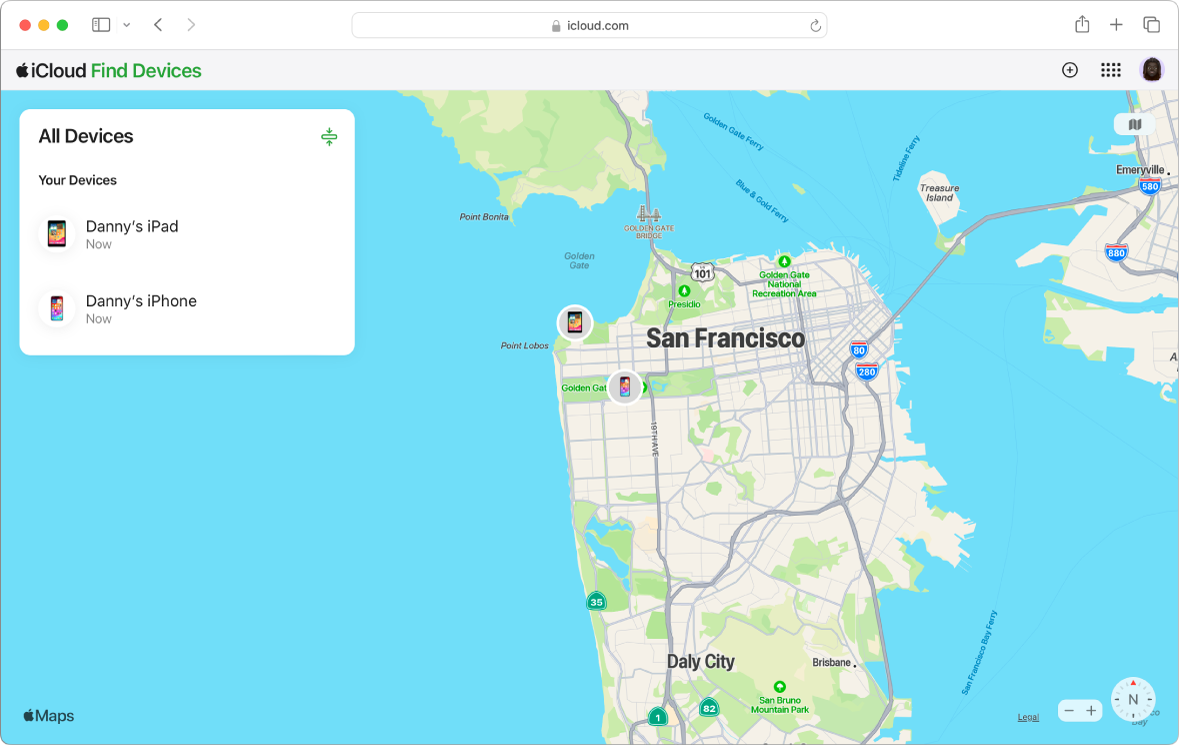
Learn how to do any of the following on iCloud.com on a computer:
Learn how to use Find Devices on iCloud.com on a phone or tablet.
To use Find My on other devices, see Use Find My to locate people, devices, and items.
Note: If you don’t see Find Devices on iCloud.com, your account is limited to iCloud web-only features. See Get more iCloud features.
Thanks for your feedback.