Watch on Apple TV (4K, HD, and 3rd generation)
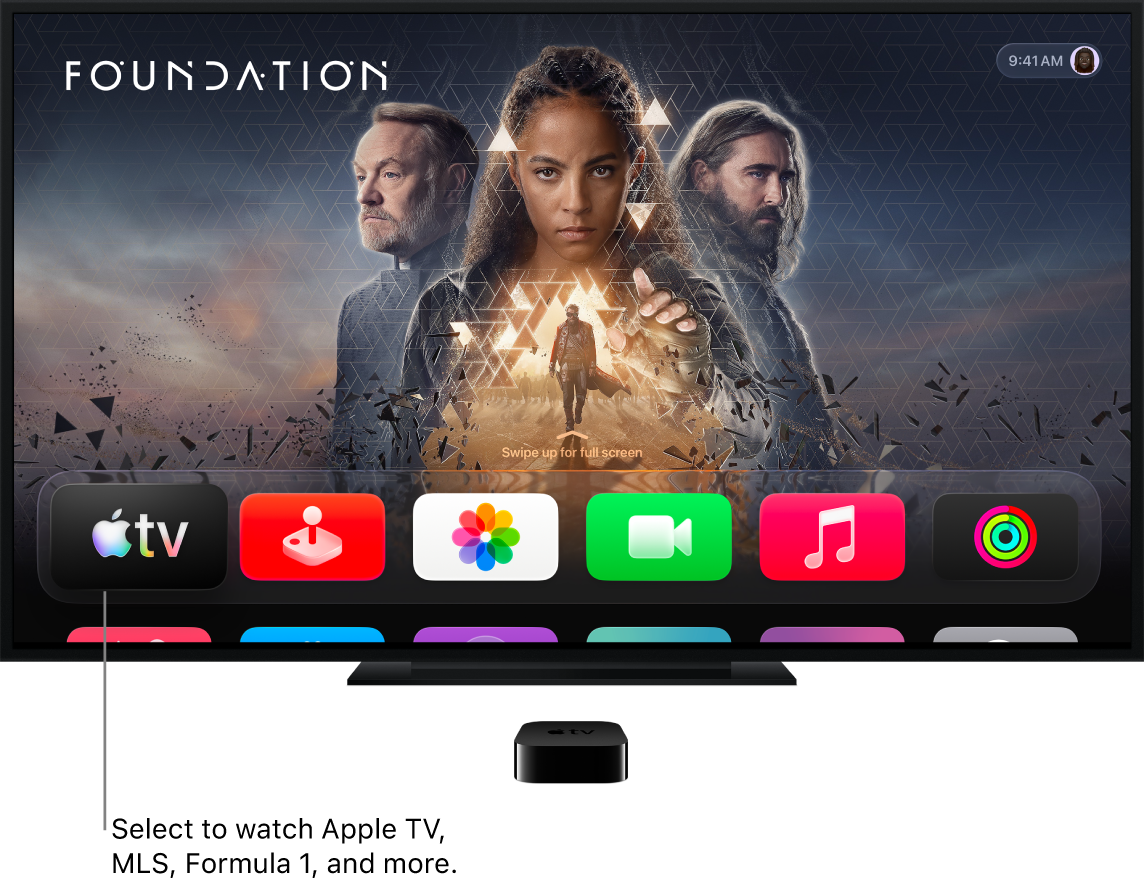
If you have Apple TV 4K or Apple TV HD, you can find Apple TV with Apple Originals, Major League Soccer (MLS), Formula 1 (U.S. only), Friday Night Baseball, and Apple TV channels in the Apple TV app.
If you have a third-generation Apple TV, you can find Apple TV Originals and Apple TV channels in the Apple TV app.
To learn which Apple TV you have, see the Apple Support article Identify your Apple TV model.
How to watch on your Apple TV
Open the Apple TV app
 from the Home Screen, then open the sidebar.
Select any of the following screens:
Search: Find TV shows and movies by title, cast, or crew.
Home: Start watching movies, TV shows, and sports in one place, including subscription-only features available with Apple TV, which in some countries and regions includes Friday Night Baseball. (Friday Night Baseball requires an Apple TV 4K or Apple TV HD with tvOS 16.2 or later).
Apple TV: Browse and watch Apple TV, a subscription streaming service featuring Apple Originals—award-winning films, series, compelling dramas, groundbreaking documentaries, kids’ entertainment, comedies, and more.
MLS: When you have an Apple TV subscription, watch every match of the Major League Soccer season, Audi MLS Cup Playoffs, and Leagues Cup all in one place, with consistent match times and no blackouts (MLS requires an Apple TV 4K or Apple TV HD with tvOS 16.2 or later).
Formula 1 (U.S. only): When you have an Apple TV subscription, watch Formula 1 with multiple live feeds that you can watch on their own or simultaneously in Multiview. Catch all practice, qualifying, Sprint, and Grand Prix races (Formula 1 requires an Apple TV 4K or Apple TV HD with tvOS 26.2 or later).
Store: Use this all-in-one destination to browse, buy, and rent the world’s best movies and TV shows.
Library: Find your purchases and rentals, organized by category.
Channels & Apps: Select a channel you’ve recently subscribed to, or an app you’ve connected to the Apple TV app.
To learn more about the Apple TV app on Apple TV, see the Apple TV User Guide.