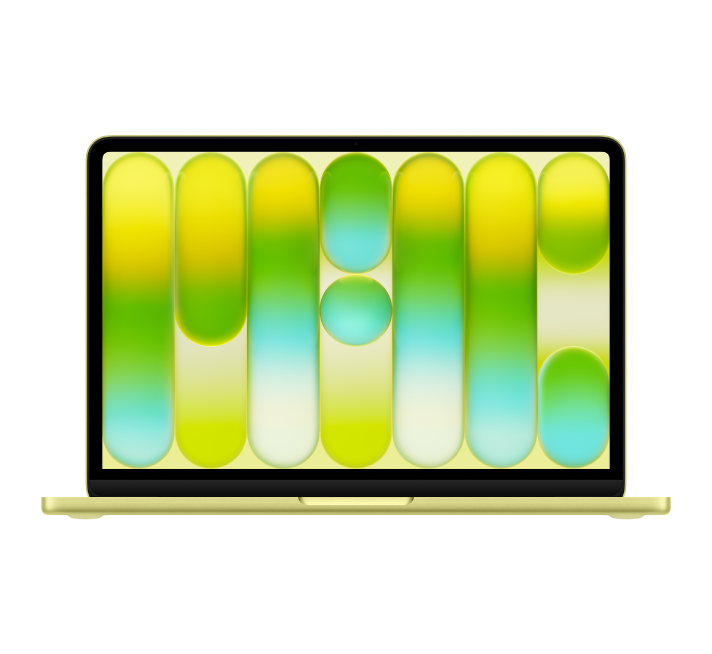
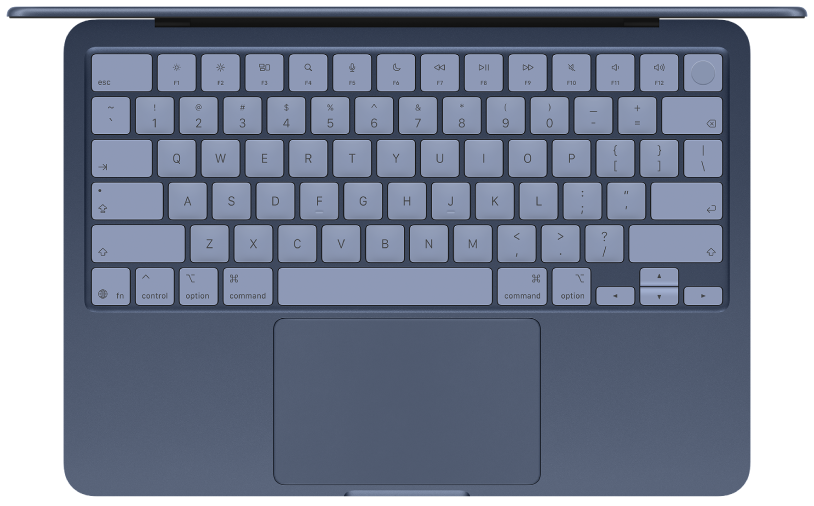
Découvrir le nouveau Mac
Bénéficiez d’une introduction rapide aux ports, à la caméra, au clavier et autres fonctionnalités de votre MacBook Neo.
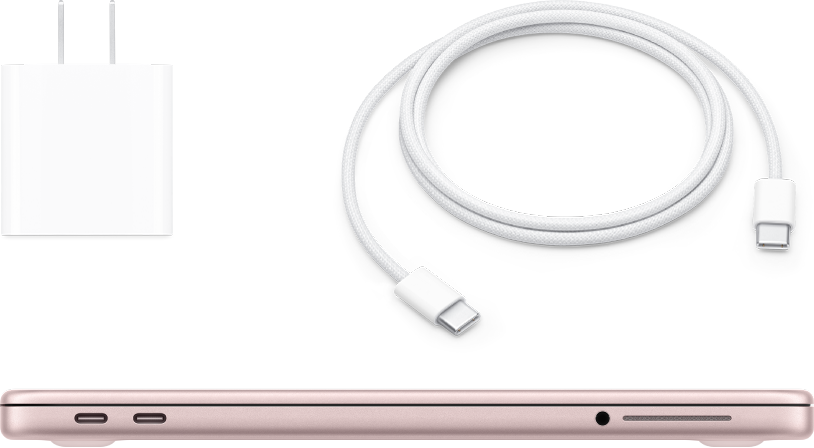
Configurer un Mac
Démarrez votre MacBook Neo en soulevant l’écran. Suivez les invites d’Assistant réglages ; tout est configuré, vous pouvez vous lancer.

Si vous utilisiez un PC Windows
Découvrez les noms utilisés sur votre Mac, notamment la manière de trouver vos fichiers, d’effectuer un clic droit et comment votre MacBook Neo peut faire tout ce que votre PC Windows faisait, et plus encore.
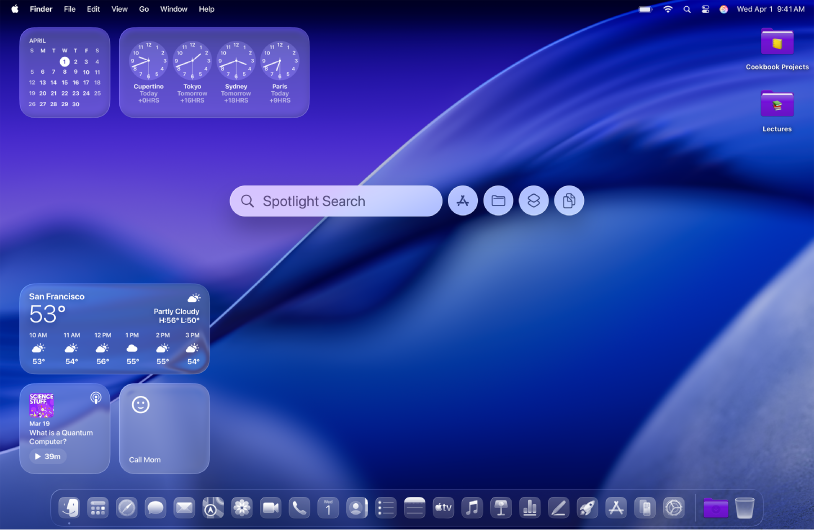
S’approprier le Mac
Personnalisez votre MacBook Neo en changeant votre fond d’écran, en ajustant les styles d’icônes et de widgets, et en modifiant les tailles de police.
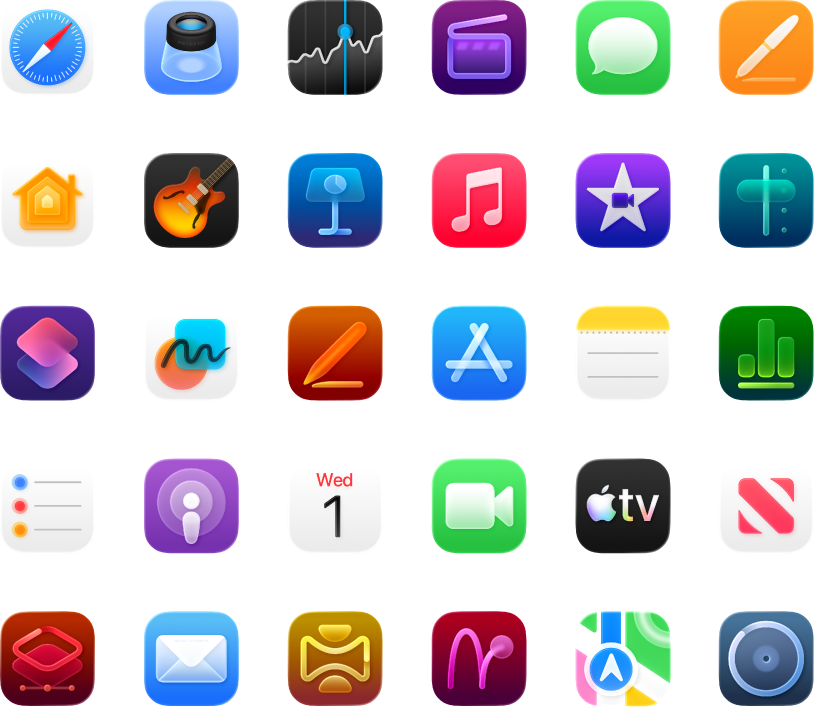
Prêt à l’emploi
Votre MacBook Neo est fourni avec des apps intégrées qui vous aident à rester en contact, à développer votre créativité et à augmenter votre productivité.
Pour explorer le guide d’utilisation, cliquez sur « Table des matières » en haut de la page, saisissez un mot ou une expression dans le champ de recherche ou cliquez sur le bouton Suivant en bas à droite de la page.
Si vous avez besoin d’une aide supplémentaire, consultez le site web Assistance pour les ordinateurs portables Mac.