Pages User Guide for iPad
- Welcome
- What’s new
-
- Get started with Pages
- Word processing or page layout?
- Intro to images, graphs and other objects
- Find a document
- Open a document
- Save and name a document
- Print a document or envelope
- Copy text and objects between apps
- Basic touch screen gestures
- Use Apple Pencil with Pages
- Change Pages privacy and analytics settings
- Copyright

Use graph styles in Pages on iPad
The thumbnail images at the top of the Graph section represent pre-designed graph styles that are specifically made to look good with the template you’re using. You can apply a different style to a graph at any time.
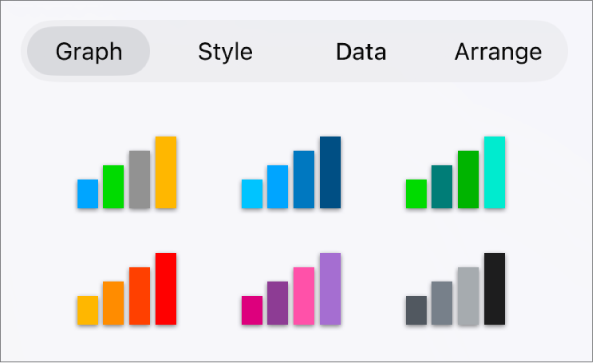
Apply a different style to a graph
Go to the Pages app
 on your iPad.
Open a document, tap the graph, then tap
 .
.Tap Graph, then tap one of the graph styles.
Thanks for your feedback.