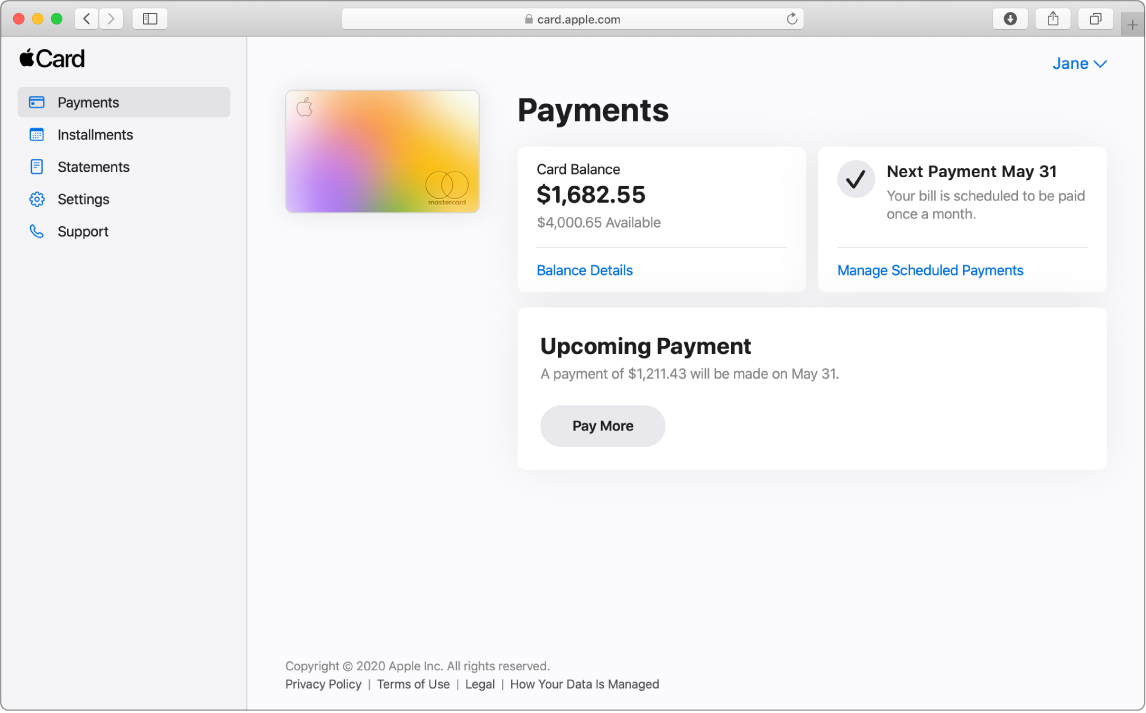
Intro to Apple Card on the Web When you sign in to card.apple.com , you can use Apple Card on the Web to check your account balance, make payments, and more.
Sign in to card.apple.com Go to card.apple.com .
Sign in to your Apple Account and enter your password.
For more information about Apple Account, see the Apple Account Support website .
Note: If you have Apple Card Family1 set up, the account owner and Co-Owner2 can sign in at card.apple.com. Participants don’t have access to card.apple.com, but can view their own transactions in Wallet on their iPhone or iPad.3 For more information about Apple Card Family, see the Apple Support article Set up Apple Card Family and add a co-owner and participants .
1. Apple Card Family participants and co-owners do not need to have a familial relationship, but must be part of the same Apple Family Sharing group. 2. Each Co-Owner is individually liable for all balances on the co-owned Apple Card including amounts due on your Co-Owner’s account before the accounts are merged. Each Co-Owner will be reported to credit bureaus as an Owner on the account. In addition, Co-Owners will have full visibility into all account activity and each Co-Owner is responsible for the other Co-Owner’s instructions or requests. Co-ownership involves risk, including payment history and other information about your Apple Card, including negative items like missed payments. Addition of new Co-Owner or merging existing accounts is subject to credit approval and general eligibility requirements. For Apple Card eligibility requirements, click here . Either Co-Owner can close the account at any time which may negatively impact your credit and you will still be responsible for paying all balances on the account. For details on account sharing options including some of the risks and benefits, click here . 3. If you are a Participant, you are able to spend on the account but are not responsible for payments. Being a Participant who is reported to the credit bureaus on an account that has a negative payment history (e.g. the account goes past due) or is overutilized can have negative effects on your credit. The account owner remains responsible for all purchases made by a Participant. For more details including some risks and benefits of being a Participant, click here . To access and use all Apple Card features and products available only to Apple Card users, you must add Apple Card to Wallet on an iPhone or iPad that supports and has the latest version of iOS or iPadOS. Apple Card is subject to credit approval, available only for qualifying applicants in the United States, and issued by Goldman Sachs Bank USA, Salt Lake City Branch.
Apple Payments Services LLC, a subsidiary of Apple Inc., is a service provider of Goldman Sachs Bank USA for Apple Card and Savings accounts. Neither Apple Inc. nor Apple Payments Services LLC is a bank.
All communications from Apple and Goldman Sachs Bank USA about Apple Card (including transactional and marketing communications) and customer service support are available in English. Certain communications about Apple Card can be viewed in another language depending on your device language settings. If you reside in the U.S. Virgin Islands, American Samoa, Guam, Northern Mariana Islands, or U.S. Minor Outlying Islands, please call Goldman Sachs at 877-255-5923 with questions about Apple Card.