Personalize your experience
The Apple TV app is designed to fit the way you watch. You can get personalized recommendations based on your play history, follow your favorite sports teams, keep your profile private with a passcode, change how subtitles look, and download content to watch wherever you are.
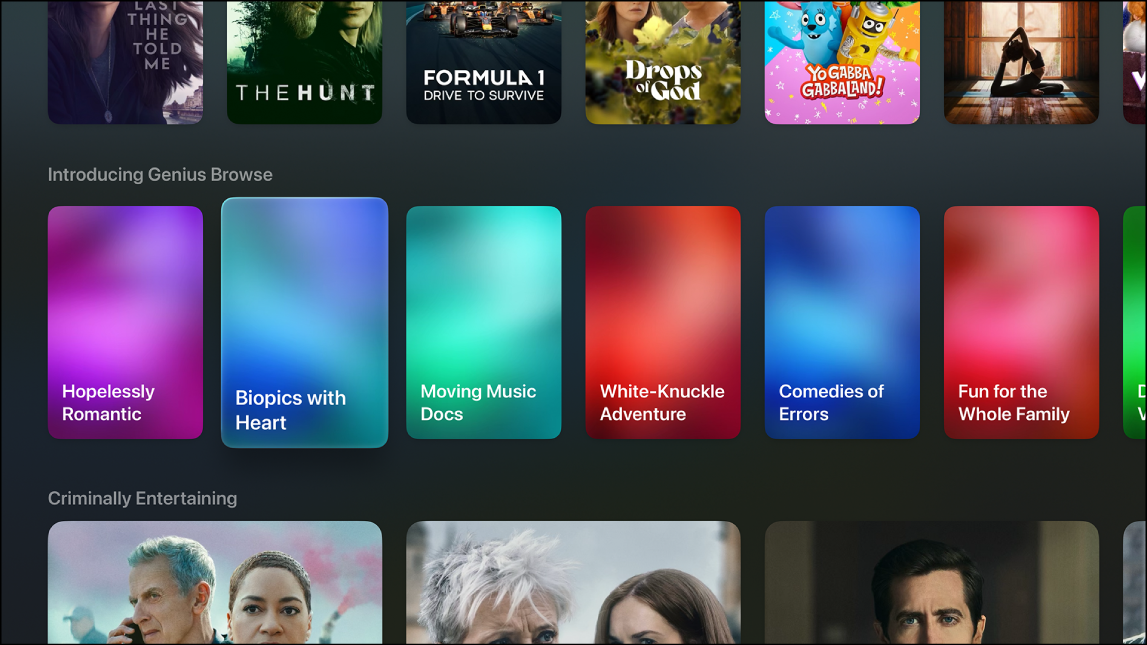
Get personalized recommendations
The Apple TV app uses what you watch to personalize your recommendations. To find them, go to Home in the Apple TV app on your TV or living room device, then scroll down to Genius Browse or For You. On your iPhone, iPad, Mac, Windows, or Android device, select Apple TV, then scroll down to For You.
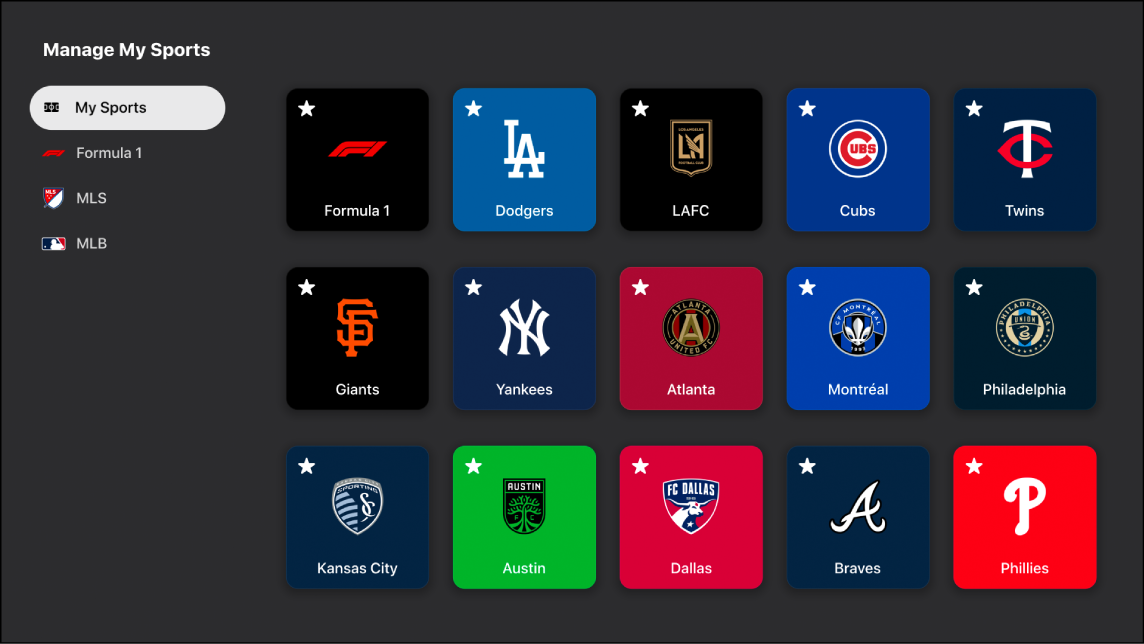
Follow your favorite teams
You can follow your favorite teams to see their games in Continue Watching and get notifications when they're about to play. On your TV or living room device, open the sidebar, select Settings > Manage My Sports, then choose your favorite teams to follow.
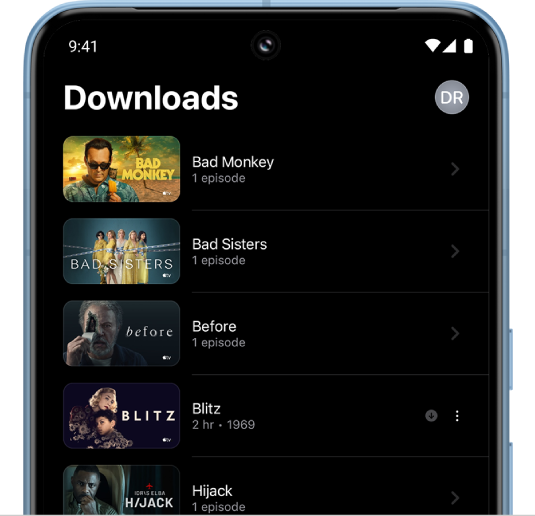
Take your shows on the road
You can download Apple Originals and purchased content to the Apple TV app on your iPhone, iPad, Mac, Windows device, or Android device to watch while you’re offline. Go to the movie or show you want to download, tap  , then tap Download.
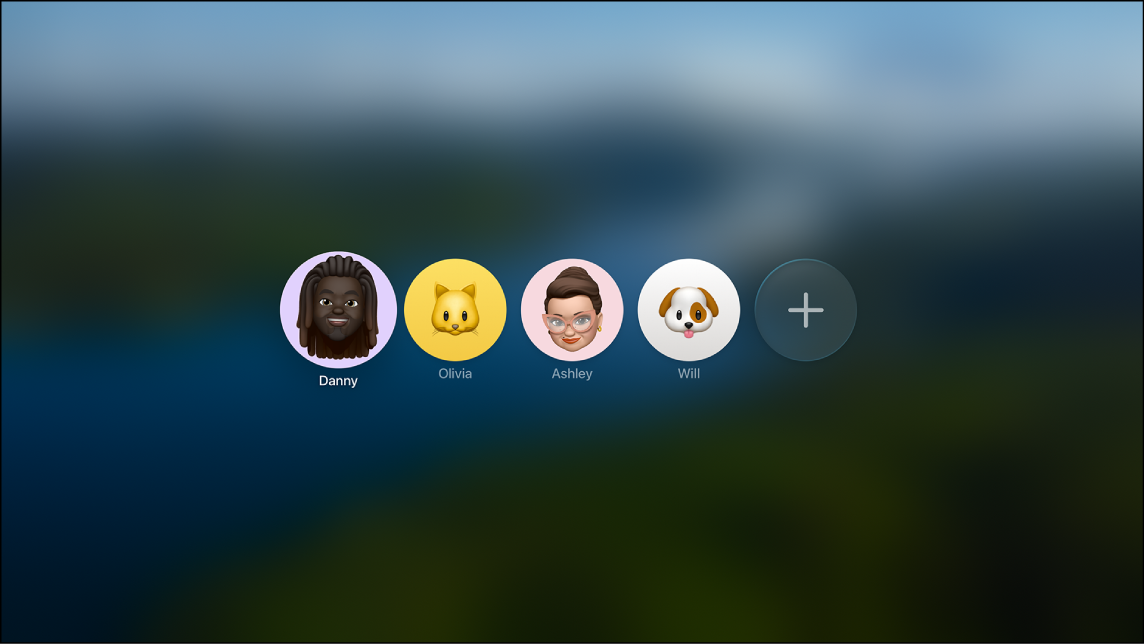
Keep your profile private
If you share a TV with others, you can protect your profile with a four-digit passcode. This prevents others from accessing your watch history, recommendations, and watchlist. To set it up, open the sidebar on your TV or living room device, select Settings > Profiles > your [profile name], then select Require 4-Digit Code.

Change the look of subtitles
You can customize the look of subtitles and captions on your TV or living room device. Open the sidebar, select Settings > Accessibility > Subtitles and Captioning > Style. Choose an existing caption style or create your own.