
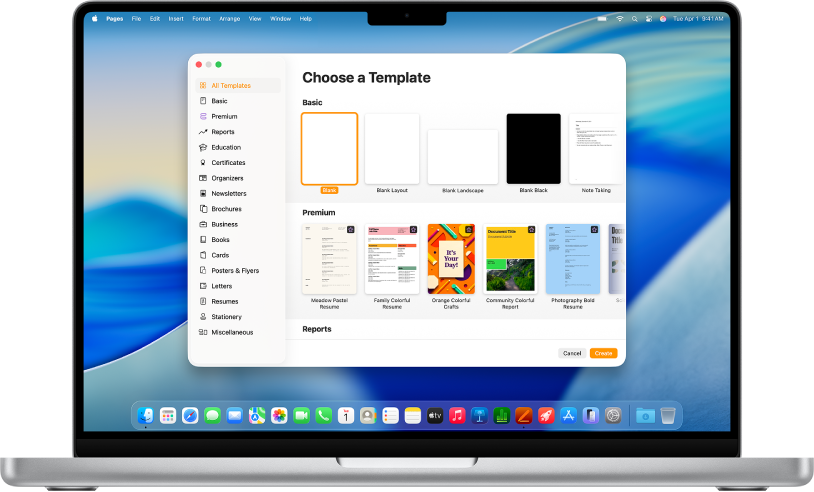
Get started with a template
All documents begin with a template—a model you can use as a starting point. You can create word-processing documents, like reports and letters, and page layout documents, like posters and newsletters. Simply replace the template text and images with your own content.
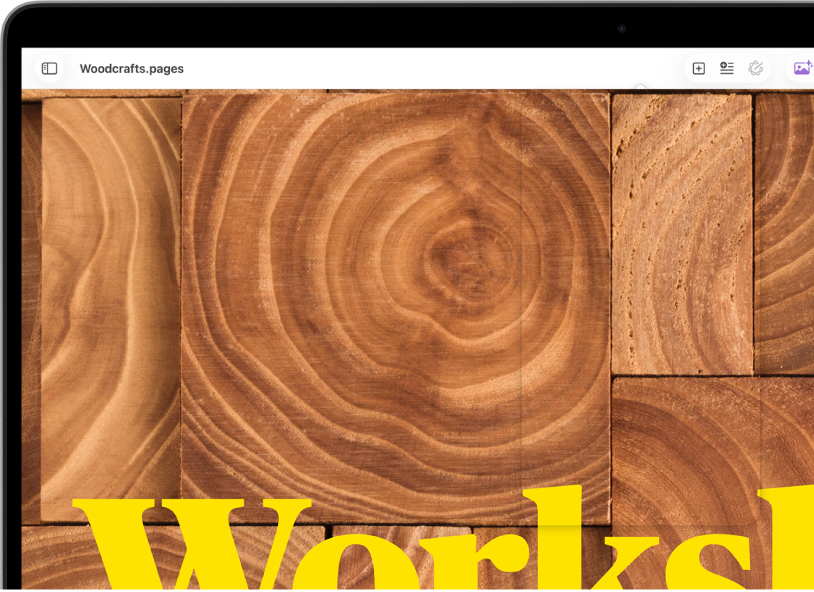
Add photos, shapes, tables, and more
Add objects like tables, charts, shapes, and media (images, audio, and video) to your document. You can layer objects, resize them, and place them anywhere on the page.
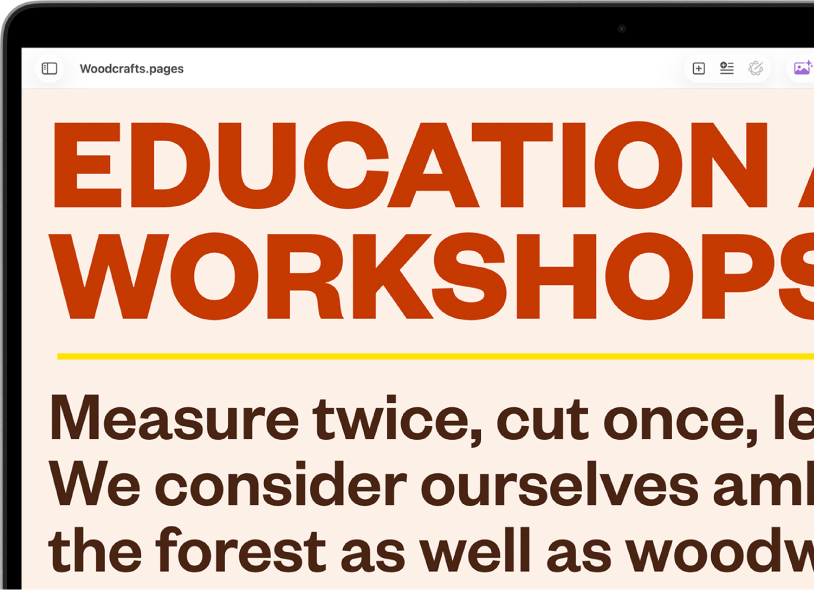
Customize every detail
Change the look of your text, add a drop shadow to an image, fill shapes with color, and more—you can modify everything in your document. You can even wrap text around images, link text boxes so the text flows from one box to the next, or use mail merge to automatically personalize multiple documents.
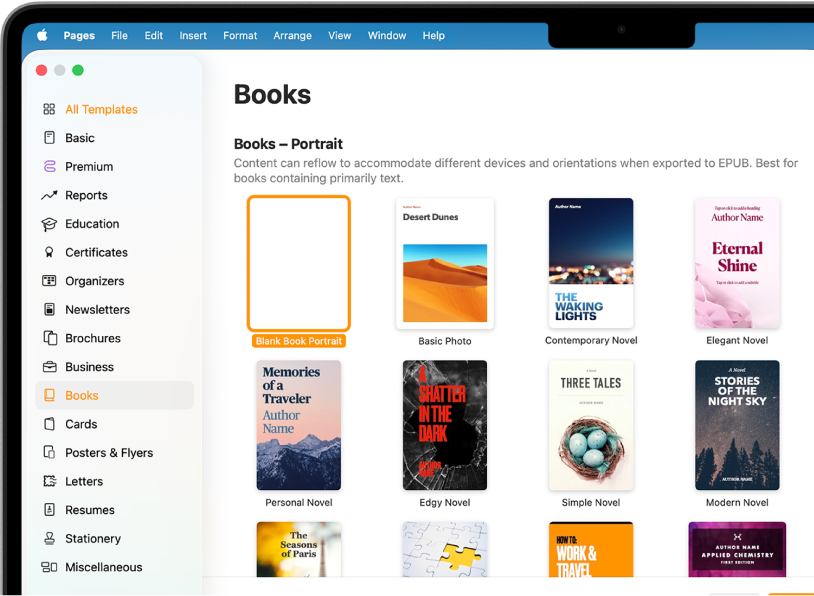
Become a publisher
Pages comes with book templates that let you create interactive books in EPUB format. Add text and images—and even a table of contents. When you’re ready, you can make your book available for purchase or download in Apple Books.
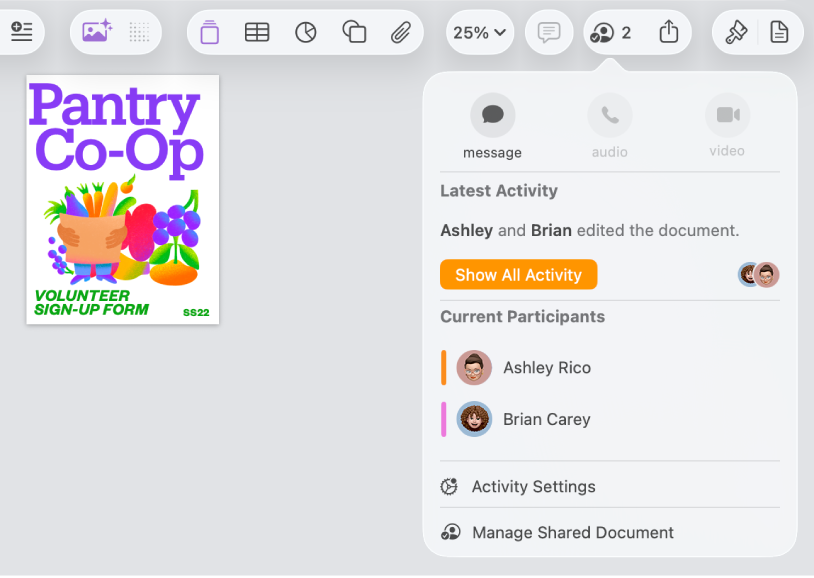
Collaborate in real time
Invite others to work with you on your document. Everyone you invite can see changes as they’re made, but you control who can edit or only view the document.
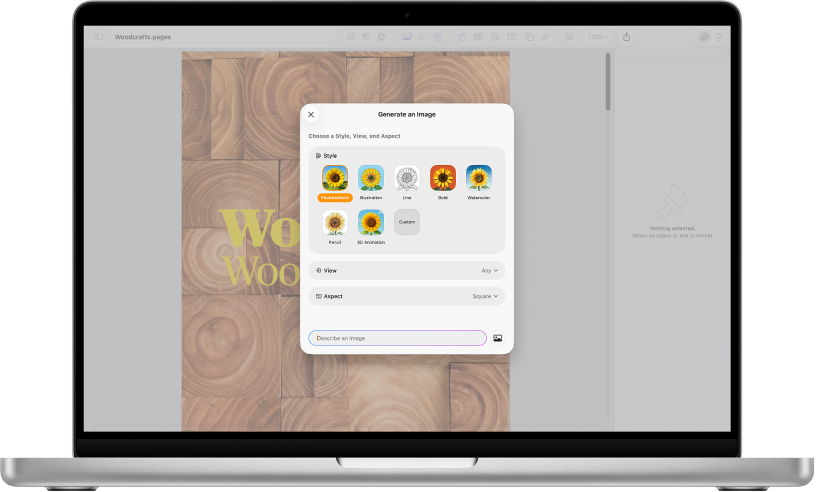
Everything you need in one place
Subscribe to Apple Creator Studio to access a rich library of premium content, plus AI-powered features like photorealistic image generation.
This guide helps you get started using Pages 15.3 on your Mac. (To see which version of Pages you have, click Pages in the menu bar, then choose About Pages.) To explore the Pages User Guide, click Table of Contents at the top of the page, or enter a word or phrase in the search field.
If you need more help, visit the Pages Support website.
Pages User Guide for Mac
- Welcome
- What’s new
-
- Use iCloud Drive with Pages
- Export to Word, PDF, or another file format
- Open an iBooks Author book in Pages
- Reduce the document file size
- Save a large document as a package file
- Restore an earlier version of a document
- Move a document
- Delete a document
- Lock a document
- Password-protect a document
- Create and manage custom templates
- Copyright