Intro to Apple Card on the Web
When you sign in to card.apple.com, you can use Apple Card on the Web to check your account balance, make payments, and more.
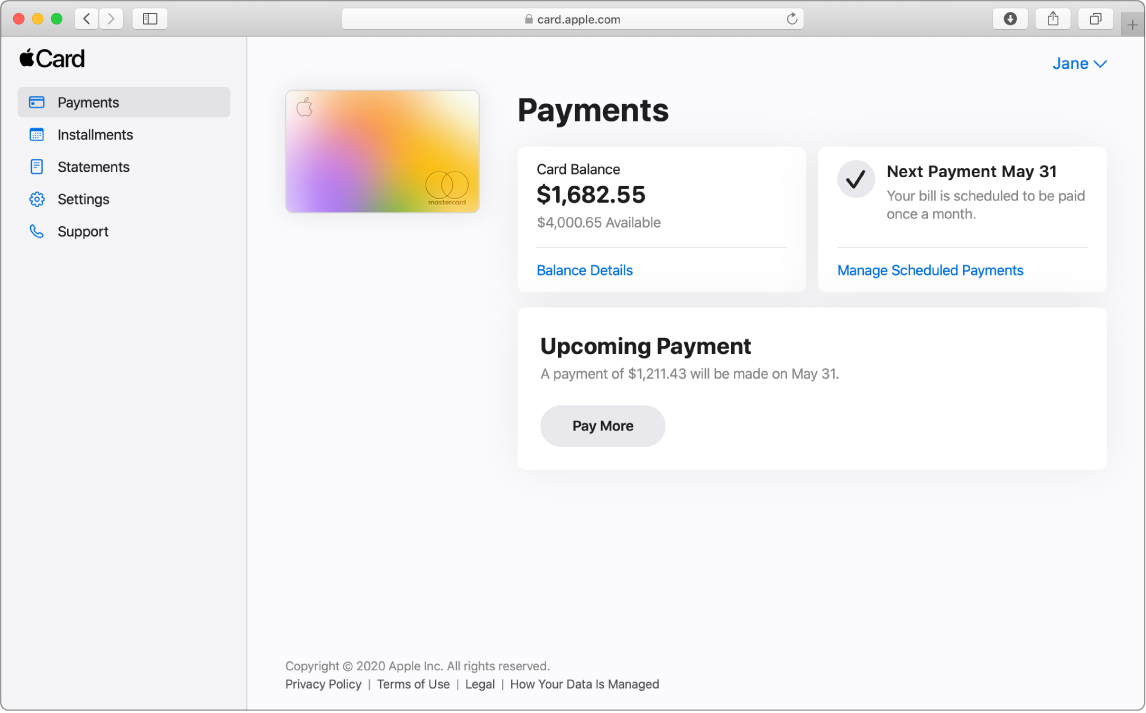
Sign in to card.apple.com
Go to card.apple.com.
Sign in to your Apple Account and enter your password.
For more information about Apple Account, see the Apple Account Support website.
Note: If you have Apple Card Family1 set up, the account owner and Co-Owner2 can sign in at card.apple.com. Participants don’t have access to card.apple.com, but can view their own transactions in Wallet on their iPhone or iPad.3 For more information about Apple Card Family, see the Apple Support article Set up Apple Card Family and add a co-owner and participants.
What you can do at card.apple.com
See alsoApple Card Support website