Tämän toiminnon muokkaaminen lataa tämän sivun uudelleen
Final Cut Pro User Guide for iPad
- Welcome
- What’s new
-
- Intro to editing
- Select items in the timeline
- Arrange clips in the timeline
- Use roles to organize clips
- Add storylines
- Edit in Position mode
- Make precise edits with the jog wheel
- Undo and redo edits
- Disable and enable clips
- Change clip speed
- Edit to the beat
- Detect and restore edits
- Create a video montage with Montage Maker
- Export or share
- Copyright and trademarks
Switch between landscape and portrait orientation in Final Cut Pro for iPad
Go to the Final Cut Pro app on your iPad.
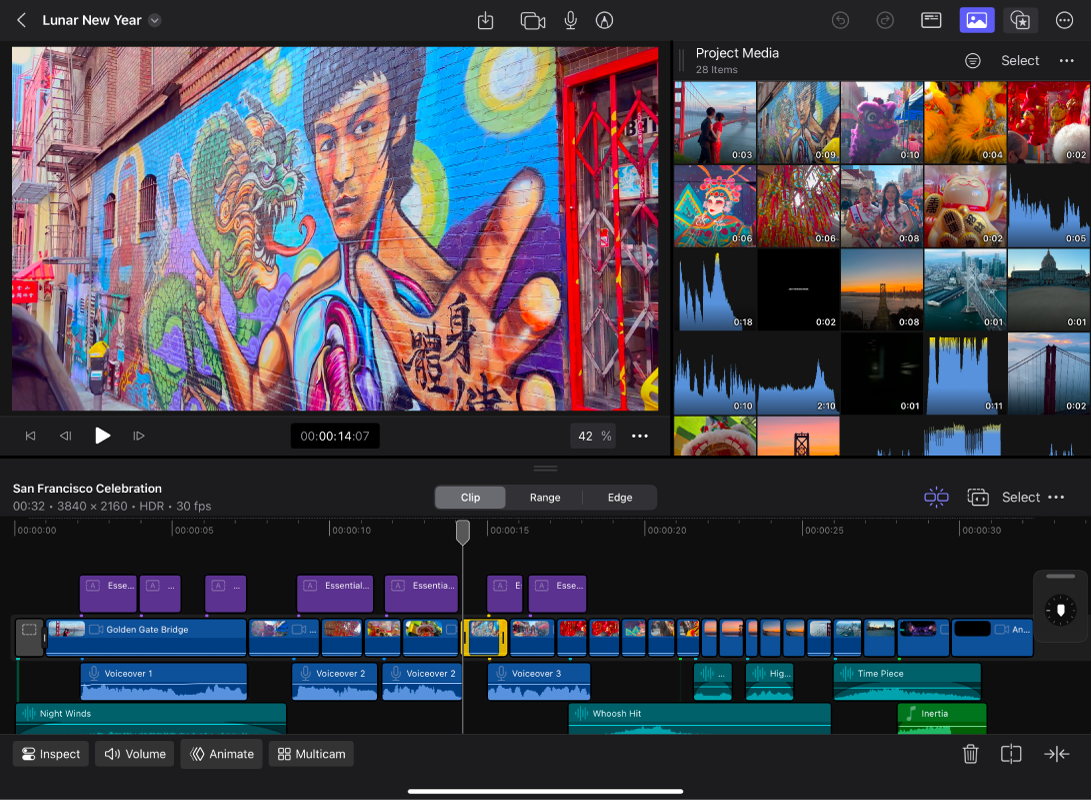
Turn your iPad sideways.
The Final Cut Pro interface adjusts to fit the new orientation.
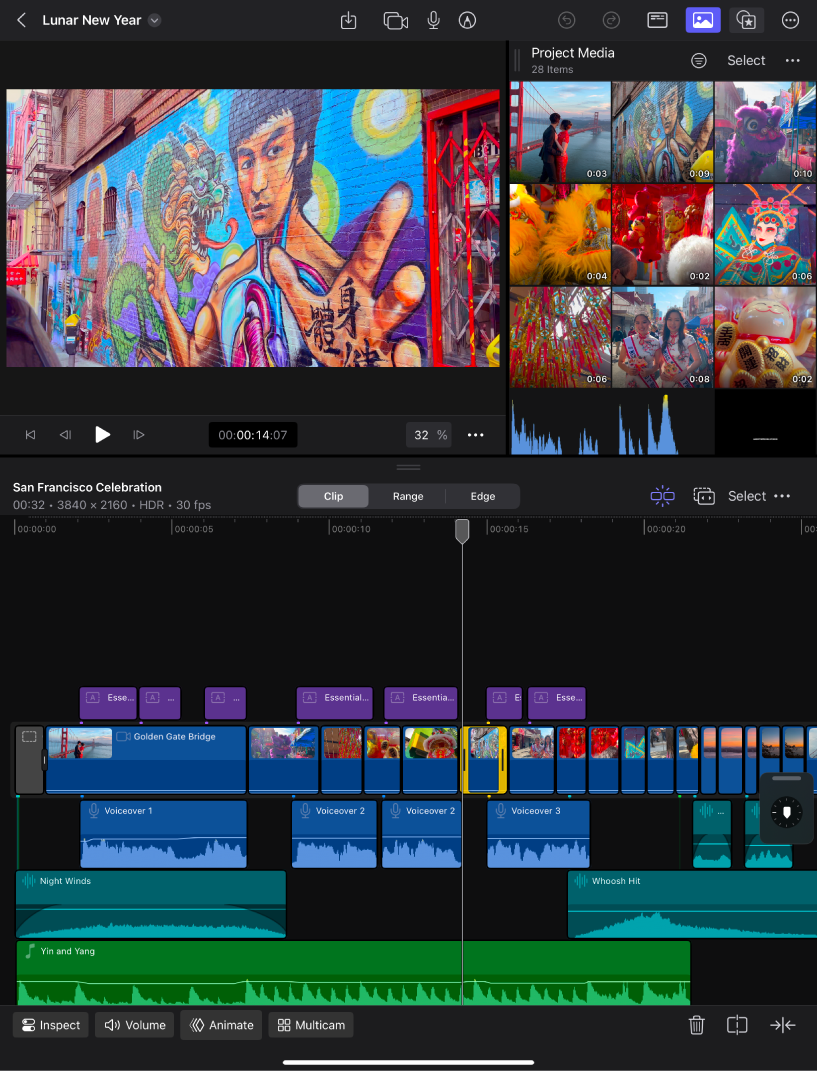
Note: If nothing happens when you turn your iPad sideways, make sure the rotation lock is off. Swipe down from the top-right corner of your screen to open Control Center, then tap  if it’s red.
Kiitos palautteestasi.