
Find My Support
Keep track of your Apple devices or personal items.
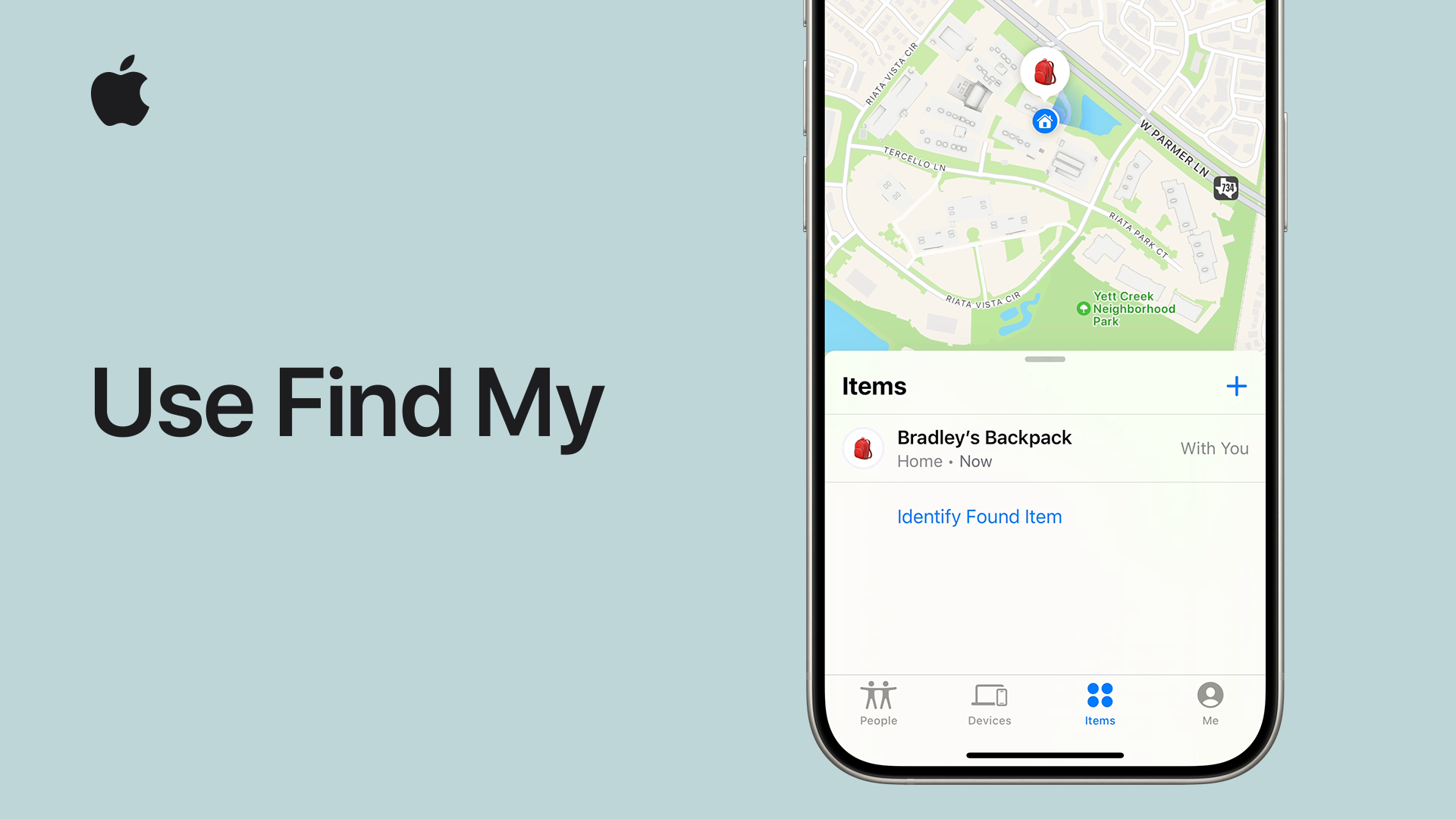
Watch the video
Get help locating lost devices, looking for supported items like keys with AirTag attached, and sharing your location with friends.
Devices
iPhone or other device
Use the Find My app or iCloud.com/find to help locate a lost iPhone, iPad, Apple Watch, or Mac. If you can’t find it or think it might be stolen, you can lock it to protect your information.
AirPods
Find My can show your AirPods on a map, play a sound to help find them, and help you find their precise location when they’re missing nearby.
People
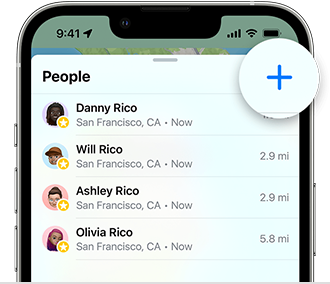
Find people
Use the Find My app to keep up with friends and family. You can even get a notification when someone arrives at or leaves a specific location.
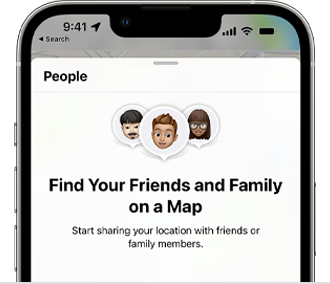
Share your location
Drop a pin to share your current location, your ETA in Maps, or your ongoing Live Location in Find My or Messages.
Items
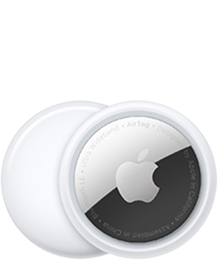
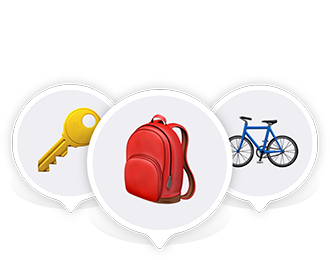
Precision finding
Your iPhone can guide you right to a nearby missing item with an AirTag attached.
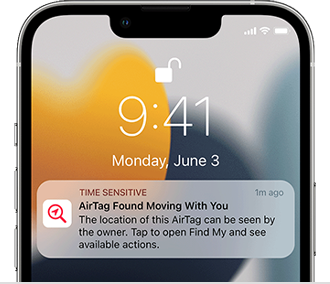
AirTag alert
If one of your devices detects an unknown AirTag, Find My network accessory, or set of AirPods, learn how to find it, get more information about it, and disable it.
Search for more topics



Support app
Get personalized access to solutions for your Apple products.