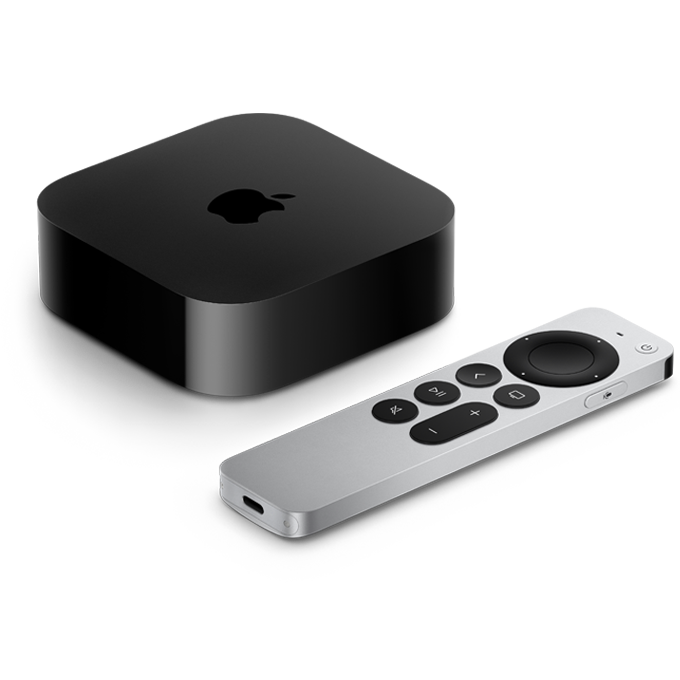
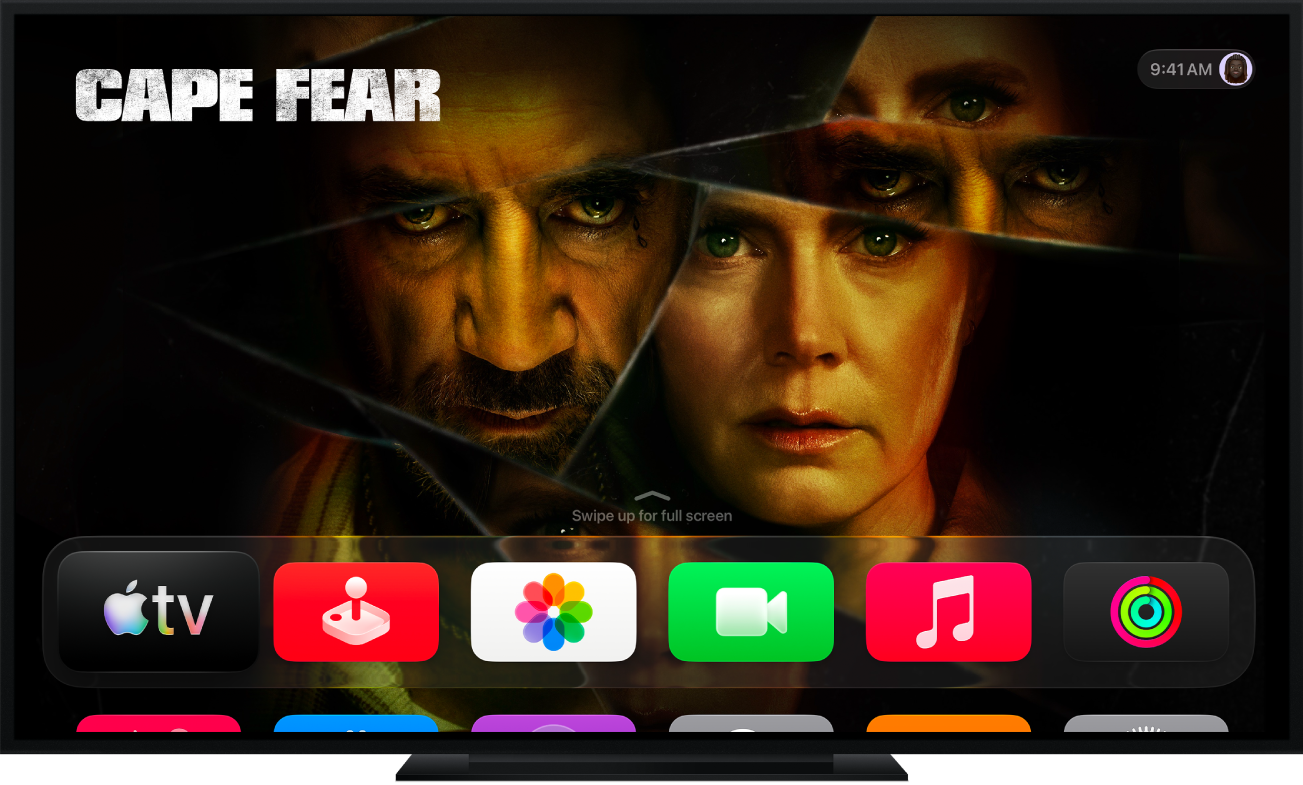
New to Apple TV 4K?
Learn how to set up your Apple TV 4K for the ultimate cinematic experience.
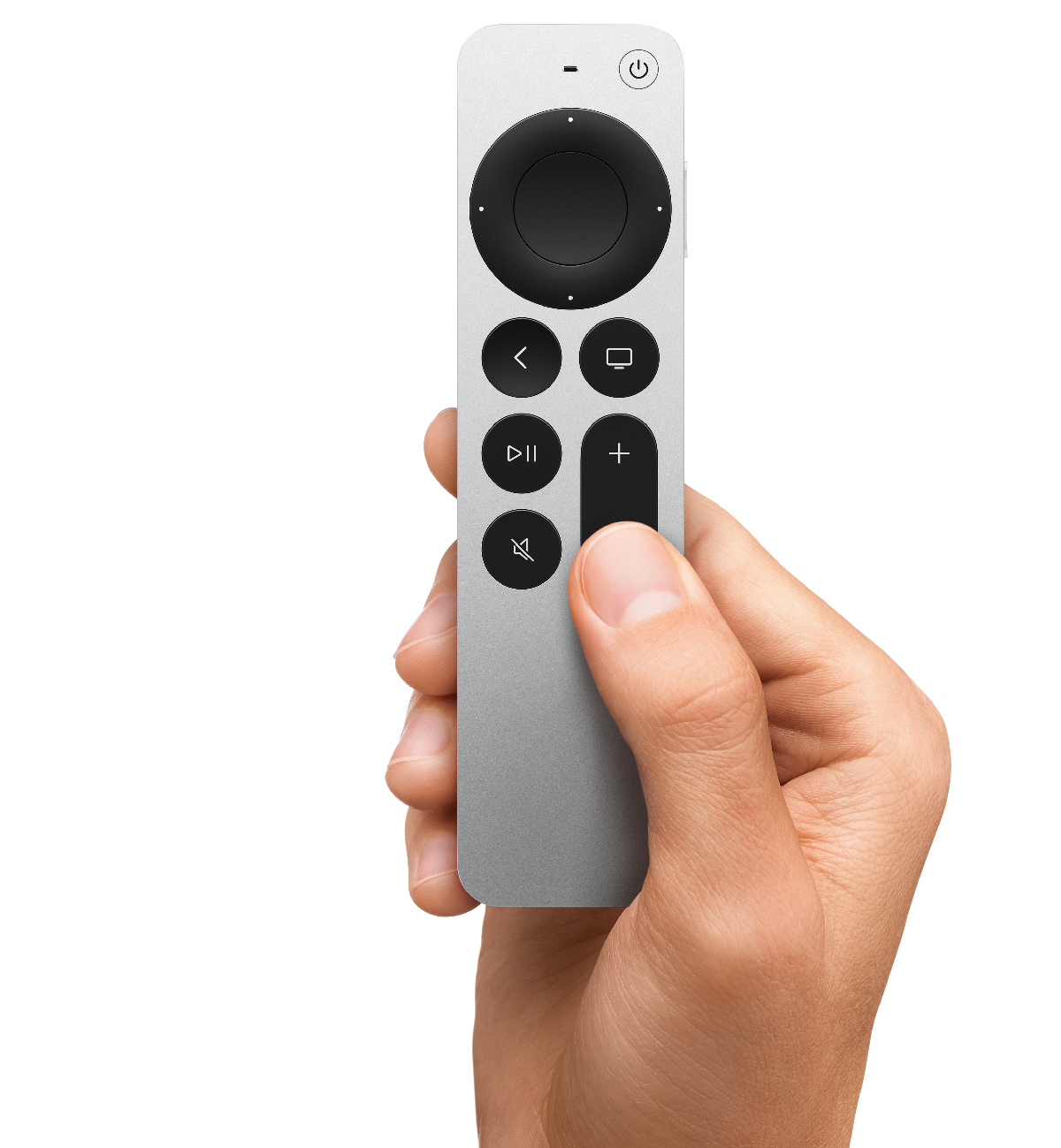
Get to know your remote
The Apple TV remote gives you unparalleled control with a touch-enabled clickpad.
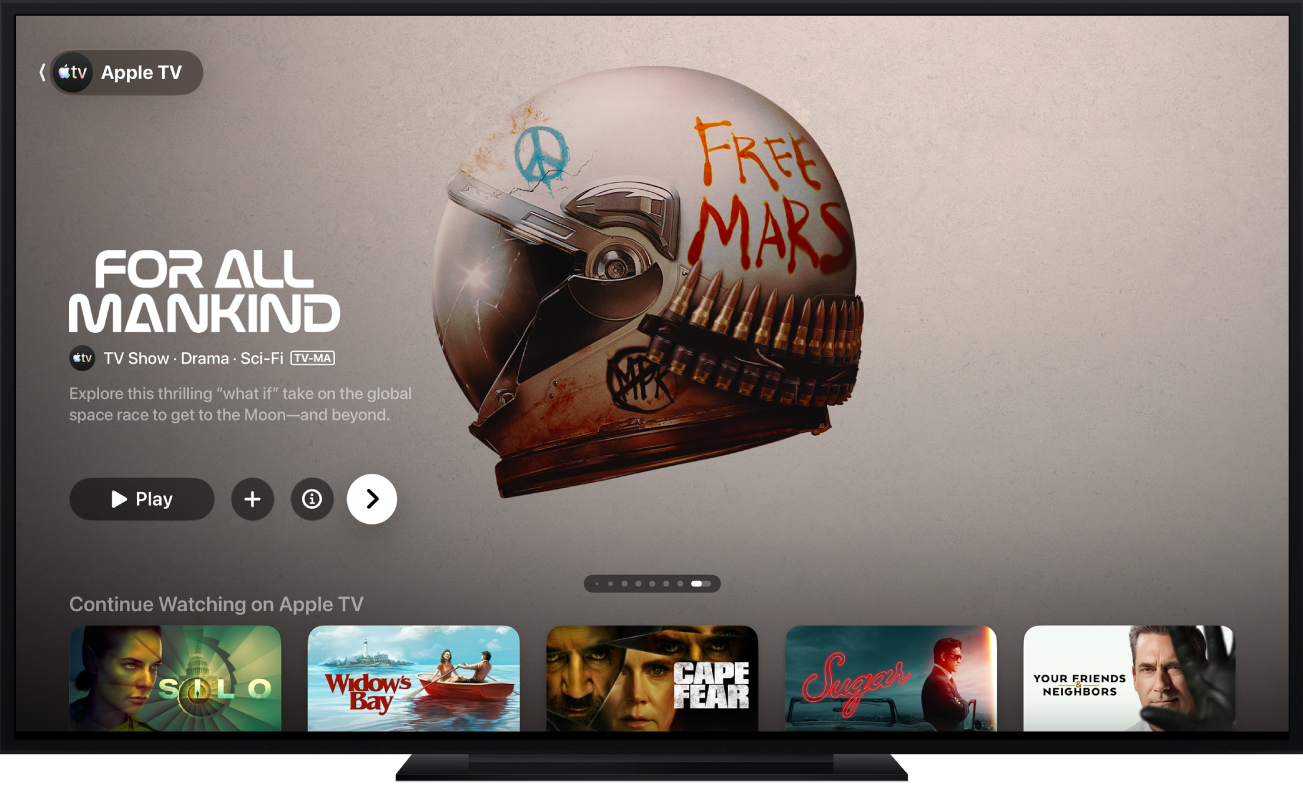
See what’s new in tvOS 27
tvOS 27 introduces redesigned Podcasts and Music apps. You can update to tvOS 27 on Apple TV 4K (2nd generation) and Apple TV 4K (3rd generation).
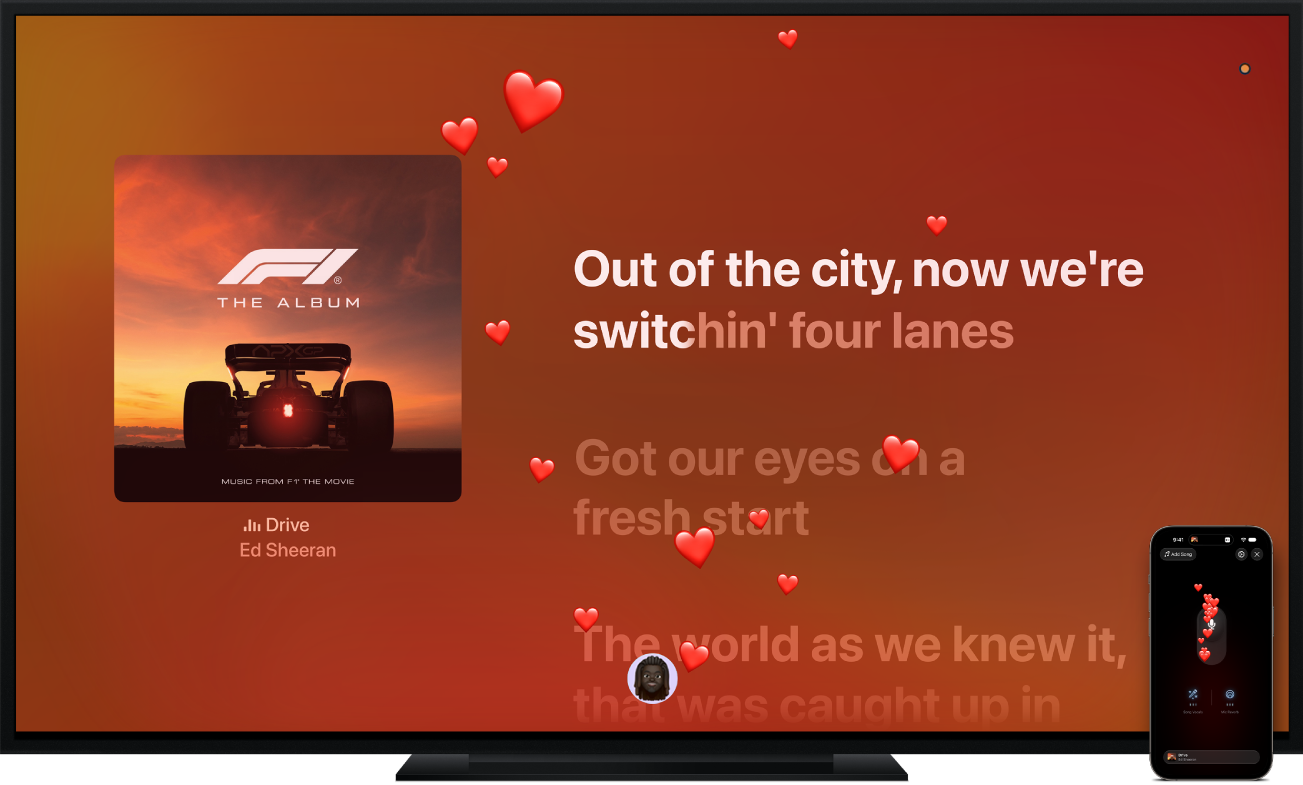
Apple Music Sing: Get this party started
Use your iPhone as a mic with Apple Music Sing on Apple TV 4K (3rd generation). You’ll hear your voice right through your TV speakers as you sing along to millions of songs with real-time, beat-by-beat lyrics. To join the party, bring your own iPhone with iOS 26 or later to take turns on the mic and react with real-time screen effects. And to get started faster, open Apple Music Sing right from the Home Screen.
To explore the Apple TV 4K User Guide, click Table of Contents at the top of the page, or enter a word or phrase in the search field.
Apple TV 4K User Guide
- Welcome
- What’s new in tvOS 27
-
-
- Stream audio and video to Apple TV 4K
- Use HomePod or AirPlay-enabled speakers with Apple TV 4K
- Use AirPods or Beats with Apple TV 4K
- Connect Bluetooth devices
- Use your iPhone, iPad, or Apple Watch as a remote
- Manage incoming iPhone calls
- Use your iPhone or iPad as a keyboard
- Use your iPhone or iPad as a camera
- Use Siri on other devices to control Apple TV 4K
-
- Sing
-
- Fitness app at a glance
- Connect your Apple Watch or iPhone
- Subscribe to Apple Fitness+
- Start working out in the For You screen
- View workout details and control playback
- Browse or search for workouts
- Save workouts for later
- Combine workouts with Stacks
- View and manage Fitness+ plans
- Work out together using SharePlay
- App Store
- Search
- Copyright and trademarks