
A FileVault icon on a MacBook Pro.

Personal safety at a glance

This user guide is a personal safety resource for anyone who is concerned about or experiencing technology-enabled abuse, stalking or harassment. It can help you sever digital ties with those you no longer want to be connected to and outlines the personal safety features that are built into Apple devices.

Learn more about personal safety with Apple devices

An iPhone screenshot showing the Start Sharing Location button with three other people.

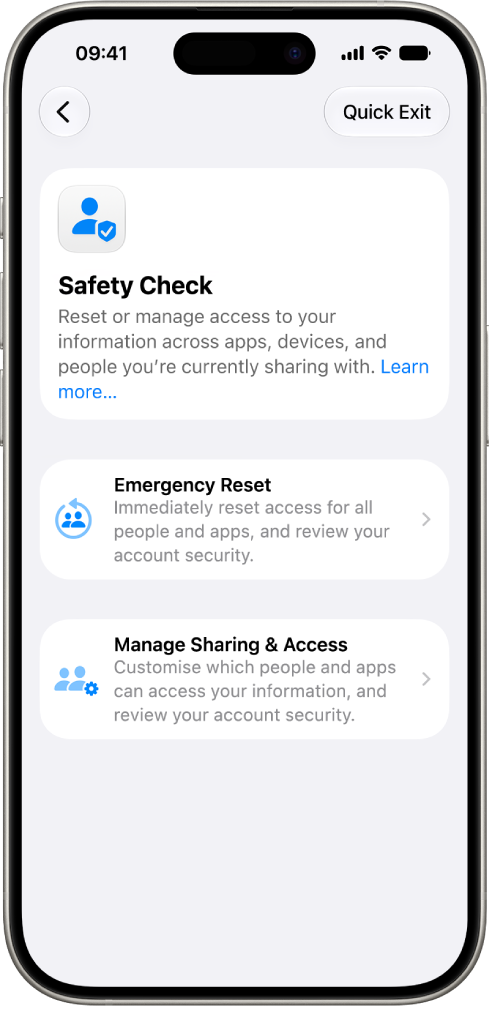
Review and take action

Learn about ways to review and change what you’re sharing and secure your device when someone else may have had physical access.

How to take action

An iPhone screenshot showing two-factor authentication turned off.

Keep your information safe

Learn about the features built into Apple devices to support your personal safety and privacy.

Learn more about privacy and safety tools and methods

Three checklist icons.

All the checklists you need

Use these checklists to quickly learn how to control who you want to have access.

Limit access checklist

Stop sharing checklist

Manage location sharing checklist

To explore the Personal Safety User Guide, click Table of Contents at the top of the page, or enter a word or phrase in the search field. You can also download the guide (where available).

Published date: January 2022

Download this guide: PDF

Helpful?
Character limit: 250
Maximum character limit is 250.
Thanks for your feedback.