
Get started with Keynote on Mac
Keynote makes it easy to create beautiful and engaging presentations with fun animations, interesting transitions, and professional polish.
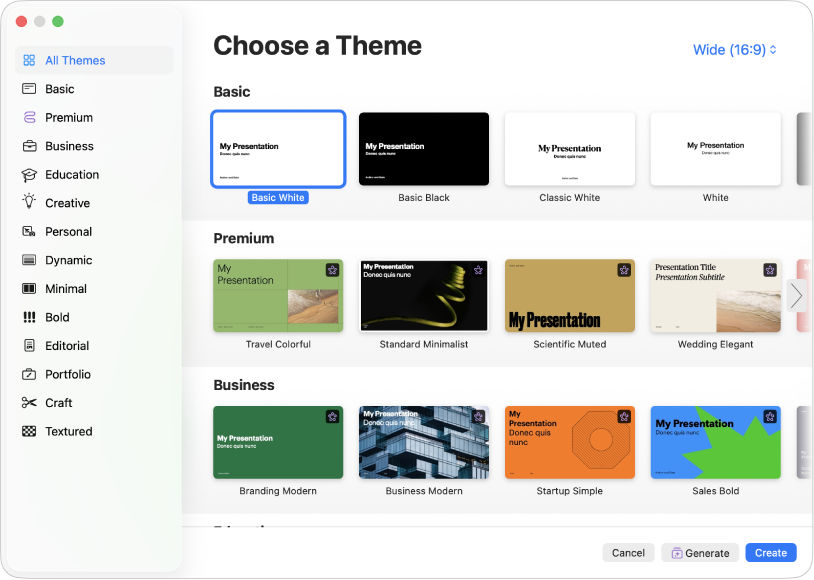
Begin with a theme
Creating a slideshow? Start with a theme, then modify it however you want. Themes include predesigned slide layouts that have placeholders for your own content. Go to the Keynote app on your Mac, choose File > New, click the theme you want in the theme chooser, then click Create.
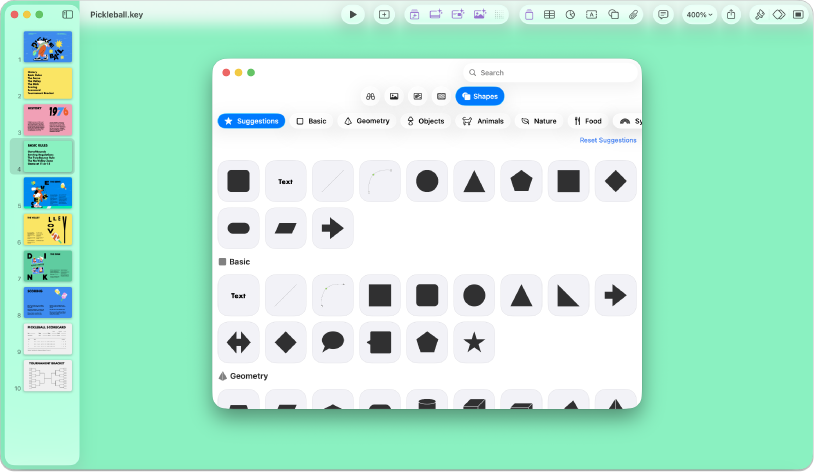
Add photos, movies, and more
You can add objects such as photos, movies, shapes, and charts to your presentation. To add an object to your slide, click an object button in the toolbar, then select an object from the menu. You can also click  to add objects from the Content Hub.
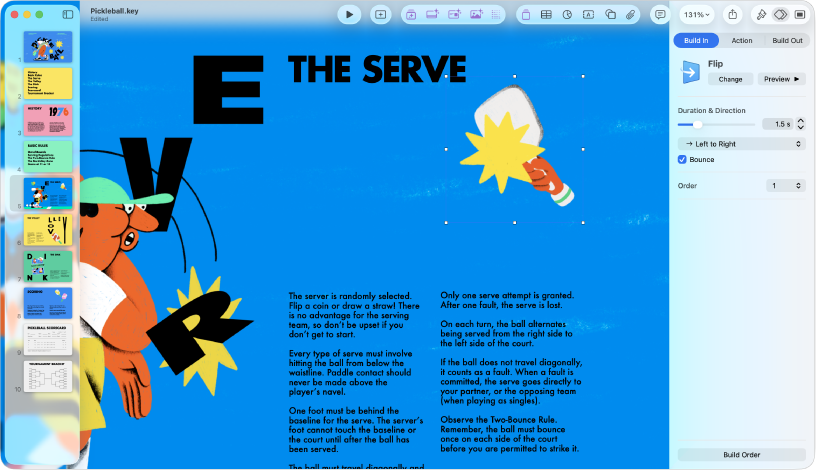
Bring your presentation to life with animations
Animations help your slideshow appear more dynamic by moving objects onto, off, or around the slide. Click the object you want to animate, click the Build In, Action, or Build Out tab in the Animate  sidebar, click Add an Effect, then choose an animation.
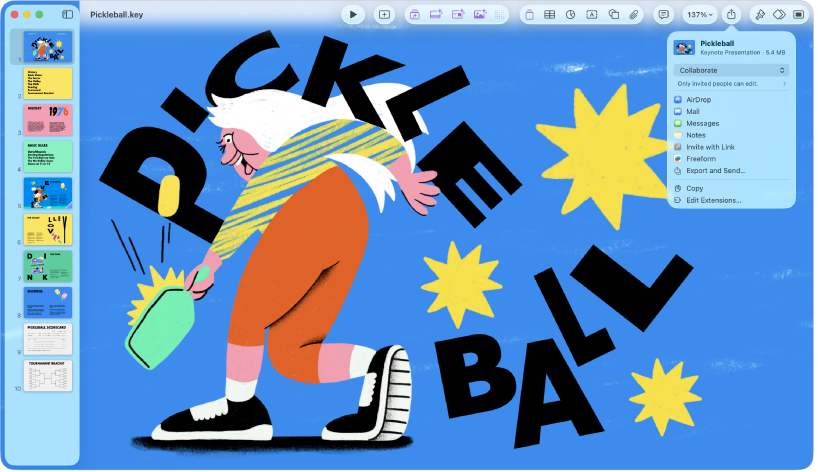
Export your presentation
You can save a copy of your presentation as a Keynote file or in another format, such as PDF, PowerPoint, a movie, and more. Click  in the toolbar, click Export and Send, then select the format you want to use.
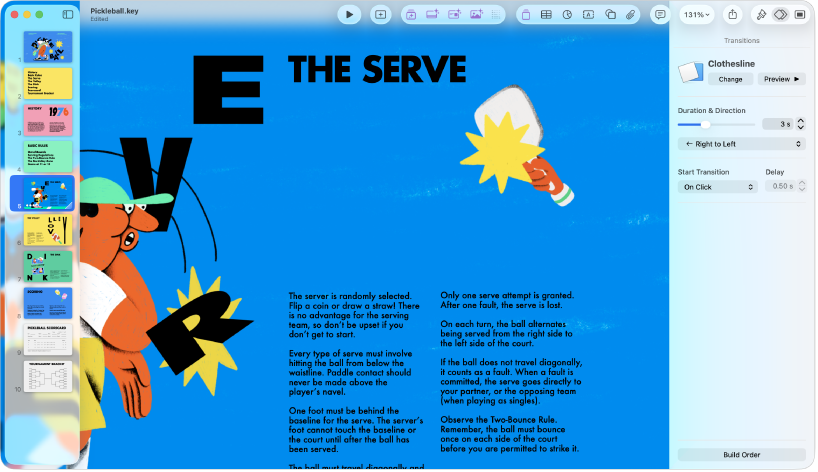
Use slide transitions
Transitions give your slideshow a more seamless appearance as you move from one slide to the next during a presentation. To add a transition, click a slide in the slide navigator, click Add an Effect in the Animate sidebar, then choose a transition effect.

Play your presentation
To practice your presentation, choose Play > Rehearse Slideshow. When you’re ready to deliver your presentation to an audience, click the slide you want to begin with in the slide navigator, then click  in the toolbar. Press the Right Arrow key or Space bar to advance through the slideshow, or the Left Arrow key to go back a slide.
Want to learn more?
This guide helps you get started using Keynote 15.4 on your Mac. (To see which version of Keynote you have, click Keynote in the menu bar, then choose About Keynote.)
To explore the Keynote User Guide, click Table of Contents at the top of the page, or enter a word or phrase in the search field.
Keynote 15.4 for Mac requires macOS 26 or later. Keynote is available in the App Store and requires an Apple Account to download. Features are subject to change, and some may require internet access. Additional fees and terms may apply.