عرض جداول المواعيد والنتائج في تطبيق Apple Sports
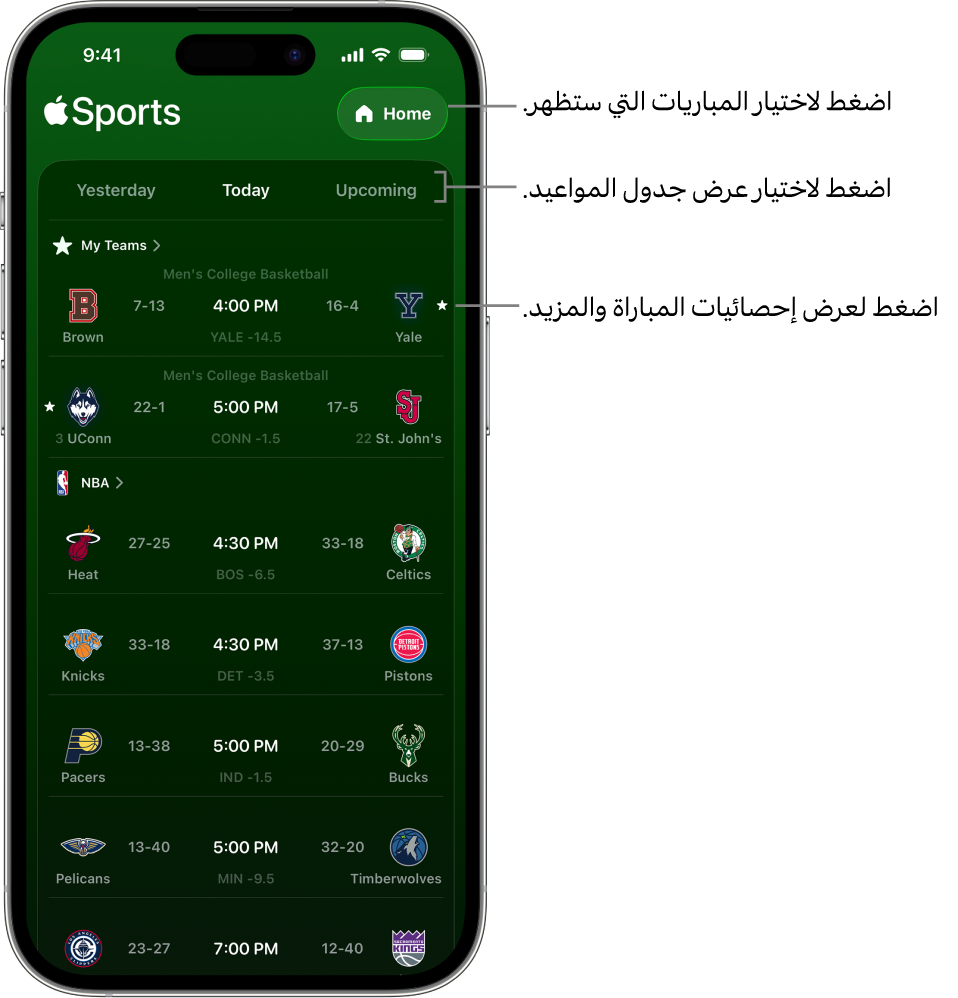
يمكنك عرض نتائج المباريات وجداول المواعيد للمباريات السابقة والحالية والقادمة، وتغيير العرض بسهولة لمشاهدة الفِرق أو الدوريات التي تهمك فقط الآن، أو إجراء بحث سريع للعثور على المباراة أو الدوري أو الفريق الذي تبحث عنه.
مشاهدة النتائج في تطبيق Apple Sports
انتقل إلى تطبيق Apple Sports
 على iPhone.
اضغط على أمس أو اليوم أو المقبلة.
اختيار المباريات التي تظهر
انتقل إلى تطبيق Apple Sports
على iPhone.اضغط على زر القائمة في الزاوية العلوية اليسرى، ثم اضغط على أي خيار في القائمة.
الرئيسية: تعرض عرضًا مدمجًا للفِرق والدوريات التي اخترتها في "رياضاتي".
فِرَقي: تعرض عرضًا مخصصًا لفِرَقك.
دوري: تعرض النتائج وجداول المواعيد لأي من الدوريات التي تتابعها.
البحث عن فِرَق أو دوريات مُحددة
انتقل إلى تطبيق Apple Sports
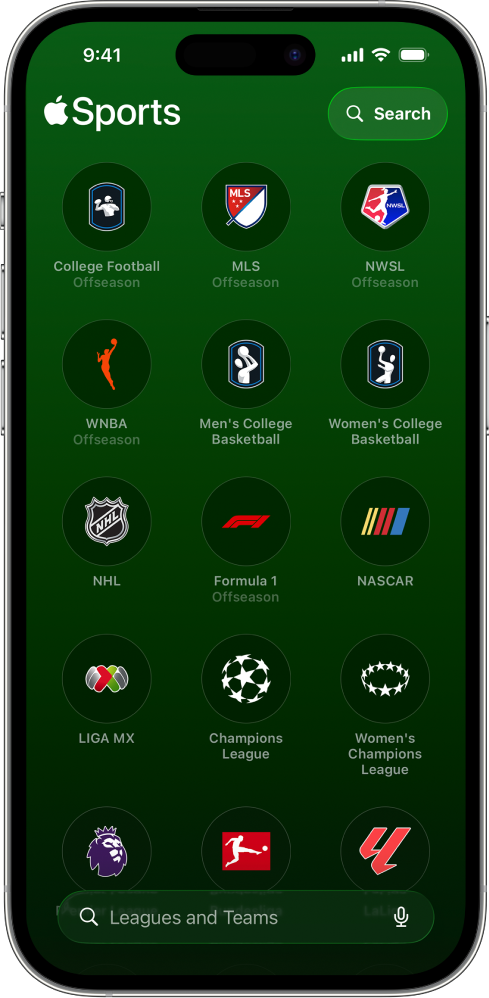
على iPhone.اضغط على زر القائمة في الزاوية العلوية اليسرى، اضغط على "بحث"، ثم قم بأي مما يلي:
اضغط على حقل البحث، أدخل مصطلح البحث أو قم بإملائه، ثم اضغط على الفِرق أو الدوريات لمتابعة فريق أو دوري، أو على المباريات لمشاهدة المباريات القادمة.
في منطقة تصفح الرياضات على الشاشة، اضغط على أي رياضة لتصفح مبارياتها عندما تكون تلك الرياضة في موسمها.