ఈ కంట్రోల్ను మారిస్తే, ఈ పేజీ ఆటోమేటిక్గా అప్డేట్ చేయబడుతుంది
Take a tour of MacBook Air
Before you get started with your MacBook Air, here’s a quick introduction to its buttons, features, and ports.
Note: This guide is for the current MacBook Air models. If you’re not sure which model you have or want information about other models, see the Apple Support article Identify your MacBook Air model.
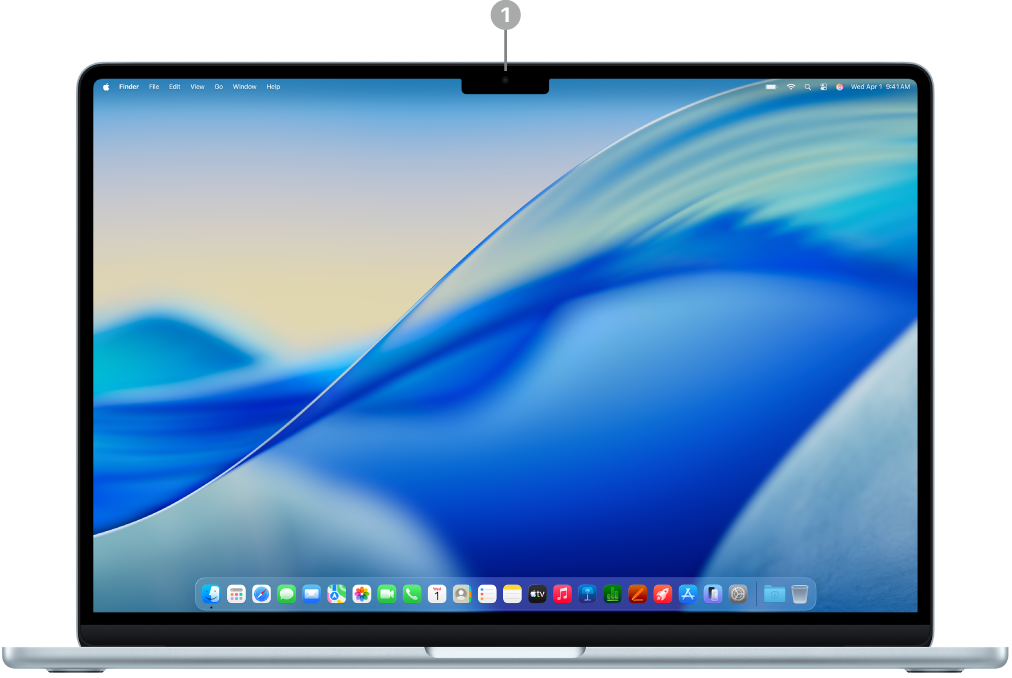 | Click the feature to learn more. | ||||||||||
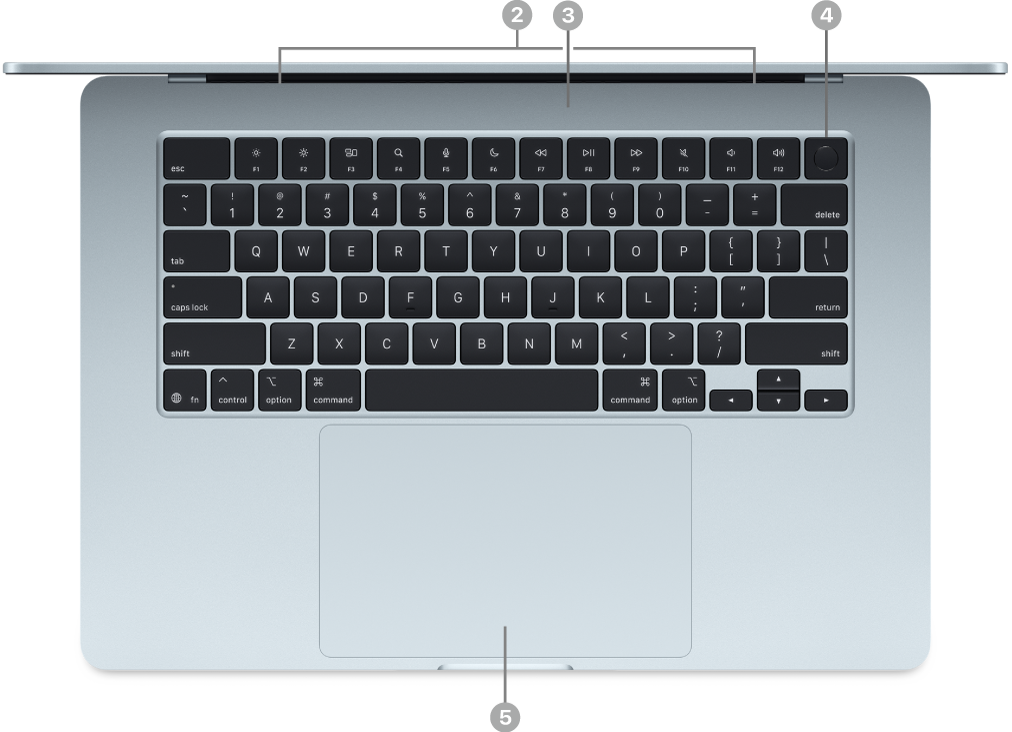 | |||||||||||
 | |||||||||||
 | |||||||||||


Want to learn more?
To learn more about your keyboard or trackpad, see Magic Keyboard for MacBook Air and MacBook Air trackpad.
To get started using your Mac, see Set up your MacBook Air and Are you new to Mac?