ह्या कंट्रोलमध्ये बदल केल्यामुळे हे पेज ऑटोमॅटिकली अपडेट होईल
Delete videos from Final Cut Camera
When you delete videos from Final Cut Camera, they are deleted permanently and won’t be recoverable.
Important: If you delete the Final Cut Camera app from your device, any videos you recorded to internal device storage are permanently deleted.
Go to the Final Cut Camera app
 on your iPhone or iPad.
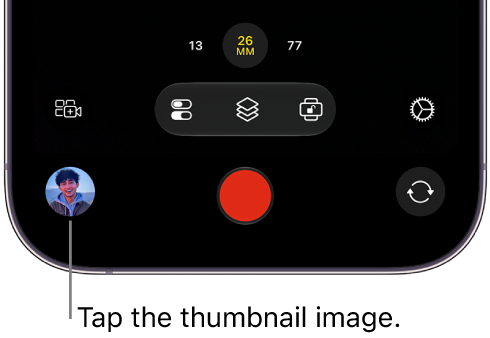
Tap the thumbnail image at the bottom of the camera screen.
Do one of the following:
Delete a single video: Tap a video thumbnail at the bottom of the screen to select it, then tap
 .
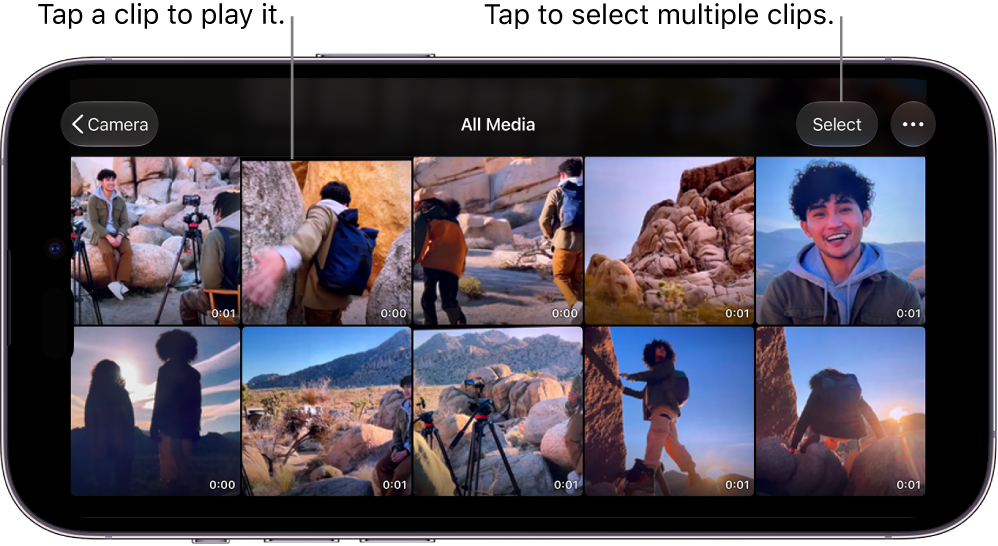
.Delete multiple videos: Tap All Media, tap Select, tap the videos you want to delete, then tap
.