Mainot šo vadīklu, tiks atkārtoti ielādēta lapa

Chinese Input Method Help
Welcome to Chinese Input Method
Use the Simplified or Traditional Chinese input sources to enter Chinese characters no matter which keyboard or language you use on your Mac.
Get suggestions from the Candidate window
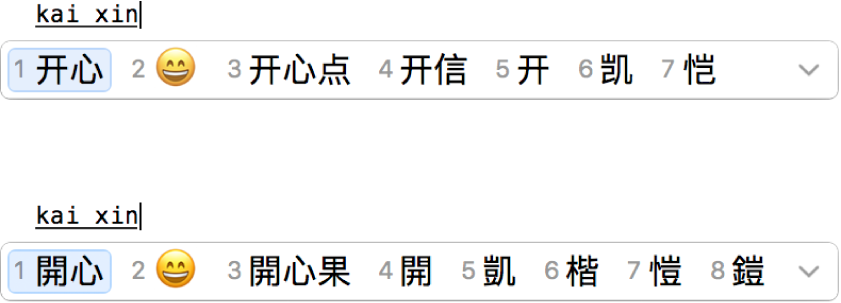
As you type text, the Candidate window shows all the possible characters for the text, including emoji for certain languages. To select the character you want, simply press the number key that corresponds to a candidate.
Write it yourself
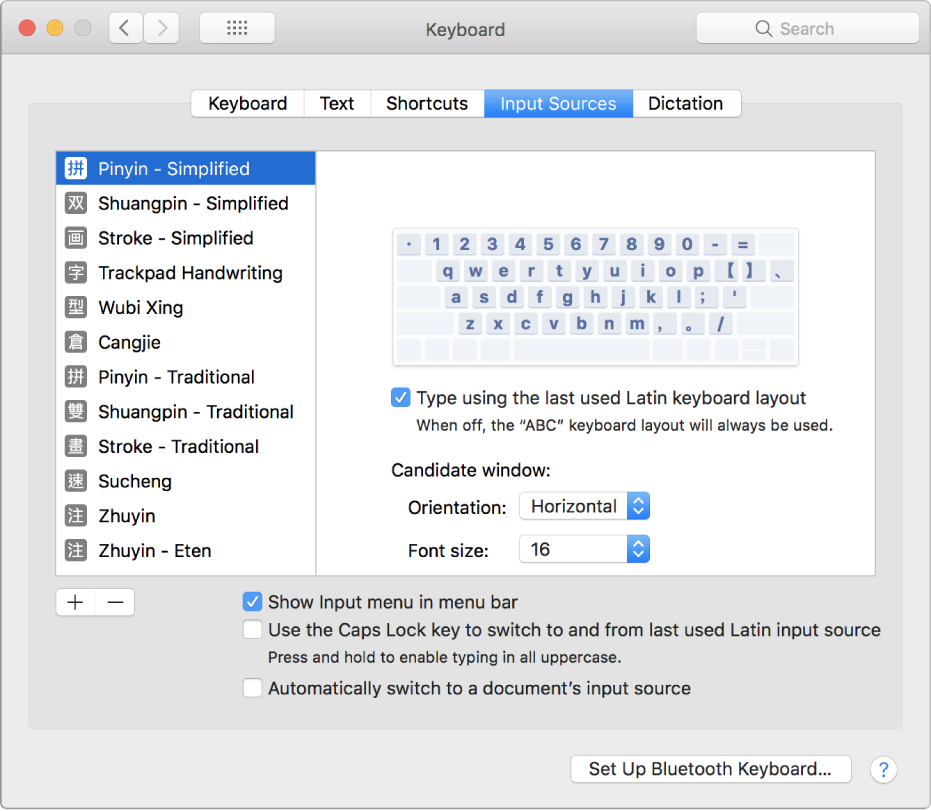
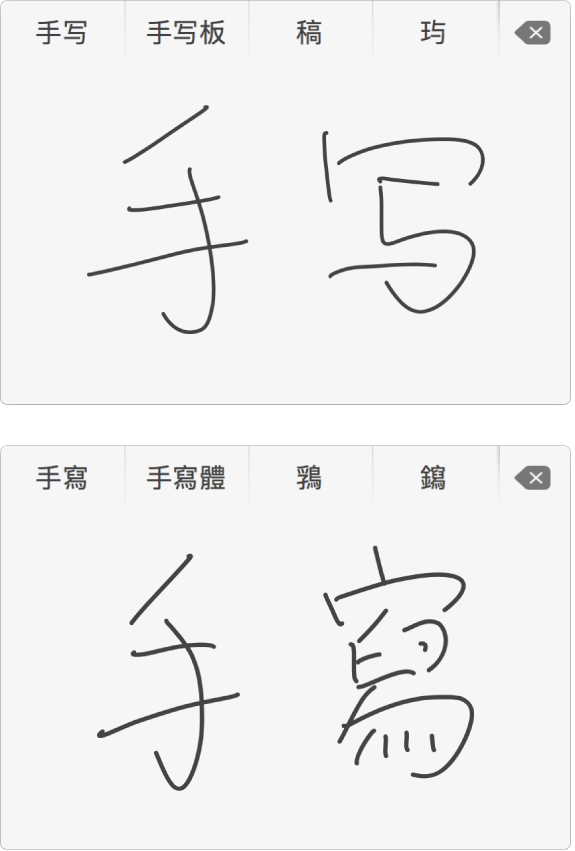
If you have a trackpad, you can use Trackpad Handwriting to write Simplified and Traditional Chinese characters with your finger. After you enable Trackpad Handwriting in the Input Sources preferences, just choose it from the Input menu whenever you feel like writing.
Want to learn more? See Use the Candidate window and Use Trackpad Handwriting.