Fitness for you
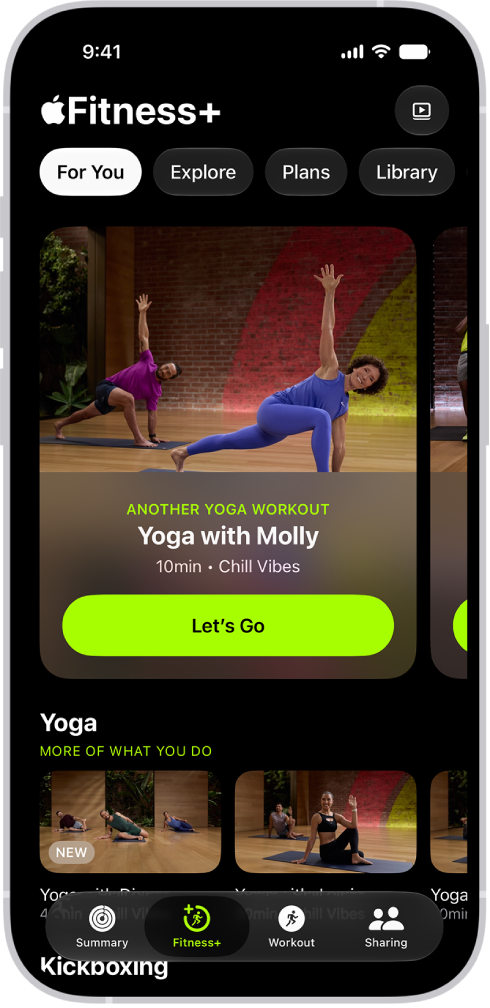
When you subscribe to Apple Fitness+, you get access to a catalog of workouts, including Strength, Yoga, HIIT, Core, Cycling, and more. Workouts range from 5 to 45 minutes and are for all levels. You can also participate in guided meditations designed to help you improve your overall sense of well-being.
Choose a workout
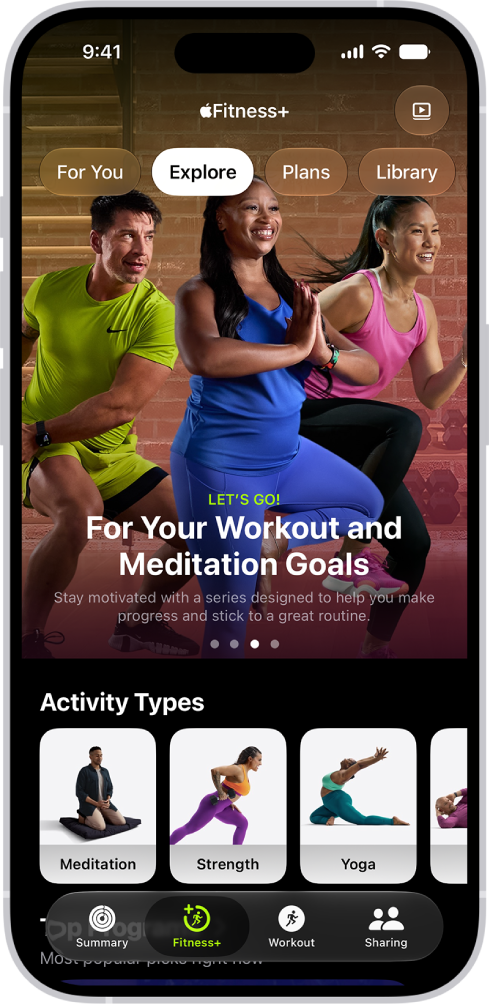
When it’s time to work out, select a workout type in the Fitness app, then choose a workout. To help you pick, you can see details for every workout—like its playlist and music genre, and any equipment you might need. Each Apple Fitness+ trainer brings their unique personality, taste in music, and training style to your session.
Stay consistent with Custom Plans
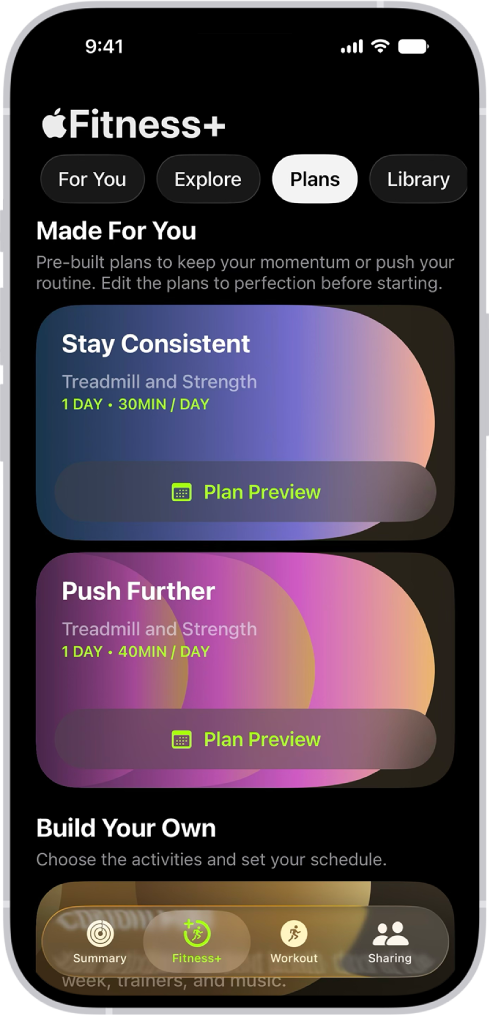
You can start a premade, personalized Custom Plan that gives you a schedule based on your preferred activity types, durations, music, and days you like to work out. You can also build your own Custom Plan that fits in your schedule and helps you stay on track with your fitness goals.
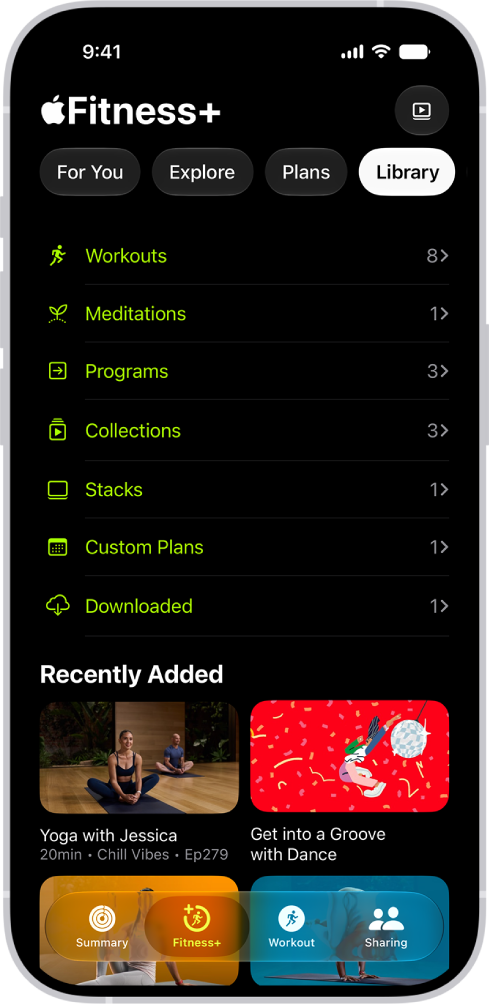
Save your favorites
If you find an Apple Fitness+ workout, meditation, program, or collection you want to revisit, you can save it to your library. You can also add Stacks and your own Custom Plans. Keep a list of your favorite workouts, build a workout routine, or view downloaded workouts for playing offline.
To browse the Apple Fitness+ User Guide, click Table of Contents at the top of the page, or enter a word or phrase in the search field.