
Apple Business Essentials User Guide
- Welcome
-
-
- Intro to configuring settings
-
- AirDrop settings
- AirPlay settings
- AirPrint settings
- App Access settings
- Apple Intelligence & Siri settings
- Application Layer Firewall settings
- Certificate settings
- Content Caching settings
- Configure a Custom setting
- Data Management settings
- Energy Saver settings
- FileVault settings
- Gatekeeper settings
- iCloud settings
- Lock Screen settings
- Password and Screen Lock settings
- Software Update settings
- VPN settings
- Web Clip settings
- Web Filter settings
- Wi-Fi settings
- Edit a setting
- Apply Collections
- Document revision history
- Copyright and trademarks

Configure settings, distribute apps, and apply Collections
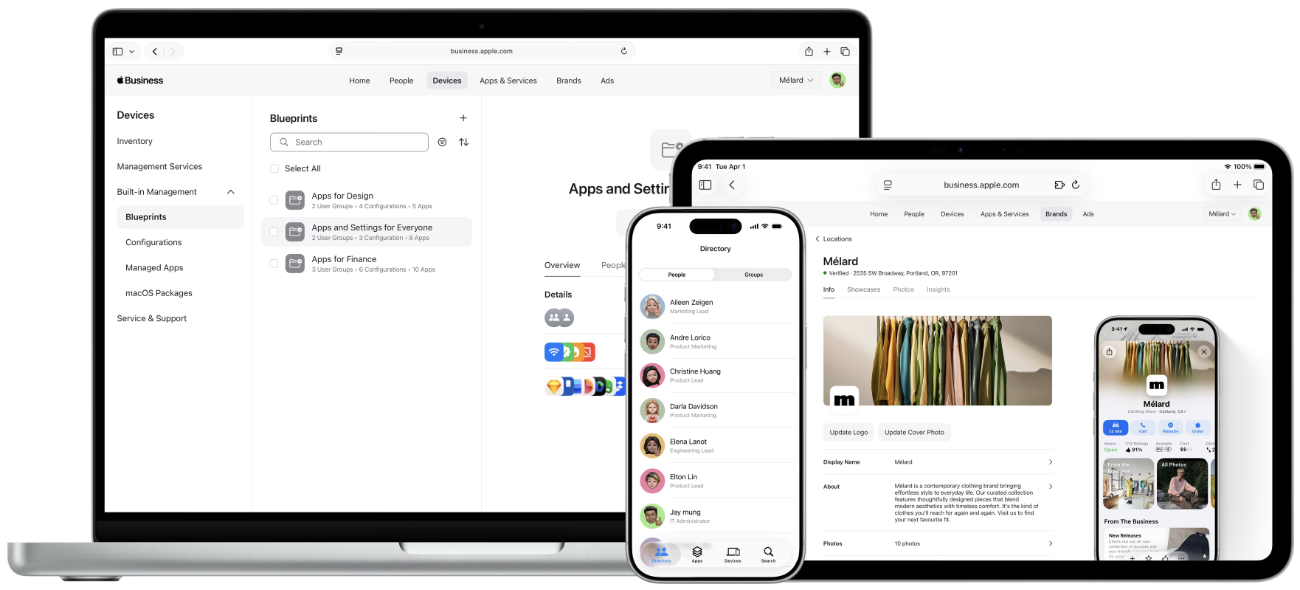
Apple Business Essentials lets you manage important settings, like Wi-Fi, VPN, or password policies for your employee’s devices. From there, it’s easy to find, buy, distribute, and keep track of apps for employees. Collections let you streamline the “who gets what” process. So you can deliver apps and settings to users, groups, and devices in one fell swoop.
Configuring a setting
Distributing apps
Applying a Collection
Thanks for your feedback.