Check your battery and charge your Apple Watch
Learn how to check your Apple Watch battery level in Control Center and other places, and get info on charging your Apple Watch.
Check your Apple Watch battery
Press the side button to see the battery percentage in Control Center. You can then tap the percentage number to see a larger charge ring and the button that turns on Low Power Mode.

You can also check your battery in a few other places:
Add a battery complication to your watch face.
Add a battery widget on your iPhone to show the charge level of your connected Apple Watch.
Tap the charging button
 when your Apple Watch is charging in Nightstand mode.
How to charge your Apple Watch
Take off your Apple Watch.
Plug the Apple Watch Magnetic Charging Cable, Apple Watch Magnetic Fast Charging USB-C Cable, or Apple Watch Magnetic Charging Dock into a USB power adapter.
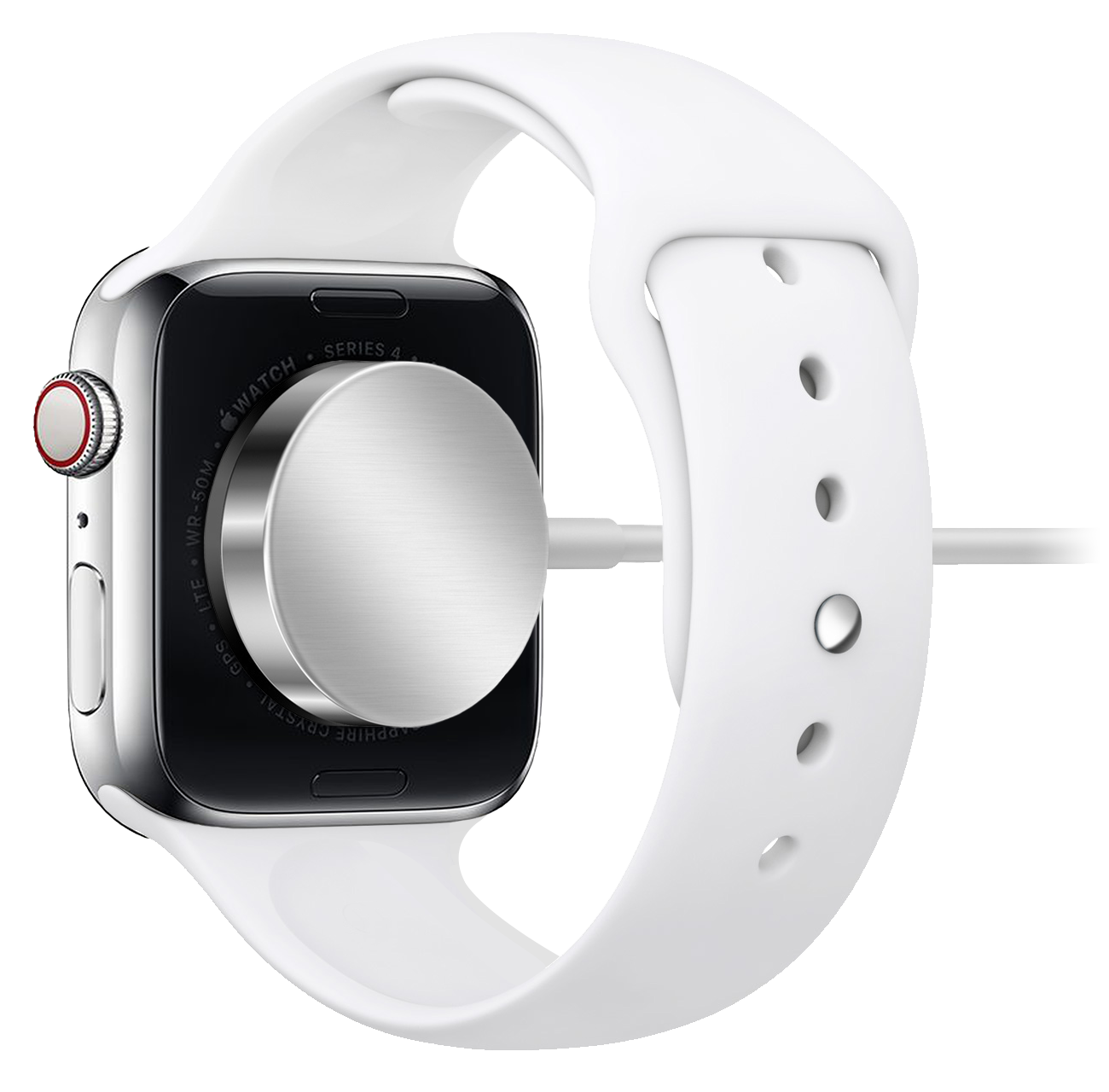
Plug the adapter into a power outlet. You can also plug the charging cable into a USB port.
Position the back of your Apple Watch on the charger. The charger's magnets align your Apple Watch, and you'll see the battery charging icon
on your watch face.Give your Apple Watch time to charge. While your device is charging, your Apple Watch goes into Nightstand mode.
Your Apple Watch learns from your daily charging habits to improve the lifespan of your battery. Learn more about Optimized Battery Charging on your Apple Watch.
If you have Apple Watch Series 7 or later, you can charge your watch quickly with fast charging.
See charging details in Settings
Open the Settings app, then tap Battery. Your current charge level appears, along with a detailed charging graph.

Use Low Power Mode
Your Apple Watch can enter Low Power Mode, which turns off and changes some features to save battery life. Learn more about using Low Power Mode on your Apple Watch.
Learn more about your Apple Watch Battery
Need more help?
Tell us more about what's happening, and we’ll suggest what you can do next.
