Identify a song using the Shazam app on headphones or earphones on iPhone or iPad
Use Shazam to identify music when you’re wearing headphones or earphones that are paired with your iPhone or iPad (or connected to it with a cable). Shazam can identify not only the music you’re listening to on your headphones or earphones, but also the music playing around you.
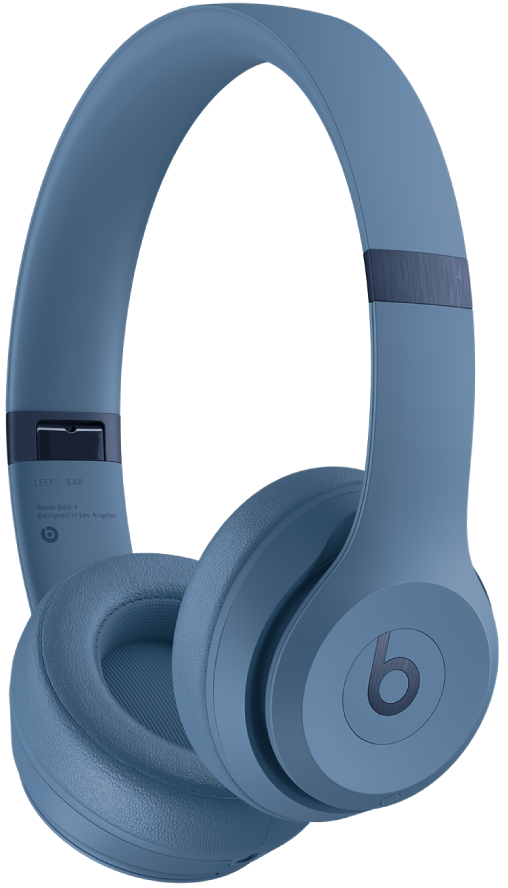
To ensure the best experience, make sure the Shazam app has access to your device’s microphone.
Note: Shazam can’t identify songs through headphones or earphones when you’re not connected to the internet.
Identify songs while using headphones with iPhone or iPad
Make sure your headphones or earphones are connected to your device.
Do either of the following:
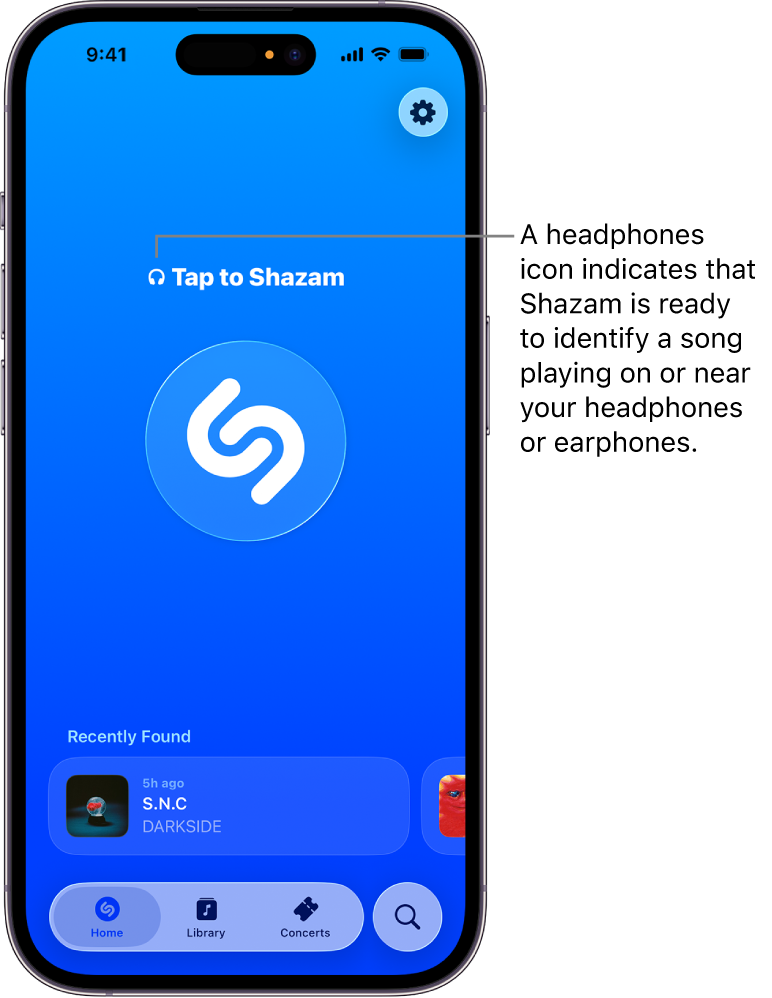
Go to the Shazam app
 home screen, then tap the Shazam button
  .
.
Open Control Center, then tap
 .
.
If music is playing from multiple sources in addition to your headphones (for example, from your computer or from a nearby TV), Shazam identifies whichever song it matches first.
