Get started with essential apps on your MacBook Pro
Your MacBook Pro comes with a wide variety of apps already installed, and many more available for download. Below are some apps to get you started.
To open an app, click it in the Dock. If the app isn’t in the Dock, click 
See all apps on your Mac
Click 
Tip: Every app that comes with your Mac includes built-in help. To learn how to use an app, open the app, then click Help in the menu bar.

Safari
Enjoy the internet with blazing-fast speed and powerful privacy protections built in. Safari syncs across all your Apple devices that use the same Apple Account, so you get the same Safari wherever you browse. To start browsing the web, click Safari  in the Dock.
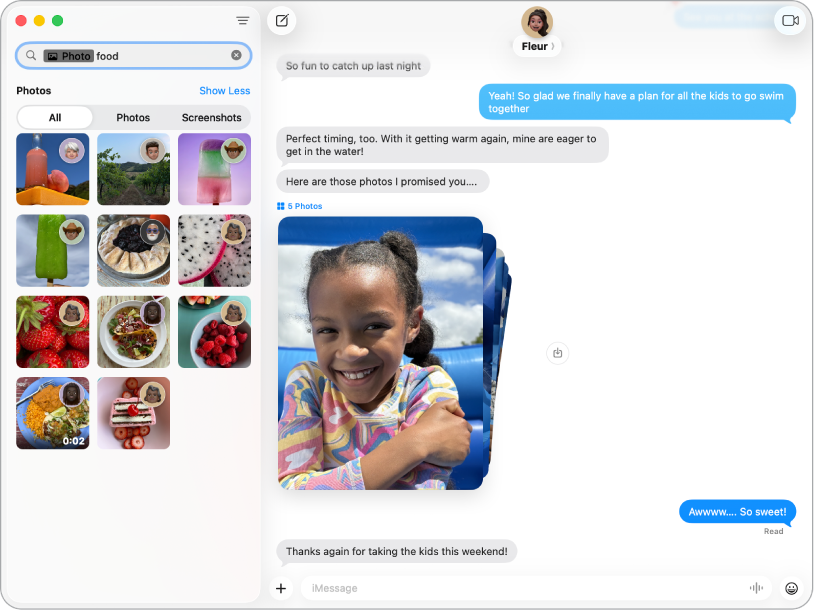
Messages
Send end-to-end encrypted messages and express yourself using text effects, emoji and sticker Tapbacks, and more. Click Messages  in the Dock, then sign in with your Apple Account to get started.
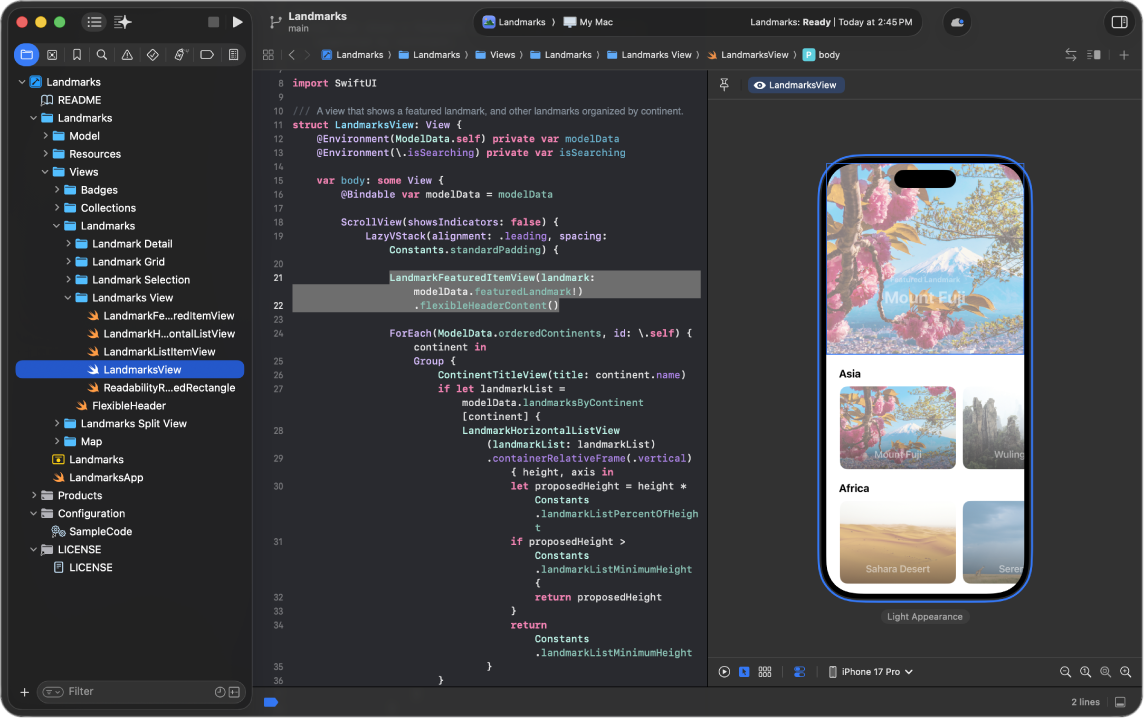
Xcode
Learn how to develop, test, and distribute apps for Apple platforms, including predictive code completion, generative intelligence, advanced profiling and debugging tools, and simulators for Apple devices. Download Xcode from the App Store to get started.
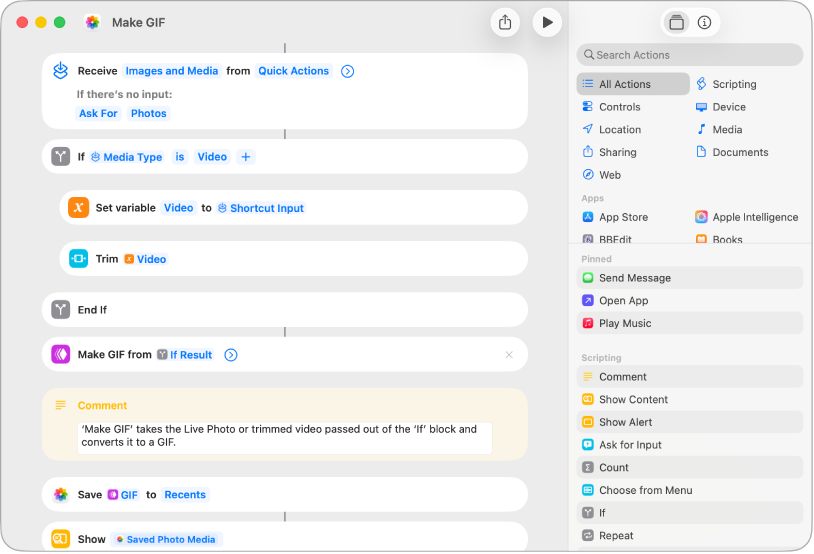
Shortcuts
Create custom automations or choose from hundreds of built-in actions in your favorite apps to help you accomplish everyday tasks. Open Shortcuts  and browse the gallery of premade shortcuts, or create your own shortcut from scratch.
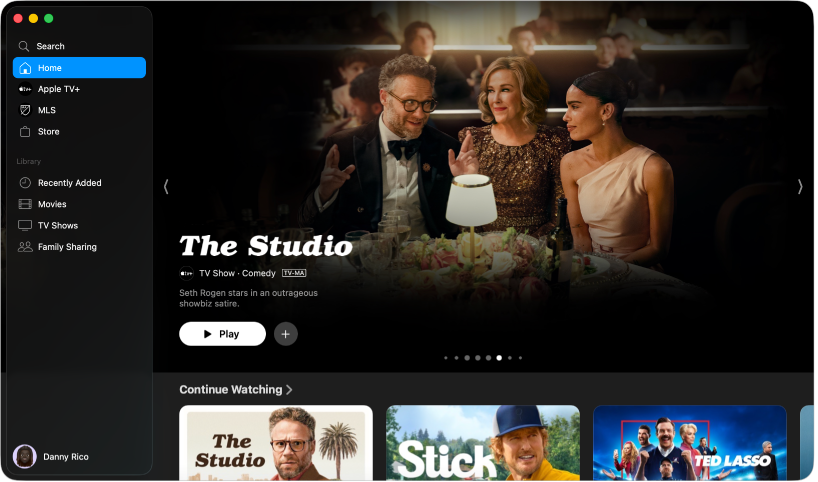
Apple TV app
Watch live sports and subscribe to premium channels, streaming services, cable TV, Apple TV, and more. Click Apple TV  in the Dock, sign in to your Apple Account, then subscribe to start watching.
App Store
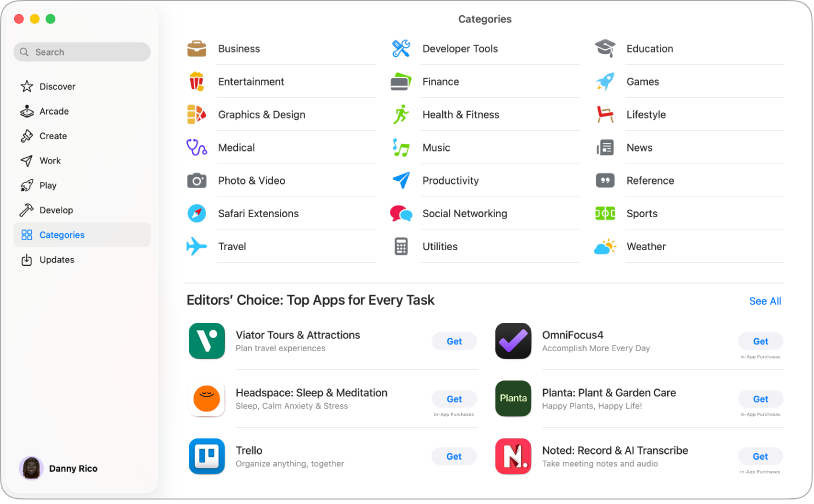
The App Store is your one-stop shop to get new apps for your MacBook Pro. You can also get the latest updates, view and manage subscriptions, and more. Click App Store  in the Dock, then search for the app you want or click a tab in the sidebar—such as Create, Work, or Play—and browse through the results.
Creator Studio
Apple Creator Studio is a collection of apps designed for creators, and includes apps like Final Cut Pro, Logic Pro, Motion, and more. It also includes intelligent features and premium content to increase productivity with iWork apps. These apps aren’t preinstalled on your Mac, but you can get them from the App Store.
 Final Cut Pro Create and edit high-quality videos, use advanced organizing tools, and add titles, transitions, and effects. See the Final Cut Pro User Guide. |  Motion Turn static into spectacular. Easily create beautiful graphics, from cinematic titles and fluid transitions to dynamic effects. See the Motion User Guide. |  Compressor Use custom export settings and extensive delivery features, with support for HDR, HEVC, MXF, and 360° video. See the Compressor User Guide. |
 Logic Pro Produce music and perfect audio with intelligent tools for beat-making, songwriting, and remixing. See the Logic Pro User Guide. |  MainStage Turn your Mac into a live rig and elevate your keyboard, guitar, or vocal performance with an enormous collection of plug-ins and sounds. See the MainStage User Guide. |  Pixelmator Pro Design vector graphics, edit images using intelligent tools, and use professionally crafted templates. See the Pixelmator Pro User Guide. |
Want to learn more?
Your MacBook Pro comes with many more built-in apps than the ones featured above.
Learn how to use FaceTime, Phone, and Mail to stay connected with friends, family, and colleagues, near and far.
Want to stay organized and increase productivity? Check out how Calendar, Notes, and Shortcuts can help.
Find out how to use Apple Music, Podcasts, and Games provide hours of entertainment.
Looking for the macOS equivalent to Microsoft Office? Pages, Numbers, and Keynote are part of the iWork suite and are available for download on the App Store.
For a complete list of apps on your Mac, see Apps included on your Mac.