Modifying this control will update this page automatically

Download photos and videos from iCloud in Messages on Mac
When you use Messages in iCloud, all your messages – including photos and videos you send and receive – are stored in iCloud.
If the photos and videos for a conversation haven’t downloaded from iCloud to your Mac, you can download them manually.
In the Messages app
on your Mac, click Details in the top-right corner of a conversation.Click Download at the bottom of Details view.
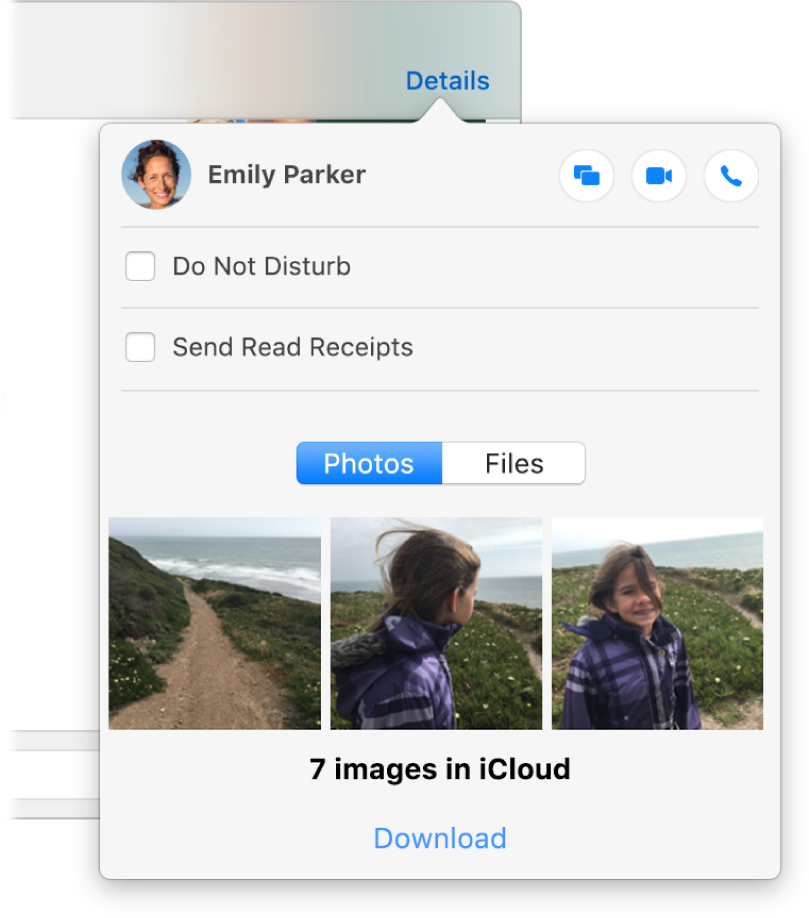
If you don’t see Download, all of your photos and videos are downloaded to your Mac.