Pages
Pages User Guide for iPad
- Welcome
- What’s new
-
- Get started with Pages
- Word-processing or page layout?
- Intro to images, charts, and other objects
- Find a document
- Open a document
- Save and name a document
- Print a document or envelope
- Copy text and objects between apps
- Basic touchscreen gestures
- Use Apple Pencil with Pages
- Change Pages privacy and analytics settings
- Copyright

Add and align text inside a shape in Pages on iPad
Go to the Pages app
 on your iPad.
Open a document, double-tap the shape to make the keyboard appear, then type your text.
If a clipping indicator
 appears, it means there is too much text to display in the shape. Tap the shape and drag any blue dot on the shape’s border until all the text is showing.
To align the text in the shape, select the text, tap
 , tap Text, then tap any alignment button.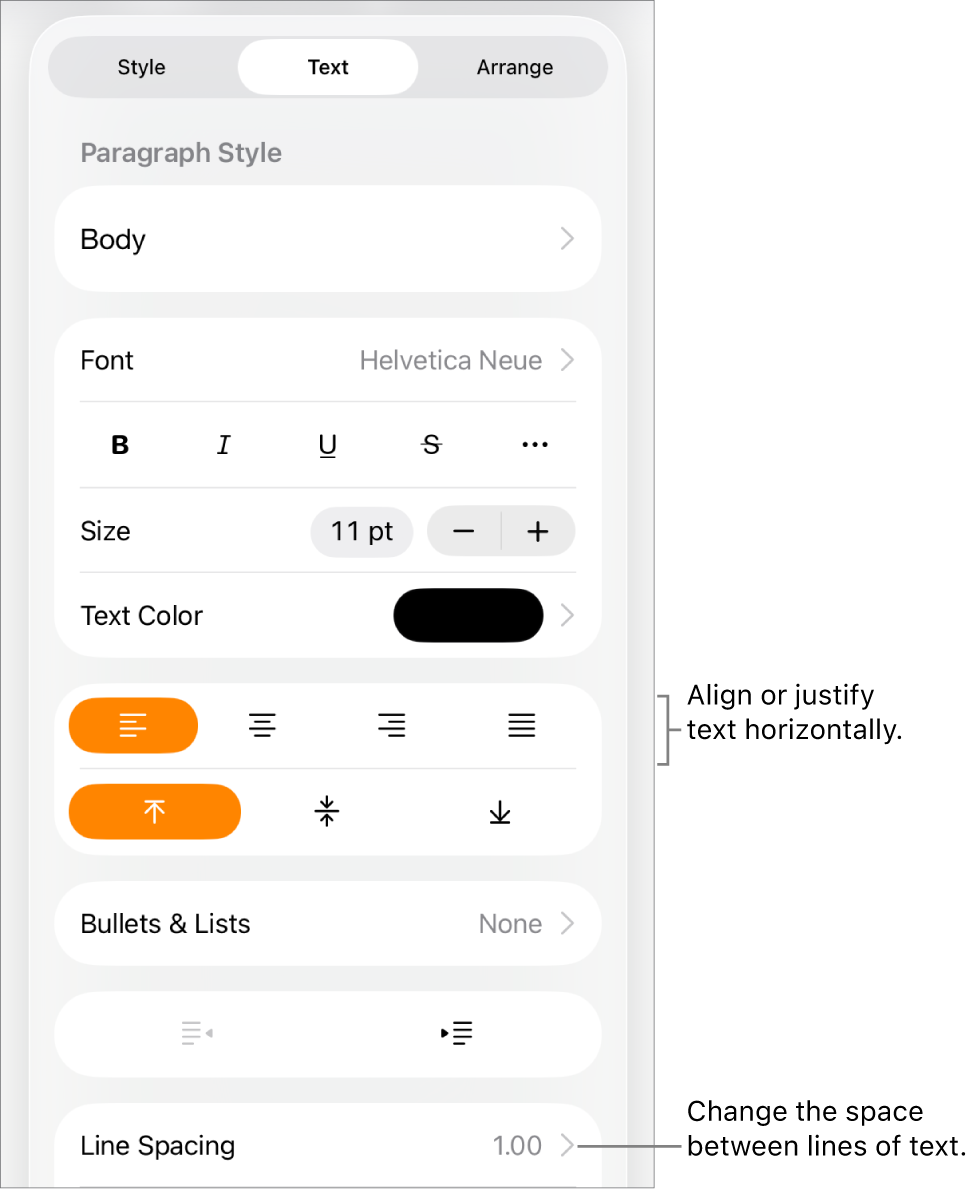
You can also place an object inside a text box or shape so the object appears inline within the text.
Thanks for your feedback.