寄送 ZEISS Optical Inserts 以作更換
聯絡 Apple 要求維修產品1後,你會收到套件,裡面會有齊要將產品退回給 Apple 所需的一切物品。
如果你要向 Apple 退回 ZEISS Optical Inserts,請確保只退回 ZEISS Optical Inserts,而不要退回隨包裝提供的配對碼。請將配對碼放在安全的地方。2
準備 ZEISS Optical Inserts
將 Apple Vision Pro 放入保護蓋內,然後置於水平面。
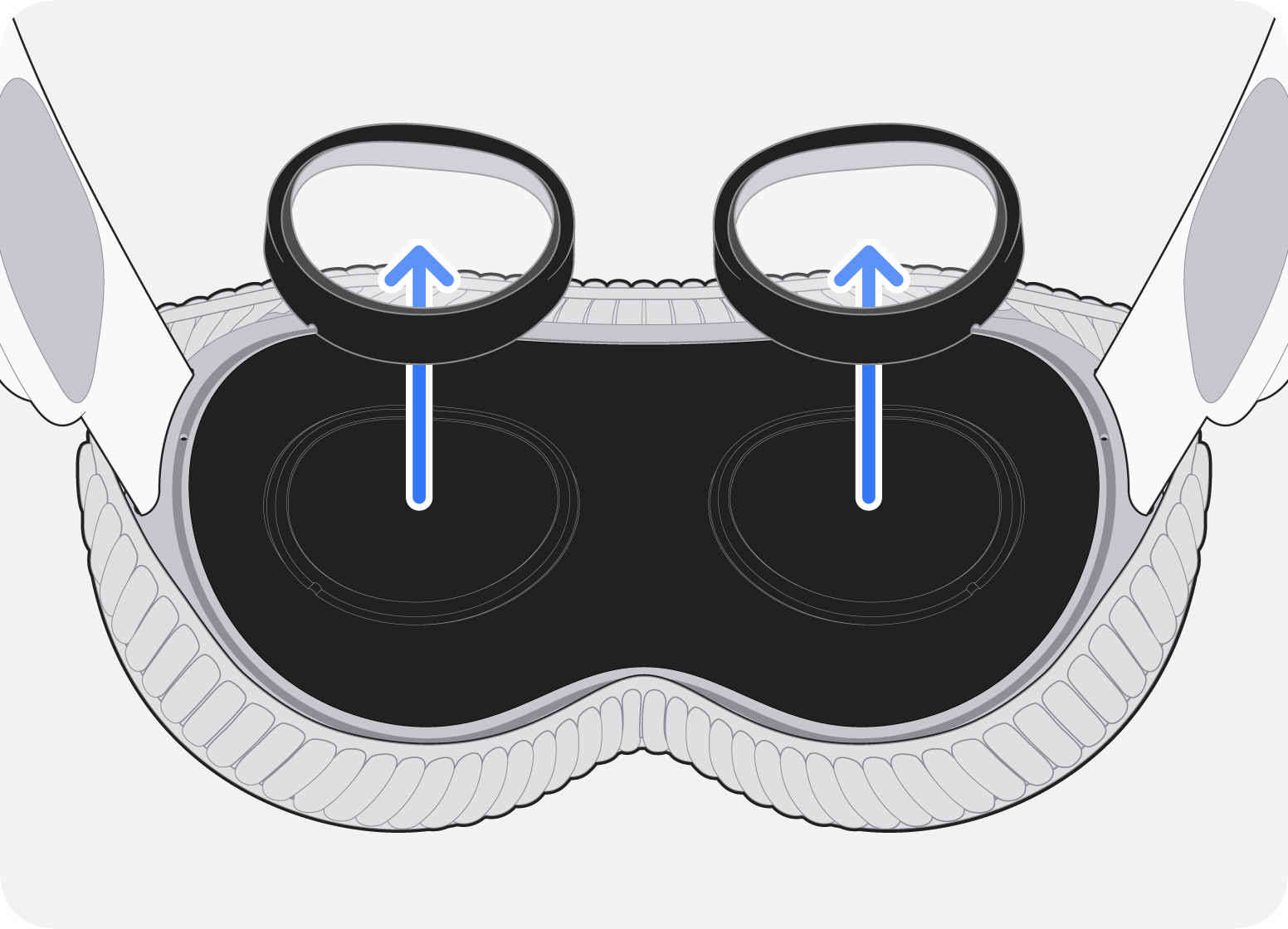
姆指放在鋁框底部邊緣,然後使用鋁框頂部的白色指套從顯示器向外拉出 ZEISS Optical Insert。
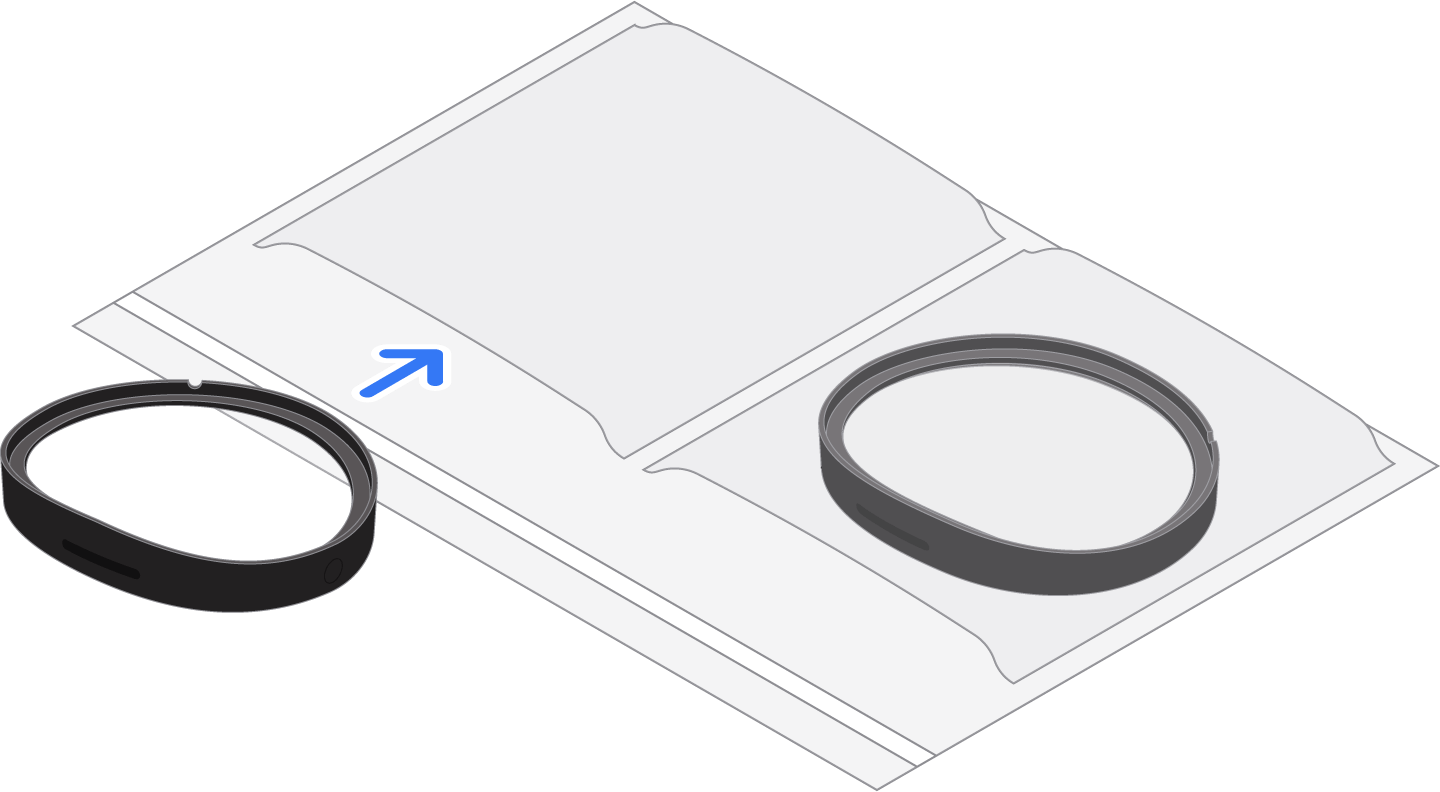
將 ZEISS Optical Insert 滑入所提供包裝袋的其中一格。
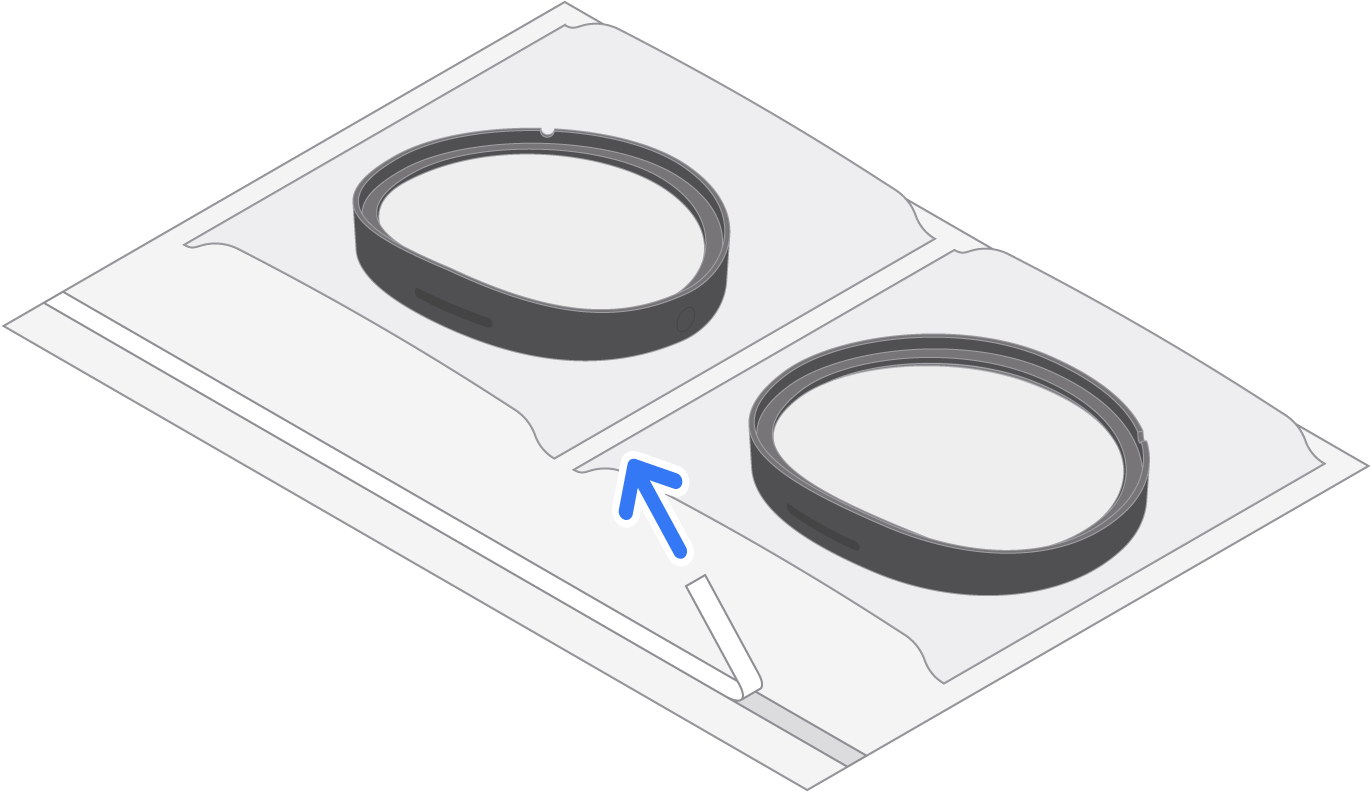
為第二塊 ZEISS Optical Inserts 重複上述步驟,並滑入包裝袋的另一格。
用膠貼封好包裝袋,然後放入加墊信封內。
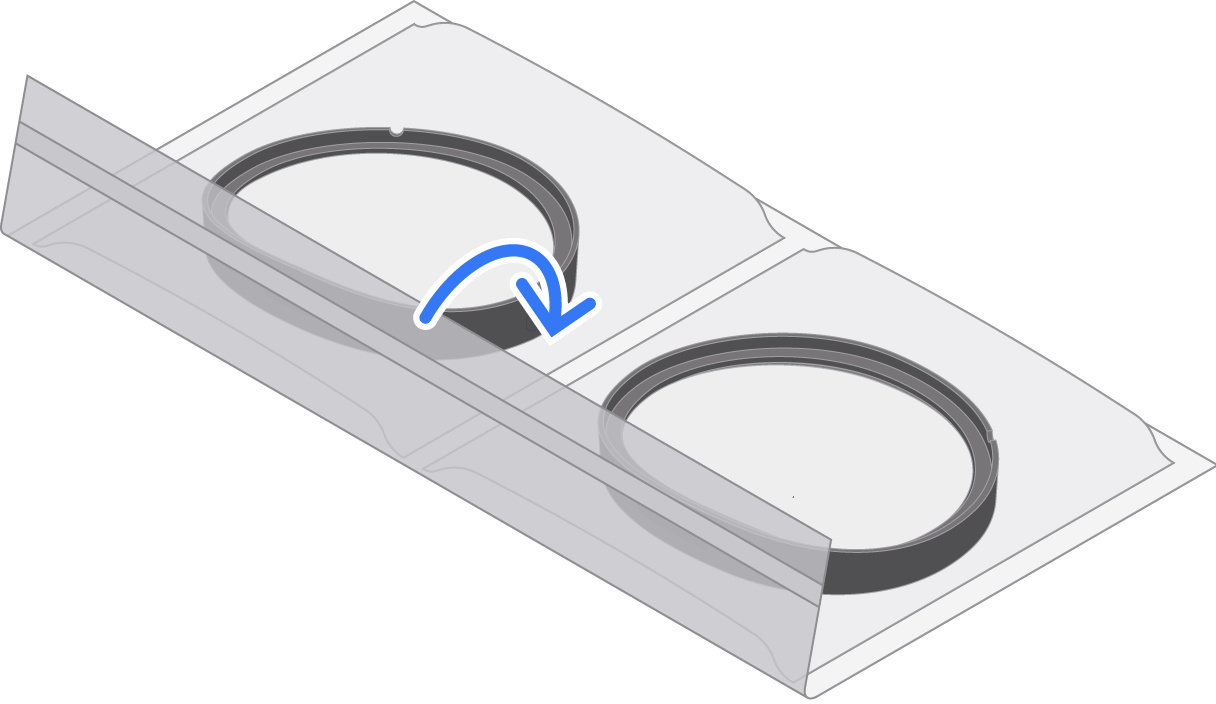
封好信封,然後寄給 Apple。
並非所有國家或地區均提供郵寄維修服務。
如果你更換並獲得一副新的 ZEISS Optical Inserts,請丟棄舊的配對碼,並使用隨新 ZEISS Optical Inserts 提供的配對碼。
ZEISS Optical Inserts 的更換保養由 ZEISS 提供。Apple 或 AppleCare 服務計劃不會為 ZEISS Optical Inserts 提供維修或更換服務,包括但不限於意外損壞保障。
發佈日期: