如何更換 Apple Remote 的電池
請按照以下步驟取出和更換 Apple Remote (鋁殼或白色) 的電池。
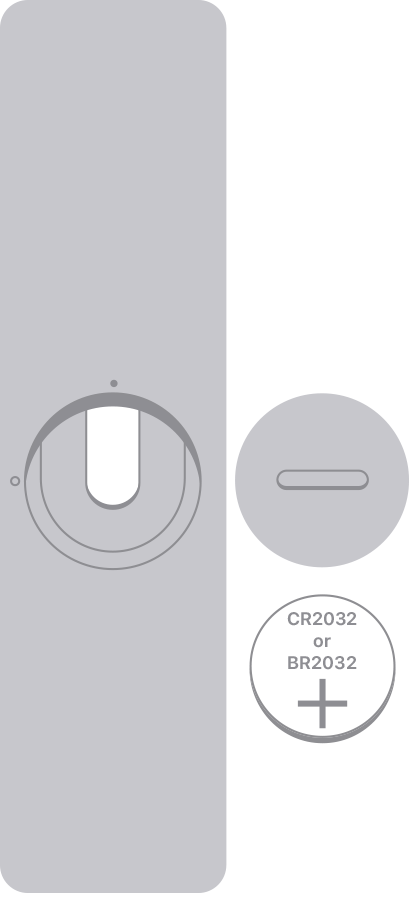
如果是 Apple Remote (鋁殼)
找出 Apple Remote 背面的電池組件。
用硬幣逆時針旋轉電池蓋,直到蓋子打開。
取出舊電池。
將正極面朝上,放入新的 CR2032 或 BR2032 鋰離子 3V 鈕扣電池 (大多數的電器商店和藥局均售)。
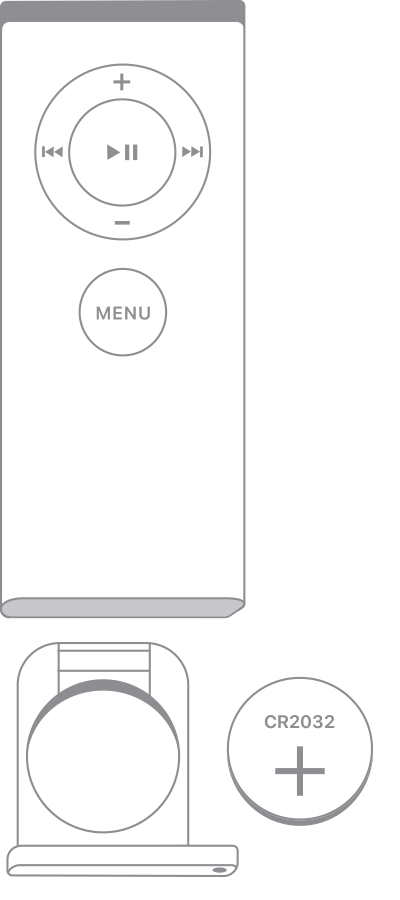
如果是 Apple Remote (白色)
找出 Apple Remote 底部的電池組件。
用迴紋針或類似物品,按壓電池槽上的圓形釋放按鈕,滑出電池托盤。
取出舊電池。
將正極面朝上,放入新的 CR2032 電池 (大多數的電器商店和藥局均有售)。
將電池托盤滑回 Apple Remote,直到聽見鎖入定位的喀達聲為止。
如果是 Siri Remote 或 Apple TV Remote
Siri Remote 或 Apple TV Remote* 配備的是可充電電池,而非替換式電池。
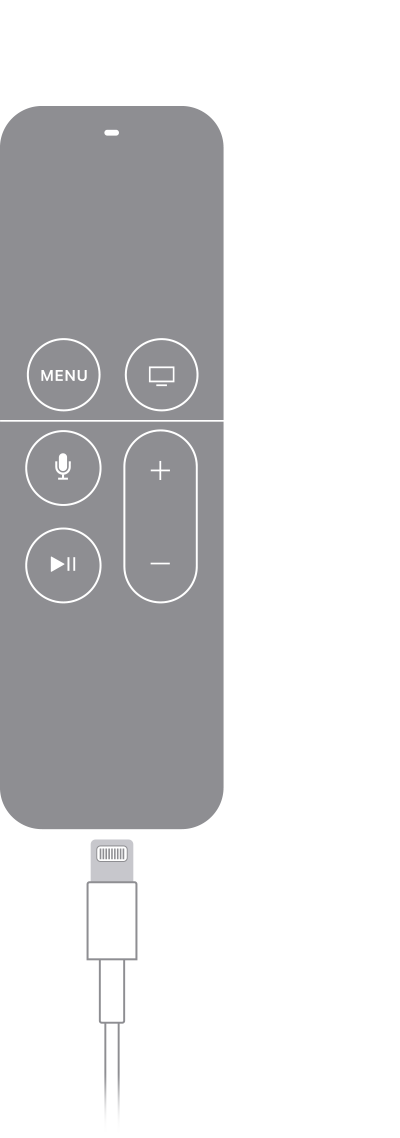
如果你有 Siri Remote (第 1 或第 2 代) 或 Apple TV Remote (第 1 或第 2 代),請使用 Lightning 連接線將遙控器插入電腦或 USB 電源轉換器來充電。
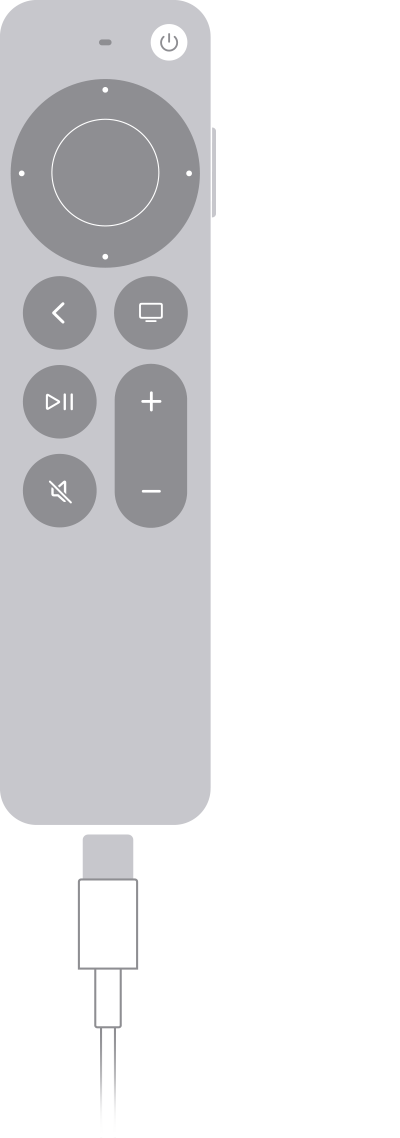
如果你有 Siri Remote (第 3 代) 或 Apple TV Remote (第 3 代),請使用 USB-C 連接線將遙控器插入電腦或 USB 電源轉換器來充電。
*世界各地的 Apple TV 4K 和 Apple TV HD 均隨附相同的遙控器。在支援 Siri 的國家和地區,此遙控器稱為 Siri Remote,在其他地方則稱為 Apple TV Remote。只要 Apple TV 4K 或 Apple TV HD 設定為支援 Siri 的語言和國家/地區,這兩種遙控器都可以使用 Siri。
對於非 Apple 製造產品,或者並非由 Apple 控制或測試的獨立網站,其相關資訊的提供不應詮釋為受到 Apple 所推薦或認可。Apple 對於第三方網站或產品的選擇、表現或使用,概不承擔任何責任。Apple 對於第三方網站的準確性或可靠性不作任何聲明。如需進一步資料,請聯絡相關供應商。