Pages
Pages User Guide for iPad
- Welcome
- What’s new
-
- Get started with Pages
- Word processing or page layout?
- Intro to images, charts and other objects
- Find a document
- Open a document
- Save and name a document
- Print a document or envelope
- Copy text and objects between apps
- Basic touchscreen gestures
- Use Apple Pencil with Pages
- Change Pages privacy and analytics settings
- Copyright
object
An object is any item you place on a page, including images (photos), text boxes, shapes, tables and charts.
To add an object to a slide, tap  or one of the object buttons in the toolbar at the top of your screen, then select an object from the menu.
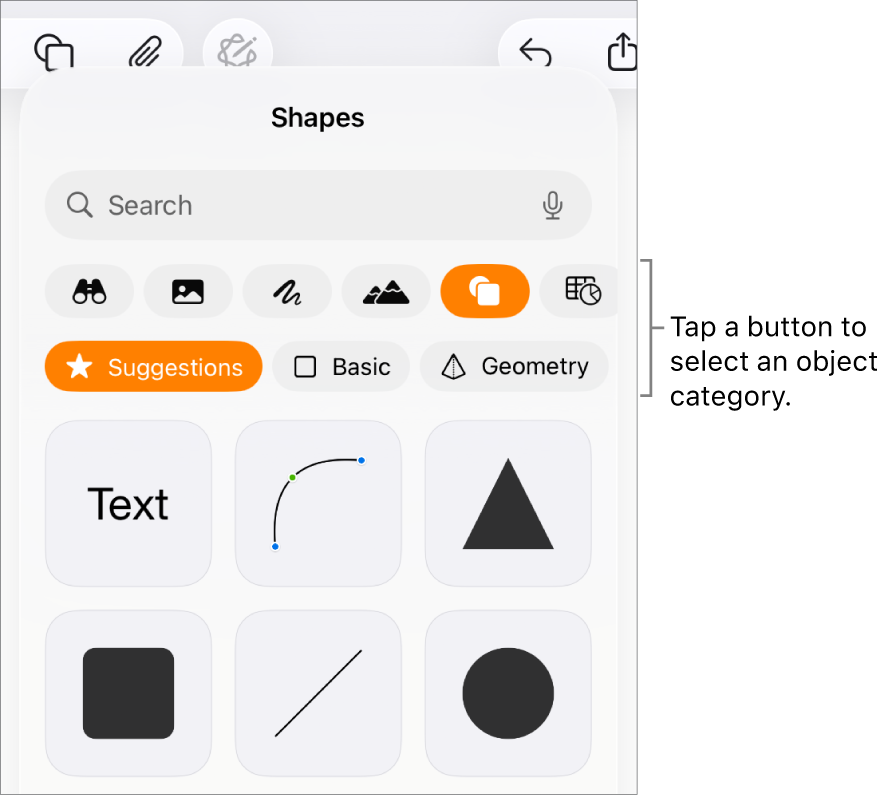
After you add an object, you can drag it to where you want it on the page, add content to it and modify its appearance.
You can also control how text flows around objects. For example, you can have text wrap around an object, or place an object inline, so that it sits on the same line as the text and moves with the text as you type.
آپ کے تاثرات کا شکریہ۔