If your eyes are too close or too far from your Apple Vision Pro displays
To prevent eye injury during a fall or collision and to maintain input accuracy, use the recommended Light Seal Cushion so that the display lenses of your Apple Vision Pro remain a safe distance from your eyes.
How to replace your Light Seal Cushion
In your Apple Vision Pro packaging, identify the Light Seal Cushion recommended in your visionOS alert:
If your eyes are too close to the display, select the thicker N+ or W+ Light Seal Cushion.
If your eyes are too far from the display, select the thinner N or W Light Seal Cushion. This is the Light Seal Cushion found on your Light Seal when you first opened your packaging.
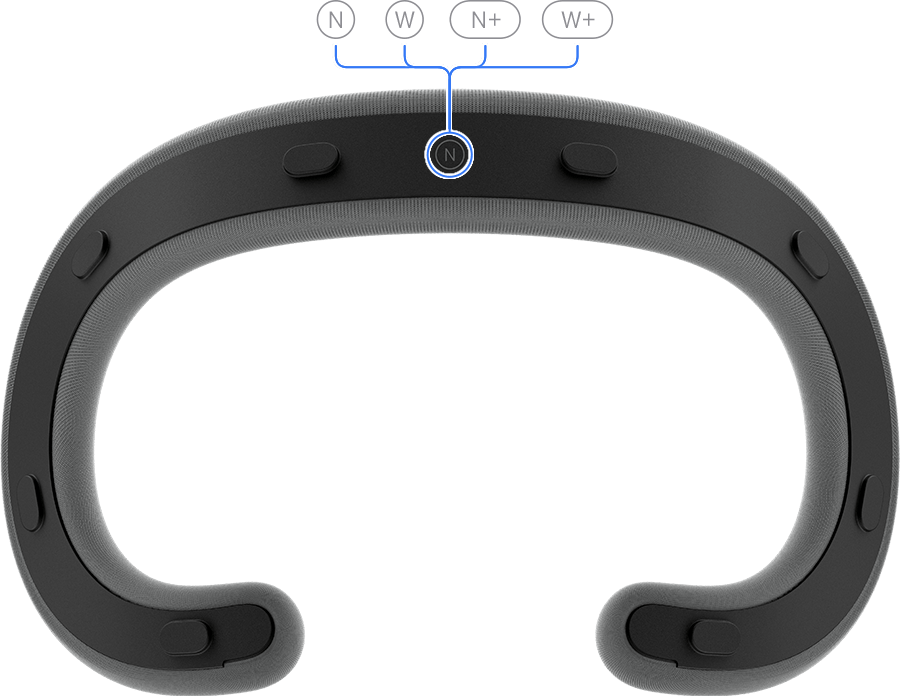
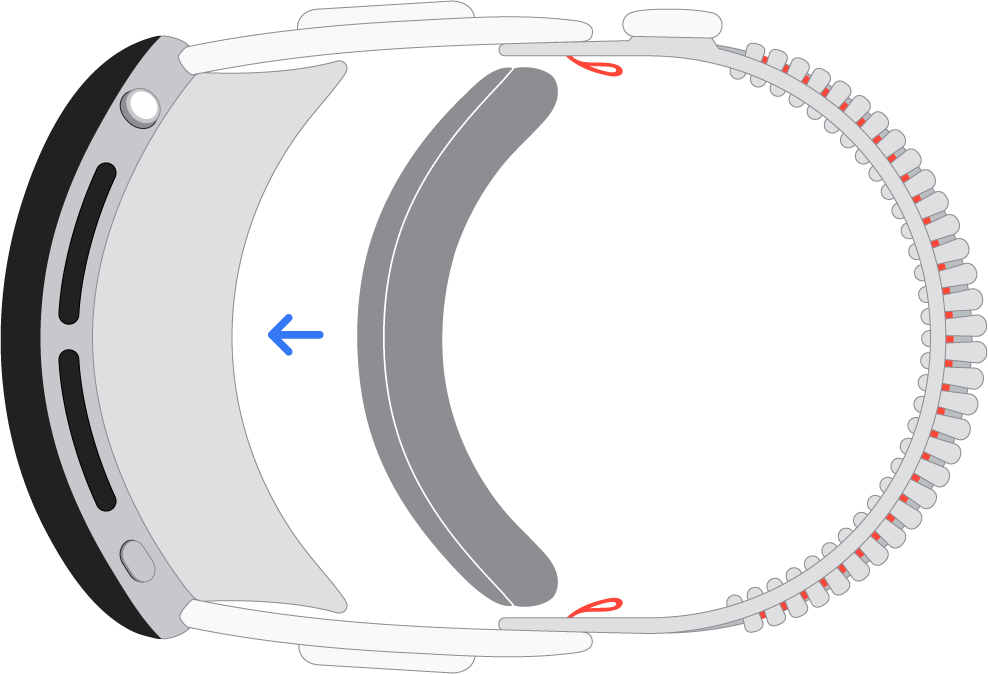
To remove your current Light Seal Cushion, pull the Light Seal Cushion straight off the Light Seal.
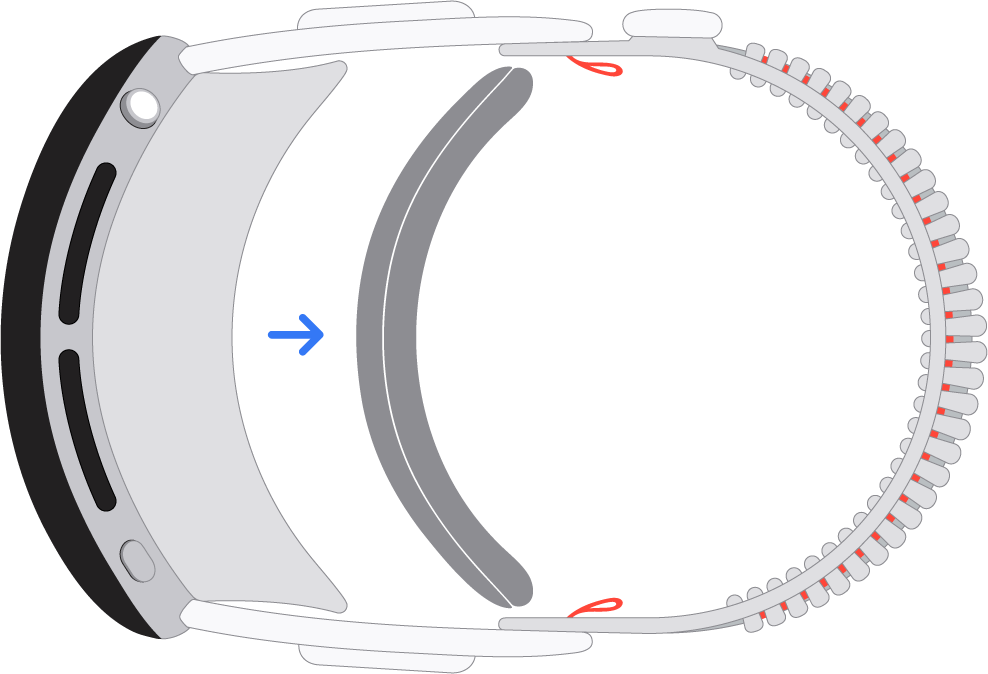
To attach the recommended Light Seal Cushion, place it next to the Light Seal until it snaps magnetically into place.
It's important to always wear the correct size Light Seal and Light Seal Cushion for your face. If your eyes are too close to the display lenses of your Apple Vision Pro, it could cause eye injury in the case of a fall or collision. If your eyes are too far from the display lenses, it can reduce eye input accuracy and image quality. If you're using the incorrect size Light Seal Cushion, you also might not be able to set up or use Optic ID.
Need more help?
If you continue to see this message after replacing your Light Seal Cushion:
If you purchased your Apple Vision Pro at an Apple Store, visit your local Apple Store.