sidebar
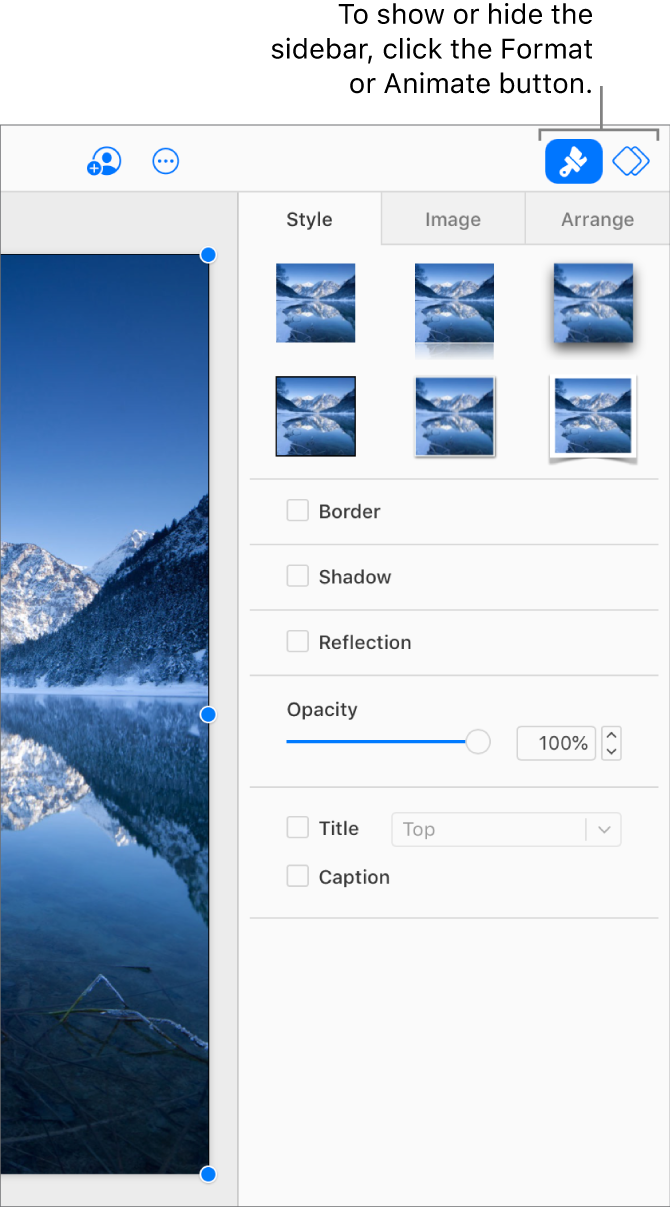
The sidebar is the area to the right of the slide canvas that contains controls for modifying slides, text, and objects. The sidebar is visible only when  or
or  button is selected in the toolbar.
When is selected, the sidebar shows controls for formatting the selected object or text, or for the current slide. For example, you can change the font used for the selected text, or add a drop shadow to the selected object.
When is selected, the sidebar shows controls for animating the selected object or adding transitions to the selected slide.