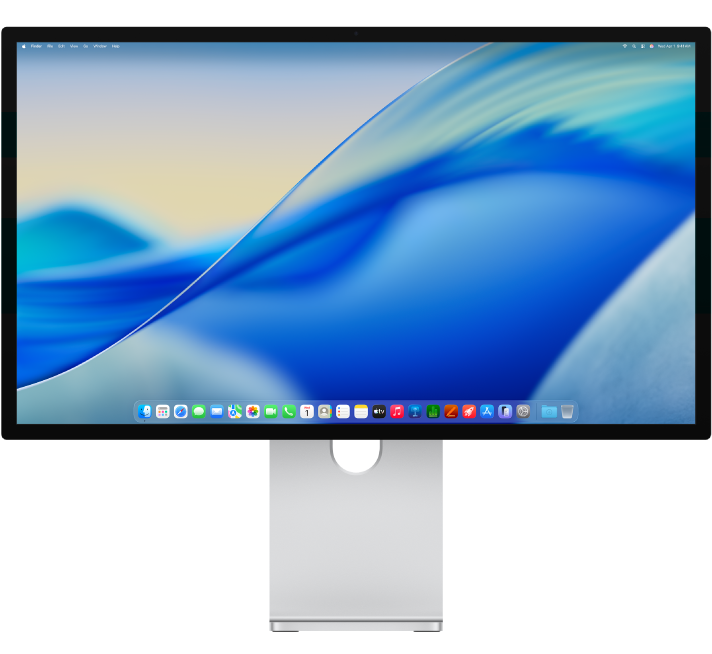
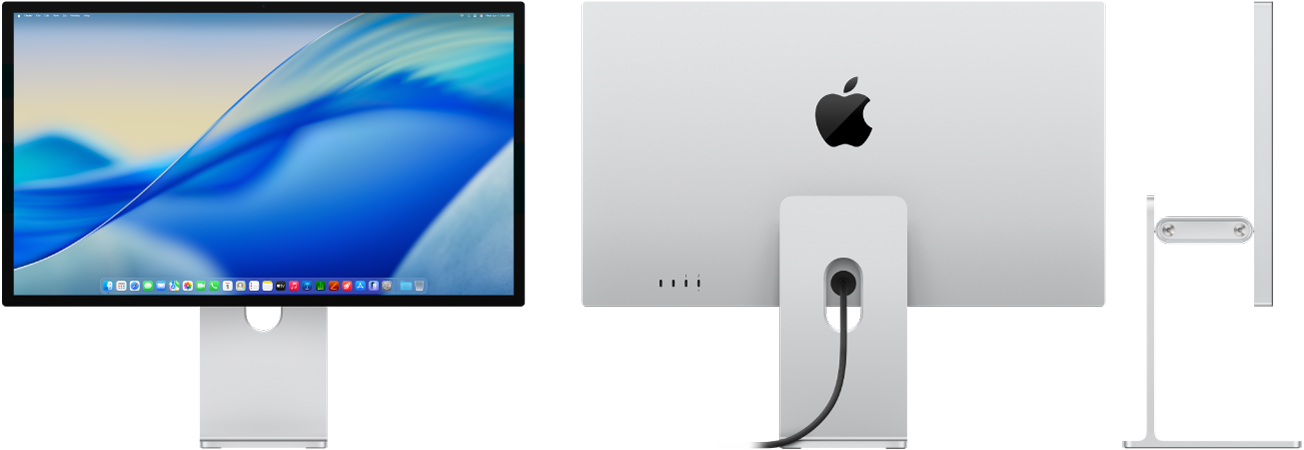
Introducing the Apple Studio Display XDR
Learn about the features of your Studio Display XDR, including brightness and contrast, viewing angle, reference modes, True Tone technology, and more.

Set up your display
Follow a few simple steps to connect, adjust, and customize your Studio Display XDR to suit your needs.
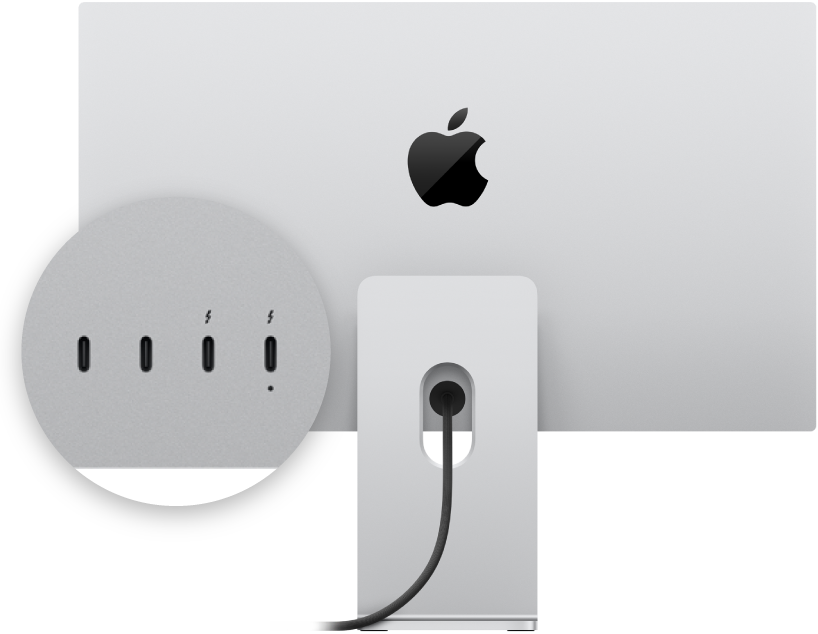
Connect displays and accessories
Use the ports on your Studio Display XDR to connect additional displays and accessories.
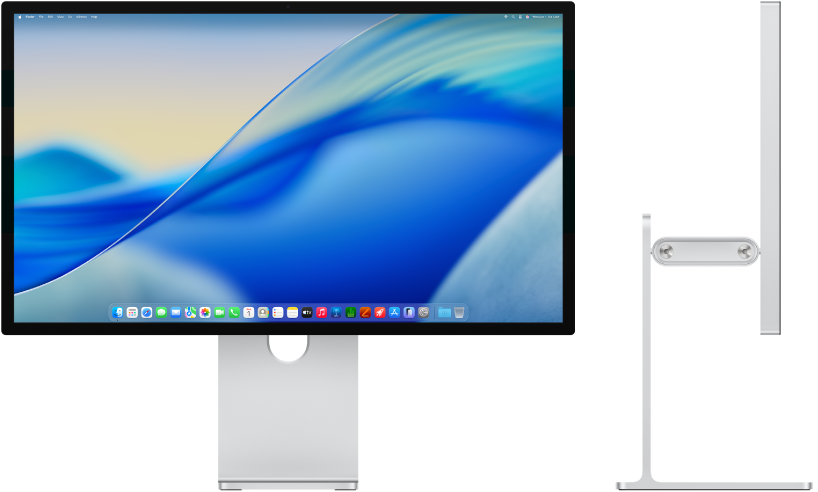
Adjust the stand
Learn how to adjust the built-in stand on your Studio Display XDR.
To explore the Studio Display XDR Getting Started Guide, click Table of Contents at the top of the page, or enter a word or phrase in the search field.
If you need more help, visit the Display Support website.