Modifying this control will update this page automatically

Isolate and copy a photo’s subject in Safari on Mac
You can remove the background from an image, then paste the main subject into a document, email, text message, or note.
Go to the Safari app
on your Mac.Open an image.
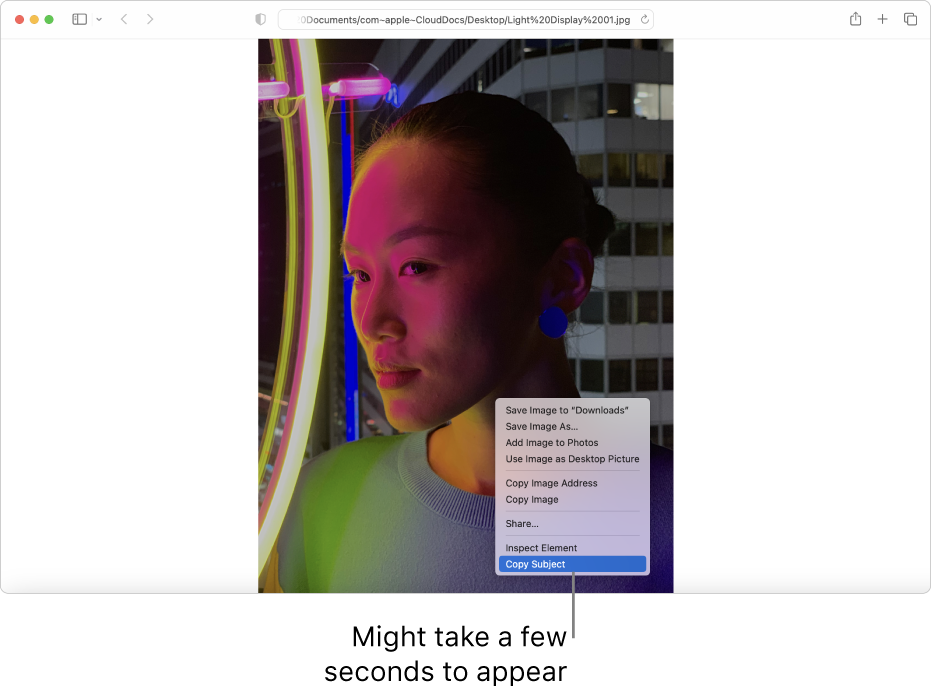
Control-click the image, then choose Copy Subject.
It might take a few seconds for Copy Subject to appear.
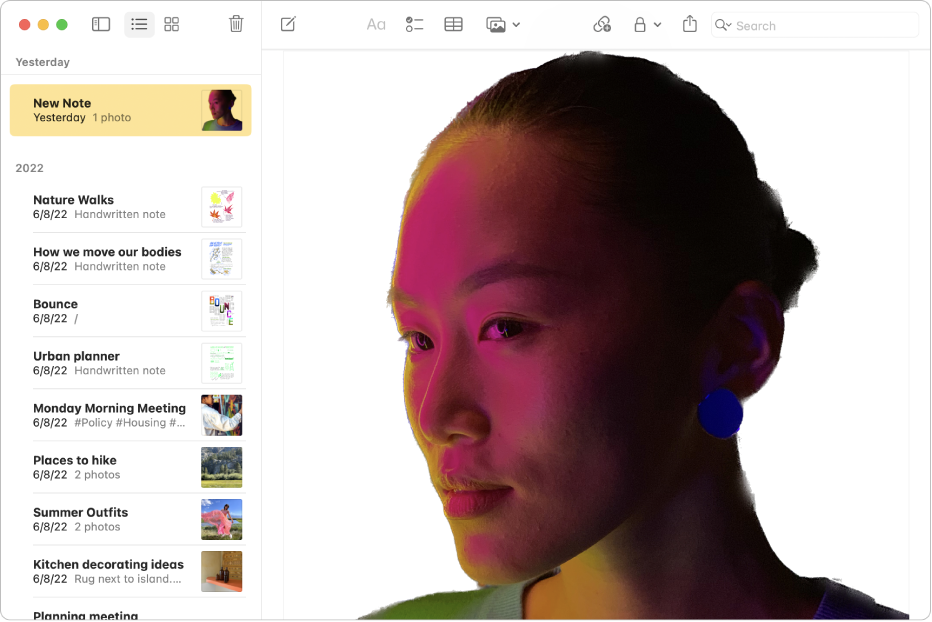
Paste the subject.

You can also copy the subject of an image in other apps, like Photos, Mail, and Preview.