Pages
Pages User Guide for iPad
- Welcome
- What’s new
-
- Get started with Pages
- Word-processing or page layout?
- Intro to images, charts, and other objects
- Find a document
- Open a document
- Save and name a document
- Print a document or envelope
- Copy text and objects between apps
- Basic touchscreen gestures
- Use Apple Pencil with Pages
- Change Pages privacy and analytics settings
- Copyright
shortcut bar
The shortcut bar appears on iPad above the keyboard. It includes buttons for formatting fonts, adding tabs and breaks, adjusting text alignment, adding footnotes, and more.
The iPad Pro shortcut bar varies slightly from the one on other iPad models.
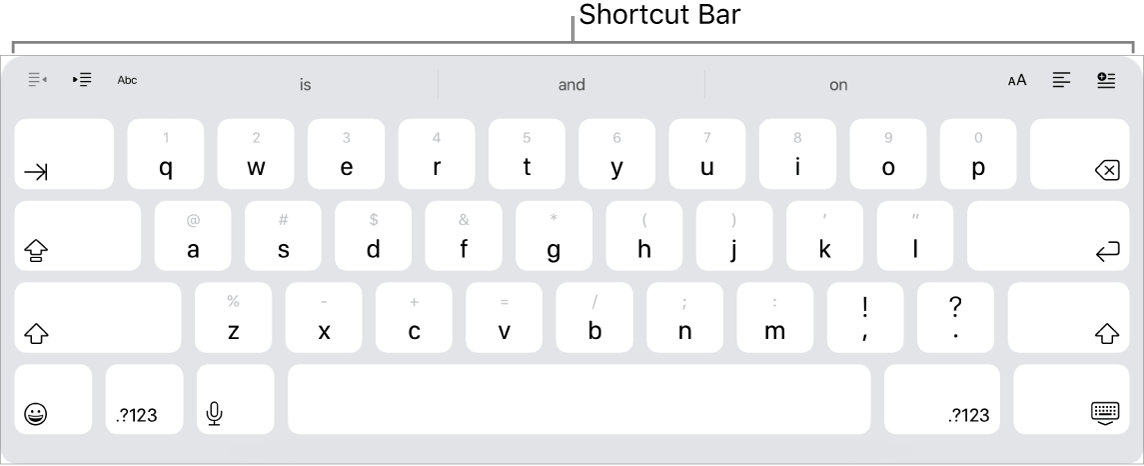
If you don’t see the shortcut bar, go to Settings > General > Keyboards, then turn Shortcuts on.
Thanks for your feedback.