Browser
The area in the upper-right corner of the Edit screen that displays all the media in your project. The browser switches between two views:
Media browser: Tap
 in the toolbar to show all the clips you imported into a project, as well as the video you shot with the built-in camera in Final Cut Pro.
Content browser: Tap
 in the toolbar to show the built-in content that comes with a Final Cut Pro for iPad subscription—effects, transitions, titles, backgrounds, objects, and soundtrack music. To view a particular type of content, tap a category.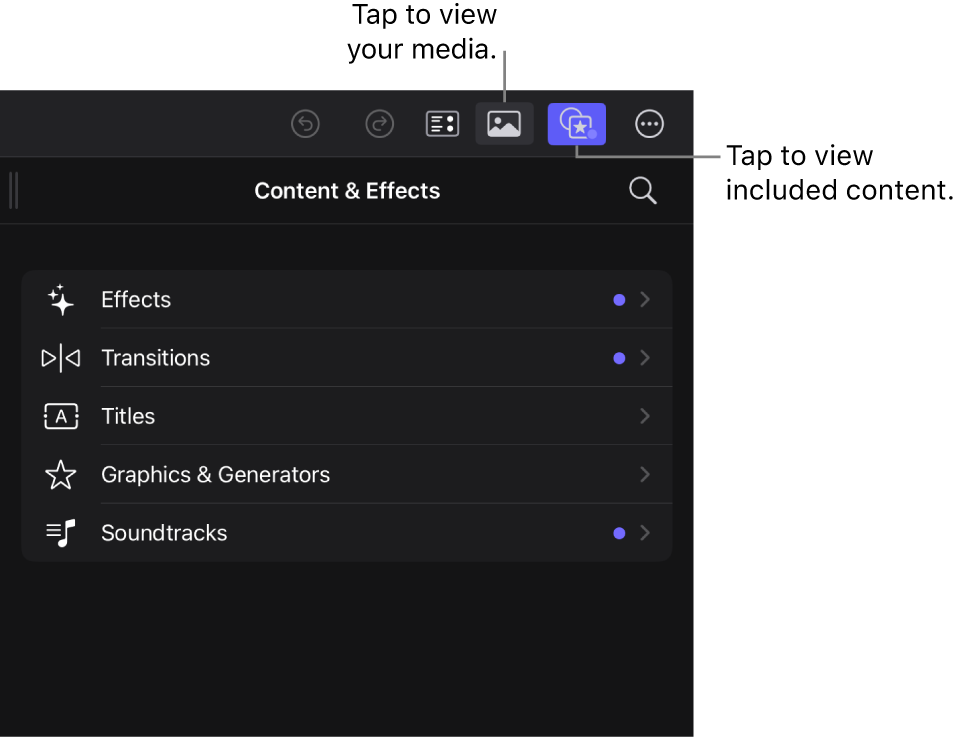

To hide the browser, tap the highlighted toolbar button to deselect it.