Prepare your iPhone for Express Replacement Service
After you schedule Express Replacement Service*, you’ll get a kit that has your replacement iPhone and everything you need to send back your original iPhone.
Before you return your original iPhone
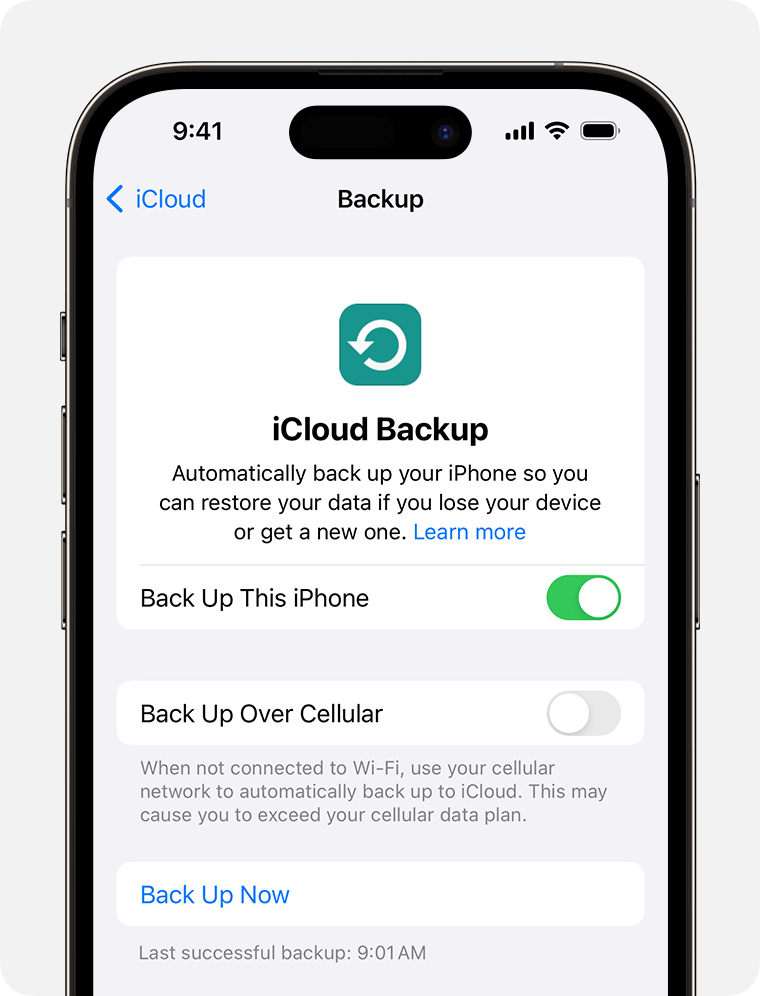
Back up your iPhone
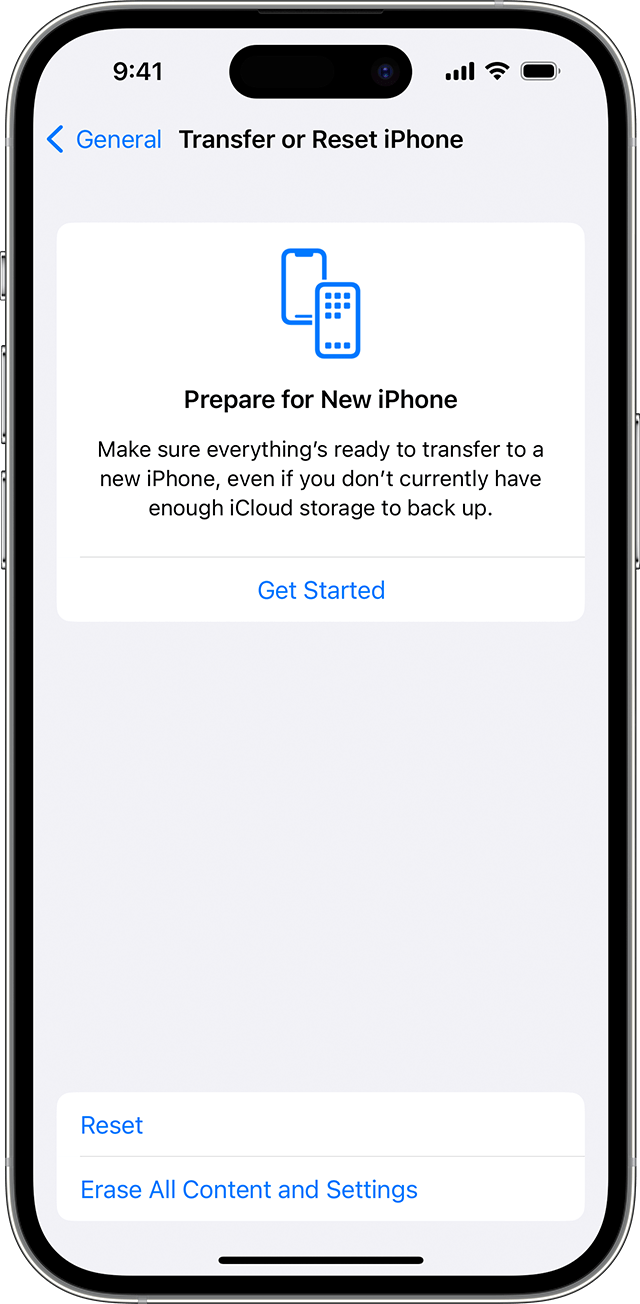
Erase your iPhone to delete your personal data and remove it from your Apple Account: in Settings, tap General > Transfer or Reset iPhone, then tap Erase All Content and Settings. You need to enter your Apple Account password to confirm.
Transfer your mobile service to your new iPhone:
If your original iPhone uses a physical SIM card, switch it to your new iPhone or transfer it as an eSIM to your new iPhone.
If your original iPhone uses eSIM, transfer to an eSIM on your new iPhone.
Power down your original iPhone.
Pack your original iPhone
Your Express Replacement Service kit includes everything that you need to pack up and send your original iPhone to Apple — including the smaller white or natural box and larger delivery box that your replacement iPhone arrived in, which you use to pack up your original iPhone and send it to Apple.
Place your iPhone into the smaller white or natural box. Don’t include anything else – such as a phone case, power adapter, USB cable or other accessory. If you include extra items in the box, they won’t be returned.
Put the smaller box into the same larger delivery box that was delivered to you. If there’s a battery sticker pasted on the outside of the box, make sure it’s not covered by tape or a postage label.
Send your original iPhone to Apple
Find the name of the courier on the provided return shipping label.
Visit the courier’s website to schedule a pick-up or find a drop-off location.
Make sure you get a receipt from the courier to confirm that you’ve returned your original iPhone. Apple isn’t responsible for any damage sustained during delivery.
Apple will release the temporary hold on your card after we process your original device and confirm that the issue is covered. If your original device is not returned within 10 working days or is found ineligible for service due to unauthorised modifications or severe damage, the hold will be charged to your card.
*Express Replacement Service is an AppleCare benefit that is not available in all countries or regions.
