Scribble on your Apple Watch
You can use Scribble to write with your finger, instead of using a keyboard.
Use Scribble
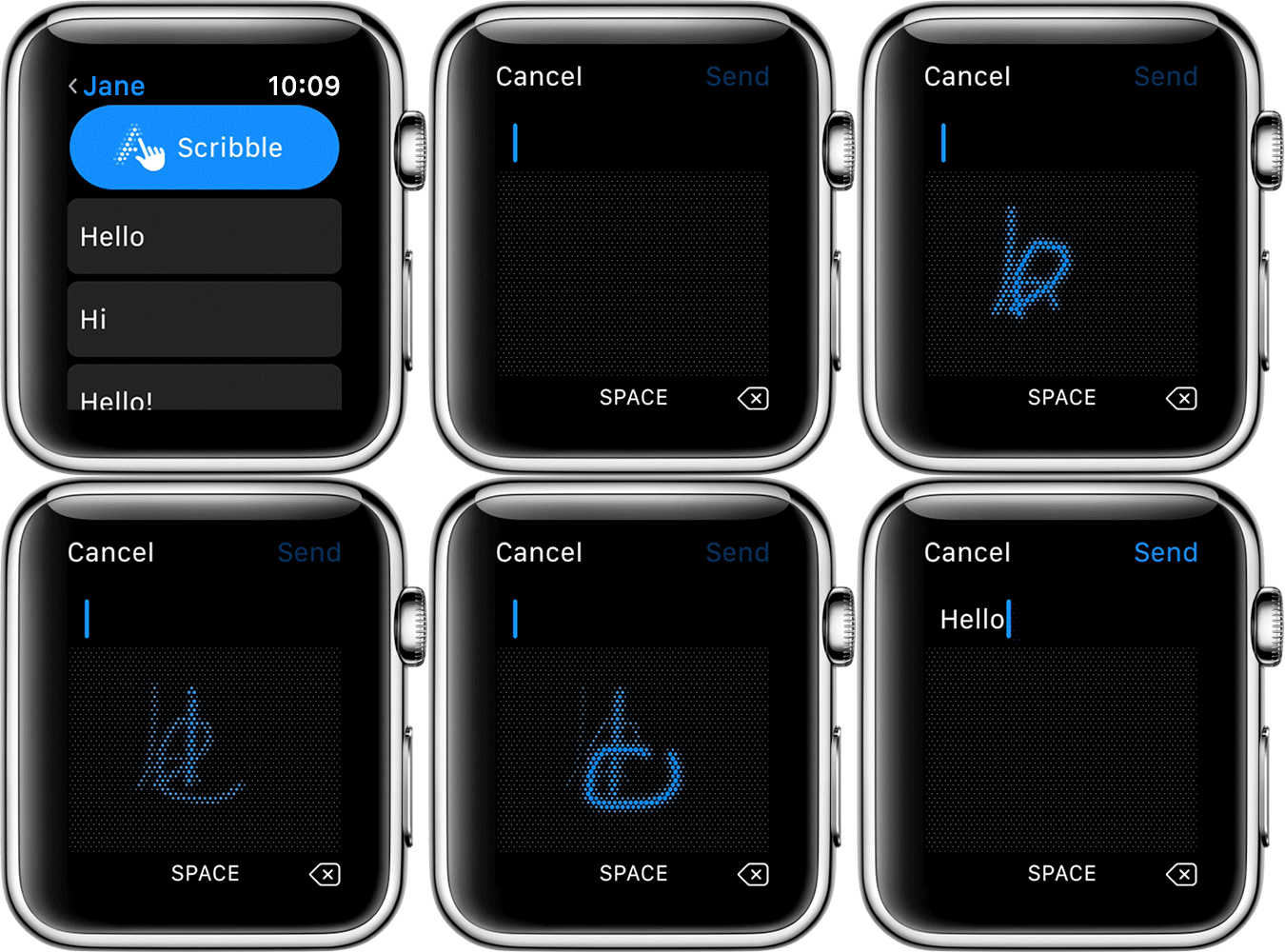
With Scribble, you can write on your watch's screen, and, as you finish each word or letter, your watch turns your writing into text.
You can use Scribble whenever you need to enter text on your Apple Watch, such as when you reply to an email. Just tap Scribble, then write a word in the text box. Or enter individual letters, numbers, and punctuation. You can also turn the Digital Crown to choose predictive text.
Which languages can I scribble in?
You can use Scribble in these languages:
English (Australia, Canada, the United Kingdom, and the United States)
French (France and Canada)
German*
Italian
Spanish
Simplified Chinese
Traditional Chinese
* This language requires watchOS 4.
How do I change the language?
You can scribble in any of the above languages. Here's how to change your language:
When you see the Scribble button, firmly press the screen.
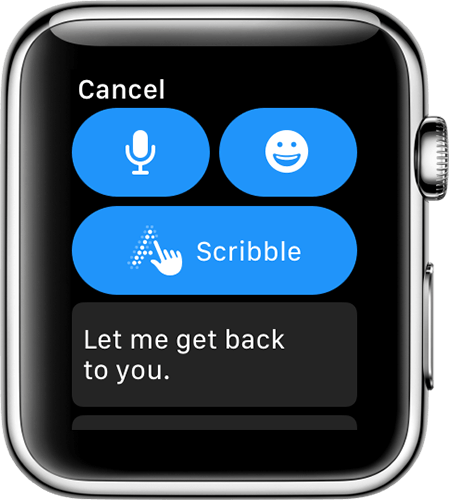
Tap
 .
.Select your language from the list.
If you don't see a language, add its keyboard on your iPhone. Go to Settings > General > Keyboard > Keyboards > Add New Keyboard.