Get started using Apple Business Manager or Apple School Manager with Mobile Device Management
To supervise an iPhone, iPad, or iPod touch, you can use Apple Business Manager or Apple School Manager. You can also configure your device to be automatically enrolled in Mobile Device Management (MDM).
This information is now available in the Apple Platform Deployment guide.
You can start using your supervised devices after your organization or educational organization is set up with Automated Device Enrollment. If you need help adding your MDM server and assigning devices to it, use the Apple Business Manager User Guide or the Apple School Manager User Guide. For more information about how to configure MDM enrollment settings during activation, you might need to contact your MDM vendor or use the Profile Manager User Guide.
Check network requirements
When an iPhone, iPad, iPod touch, Apple TV, or Mac enrolls in MDM, the device needs to access the following hosts:
albert.apple.com
iprofiles.apple.com
crl3.digicert.com
crl4.digicert.com
ocsp.digicert.com
After enrollment is complete, MDM uses Apple Push Notifications, which require network access.
Set up a new iPhone, iPad, or iPod touch
When you activate a new iPhone, iPad, or iPod touch, the activation server provides the device with the URL of the MDM server. When you set up an assigned device, you might see this screen during set up:
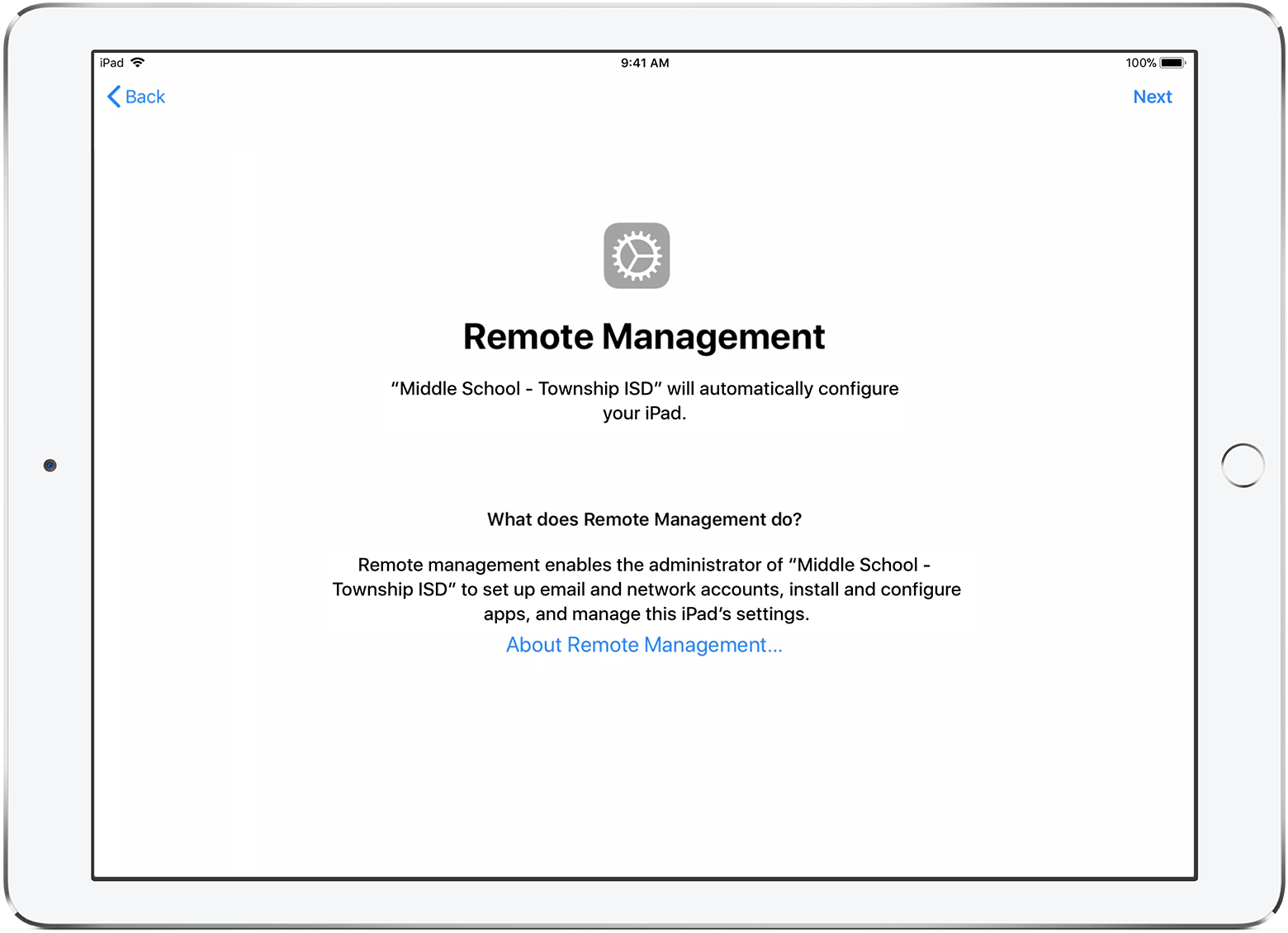
To complete set up, your iPhone, iPad, or iPod touch must be connected to a network that has access to your MDM server.
Set up an existing iPhone, iPad, or iPod touch
You can only use the full features of Apple Business Manager or Apple School Manager on newly activated devices. If a device has already been activated, you must erase the device then reactivate it. You can also use Apple Configurator to prepare the device using automated enrollment.
Restore an iPhone, iPad, or iPod touch from a backup
When you restore from a backup onto the same iPhone, iPad, or iPod touch, your supervision state is restored from your backup. If you restore from a backup onto a different iPhone, iPad, or iPod touch, your supervision state comes from Apple Business Manager or Apple School Manager.
For example: If you configure a device to be supervised and automatically enrolled in MDM, then restore a backup made when the same device was unsupervised, the device will be unsupervised.
Learn more
If you haven't yet enrolled in Apple Business Manager or Apple School Manager, learn how to get started with Automated Device Enrollment.