Find the serial number for your Apple TV
You might need the serial number when you register your Apple TV or request support.
Check the bottom of your Apple TV
Check using your Apple Account
Check in Settings
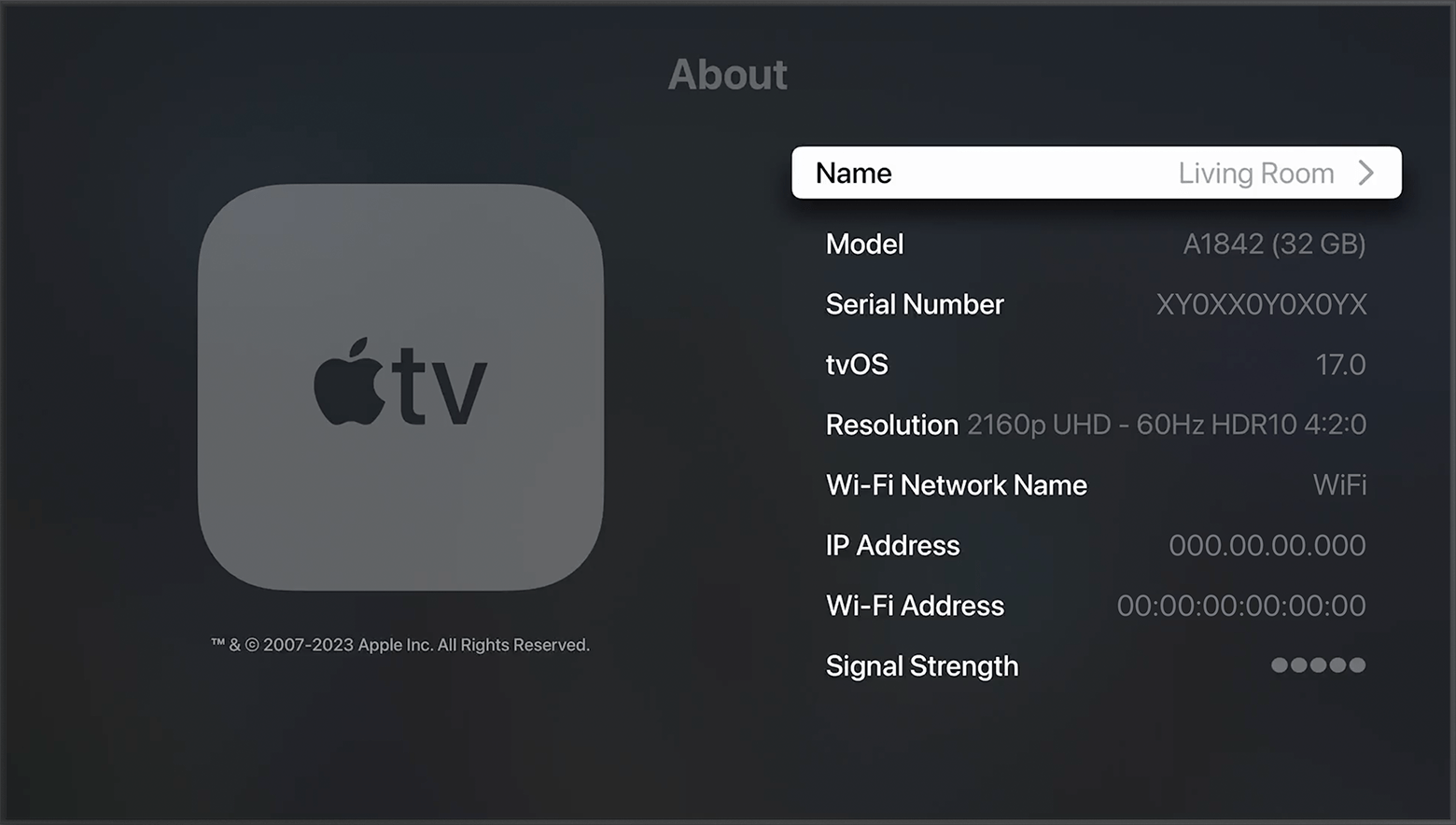
Go to Settings > General > About. You can also find the serial number for your Siri Remote or Apple TV Remote* by going to Settings > Remotes and Devices > Remote.
Check the bottom of your Apple TV
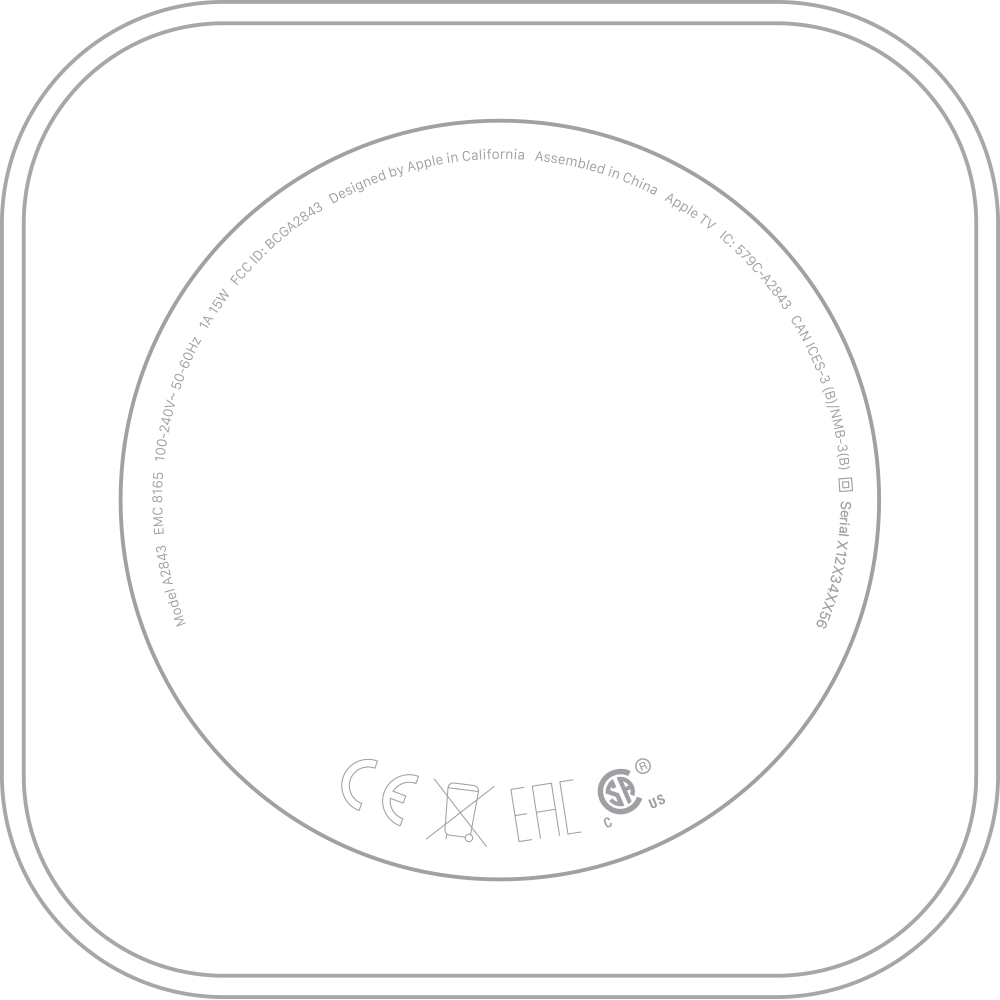
Because the serial number on the bottom of your device is reflective, use a light to read the number.
Check using your Apple Account
Sign in with your Apple Account on your iPhone or iPad, and go to Settings > your name. Then scroll down and tap your Apple TV to find the serial number.
If you don’t have an iPhone or iPad that you use with your Apple TV, you can go to your Apple Account page on your computer to find the serial number for your Apple TV.
Go to account.apple.com and sign in with the Apple Account that you use with your Apple TV.
Scroll down to the section called Devices.
Select your Apple TV.
Check the box
If you have your device's original box, you can find the serial number on the barcode.
*Apple TV 4K and Apple TV HD ship with the same remote everywhere. In countries and regions that support Siri, the remote is called Siri Remote. Elsewhere, it’s called Apple TV Remote. Siri works on either remote as long as your Apple TV 4K or Apple TV HD is set up with a language and country or region that supports Siri.