What are Letterboxing, Pillarboxing and Windowboxing?
When the proportions of an image don't exactly match the proportions of the screen where the image is displayed, you might see black bars in the empty space of the screen. Depending on where the black bars are placed, this is referred to as letterboxing, pillarboxing, or in some cases what is informally known as "windowboxing". These terms are explained below.
Letterboxing
Black bars at bottom and top of screen.

A letterbox is usually seen when widescreen content is displayed on a standard size screen. You might see this for example if you view a widescreen DVD movie where the image dimensions are wider than would fit your television or display.
You might also see this if you import widescreen footage into a standard (4:3) iMovie project, or when viewing photos in iPhoto that are landscape orientation.
Pillarboxing
Black bars at left and right of screen.
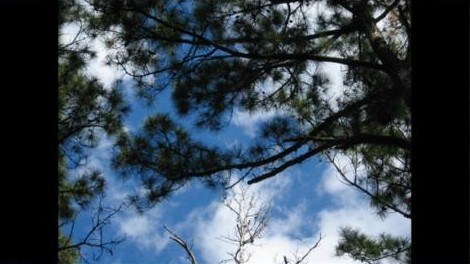
A pillarbox is usually seen when standard dimension content is displayed on a wide screen. You might see this for example when watching an older TV show on a widescreen HDTV, or Cinema Display.
You might also see this if you import standard DV footage (4:3) into a widescreen (16:9) iMovie project, or when viewing photos in iPhoto that are portrait orientation.
Windowboxing
Black bars on top, bottom, left, and right of image.
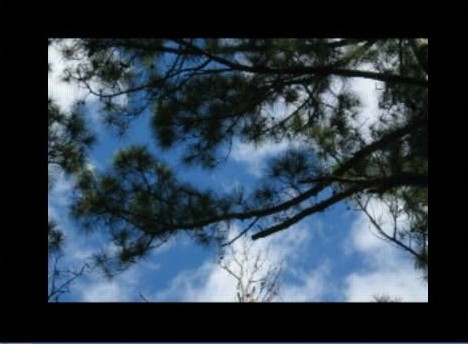
A windowbox is usually seen when widescreen content was manually letterboxed for standard size screen (4:3), but then viewed on a widescreen display. You might see this for example when watching a commercial for an upcoming film, or an older music video on a widescreen HDTV or Cinema Display.
You might also see this if you import footage that was manually letterboxed into an iMovie project. You can tell if the footage has a letterbox effect already applied by viewing the footage in QuickTime Player.