Use Apple wired headphones
Learn about Apple wired headphones like Apple EarPods, compatible headphone jack adapters, and how to clean your Apple EarPods.
Apple EarPods (USB-C)
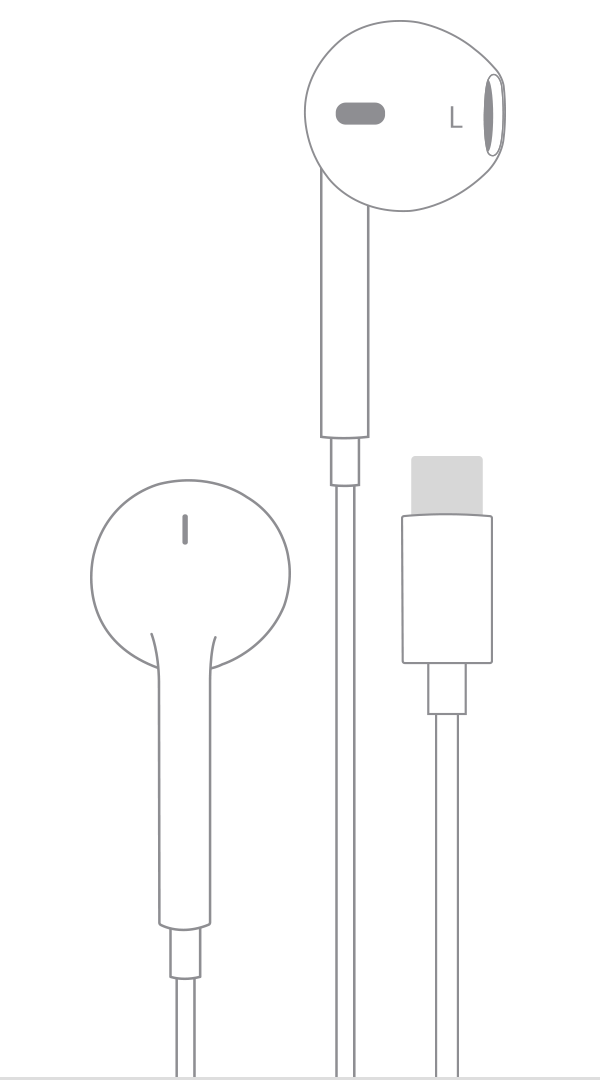
To use Apple EarPods (USB-C), you need an iPhone, iPad, or other device that has a USB-C connector.
Apple EarPods with Lightning Connector
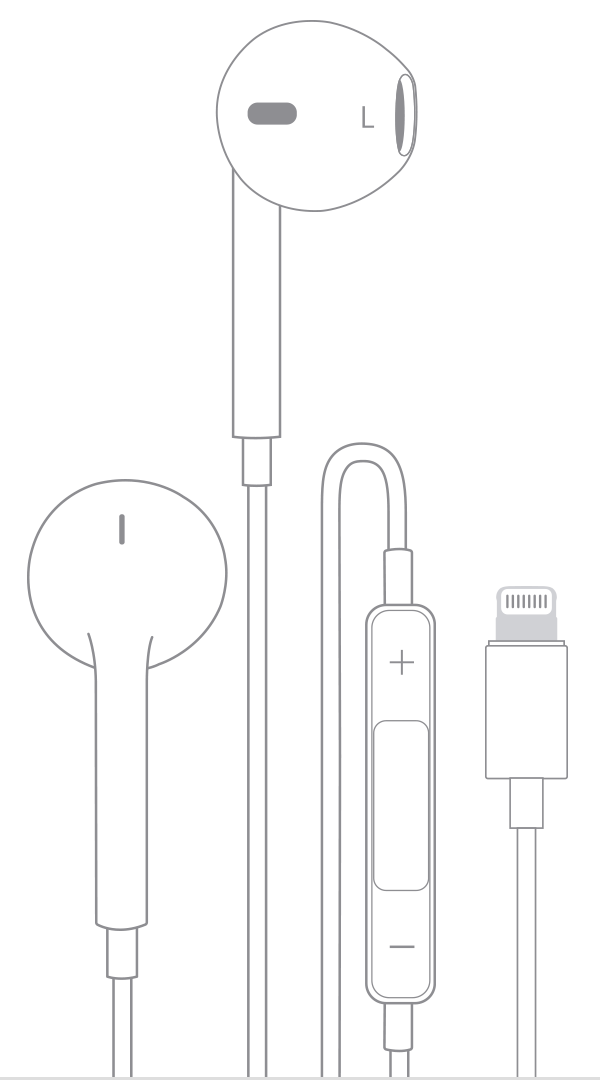
To use Apple EarPods with Lightning Connector, you need an iPhone, iPad, or iPod touch that has a Lightning connector and iOS 10 or later.
Apple EarPods with Lightning Connector don't work with iPod nano or any device that has iOS 9 or earlier.
Apple EarPods with 3.5 mm Headphone Plug
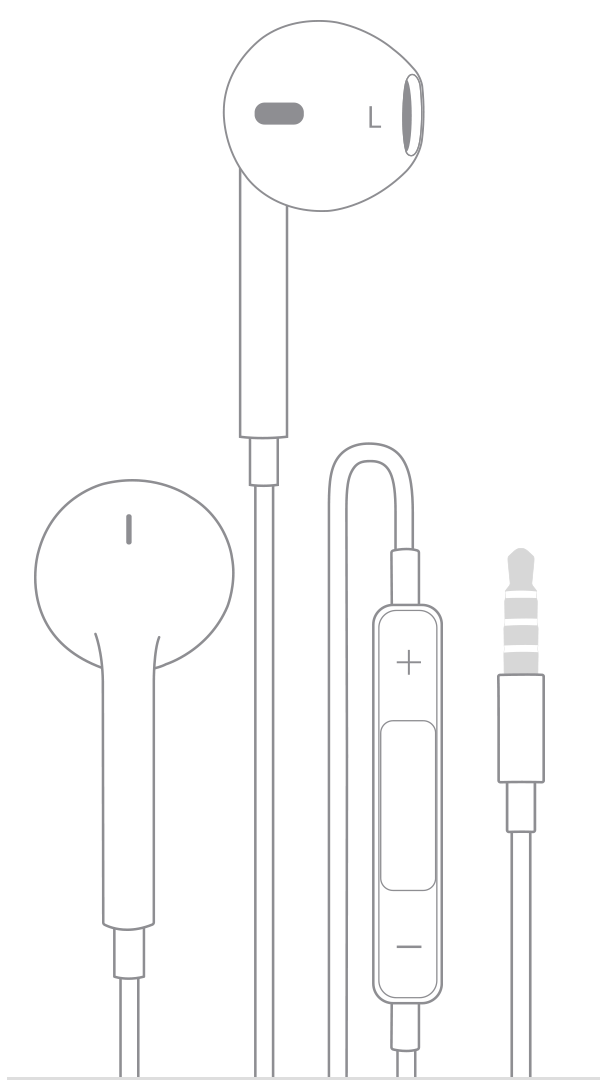
Apple EarPods with 3.5 mm Headphone Plug work with iPhone, iPad, and iPod models that have a 3.5 mm headphone jack. You can also use these headphones with other products that have a standard 3.5 mm headphone jack.
Apple In-Ear Headphones with Remote and Mic
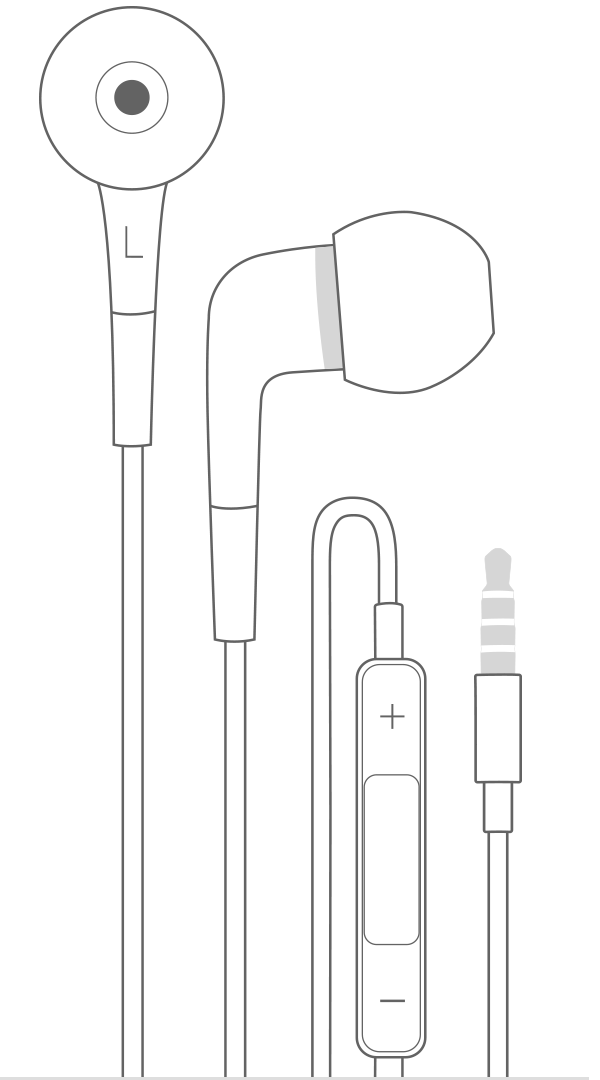
Apple In-Ear Headphones with Remote and Mic work with iPhone, iPad, and iPod models that have a 3.5 mm headphone jack. You can also use these headphones with other products that have a standard 3.5 mm headphone jack.
Lightning to 3.5 mm Headphone Jack Adapter
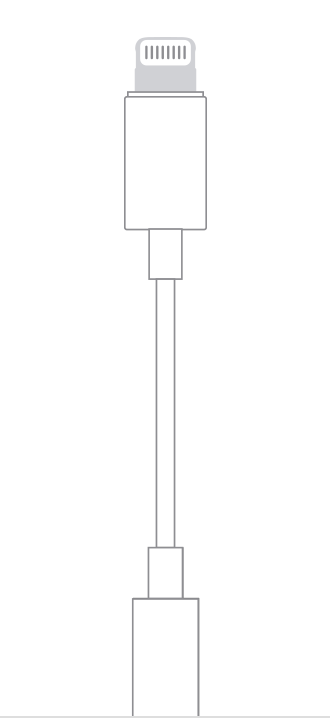
The Lightning to 3.5 mm Headphone Jack Adapter lets you connect 3.5 mm headphones and other audio devices to an iPhone, iPad, or iPod touch that has a Lightning connector. Your iOS device also needs iOS 10 or later.
Plug your Lightning to 3.5 mm Headphone Jack Adapter into the Lightning connector on your iOS device and plug the other end into your headphones.
USB-C to 3.5 mm Headphone Jack Adapter
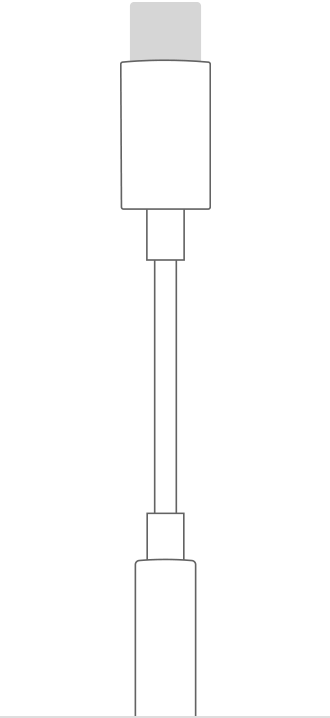
The USB-C to 3.5 mm Headphone Jack Adapter lets you connect 3.5 mm headphones and other audio devices to a USB-C port.
Plug your USB-C to 3.5 mm Headphone Jack Adapter into the USB-C port on your device and plug the other end into your headphones.
Clean your Apple EarPods
Don’t run EarPods under water.
Use a soft, dry, lint-free cloth.
Make sure not to get any liquid in the openings.
Clean the microphone and speaker meshes gently with a dry cotton swab. Remove any debris from the meshes with a clean, dry, soft-bristled brush.
Don't use sharp objects or abrasive materials to clean your EarPods.
Tips to avoid skin irritation
Here’s how to avoid skin irritation, especially if you have allergies or skin sensitivities:
After workouts with Apple wired headphones, or after your device is exposed to liquids such as sweat, soap, shampoo, makeup, sunscreen, and lotions that can potentially cause skin irritations, clean and dry your device. Keeping your AirPods, AirPods Pro, AirPods Max, and EarPods—as well as your skin—clean and dry will maximize comfort and prevent long-term damage to your device.
If you have known allergies or sensitivities to certain substances, check the materials in AirPods and EarPods.
Learn more
If you connect two headphones to an iOS device using both the 3.5 mm headphone jack and the Lightning connector, audio will play only from the last one you connect.
When you use Apple headphones with earlier Apple products, you might be able to play audio, but not use other features. For example, volume or playback control might not work with Apple EarPods with 3.5 mm Headphone Plug on some iPod models.
Find out what to do if your headphones don‘t work with your iPhone, iPad, or iPod touch.
Get help with Beats products.