Charge your iPod classic, iPod nano, and iPod shuffle
Learn how to charge the battery in your iPod classic, iPod nano, and iPod shuffle.
Choose your device. Not sure? Identify your model of iPod.
Charge your iPod classic or iPod nano
Use your computer or a wall power outlet.
Use a computer
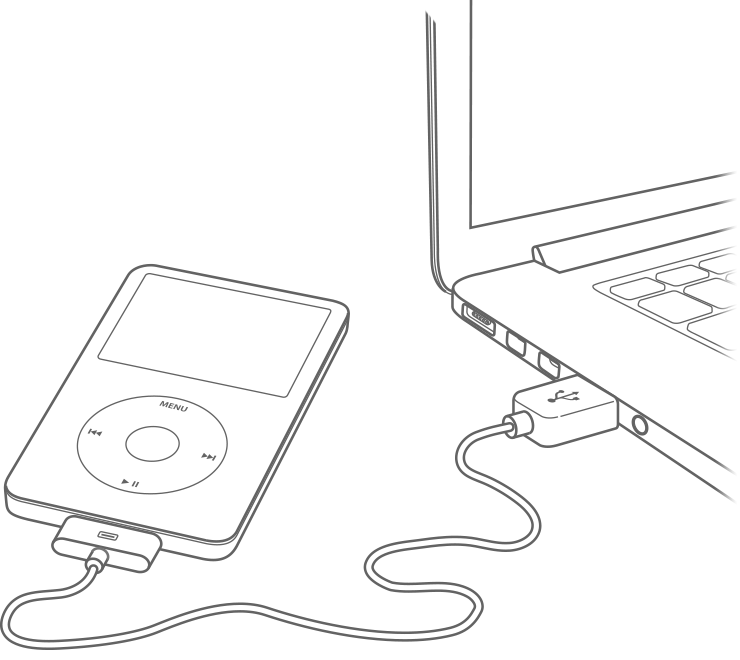
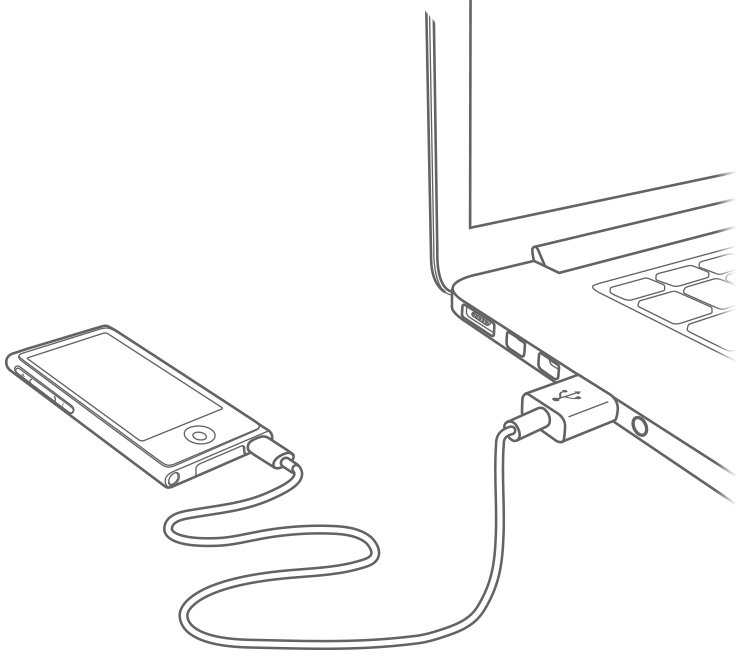
Connect your iPod to its Apple charging cable.
Plug the other end of the cable into your computer's USB port (not your keyboard's).
Keep your computer on and awake as your iPod charges
Use a power outlet
Connect your iPod to its Apple charging cable.
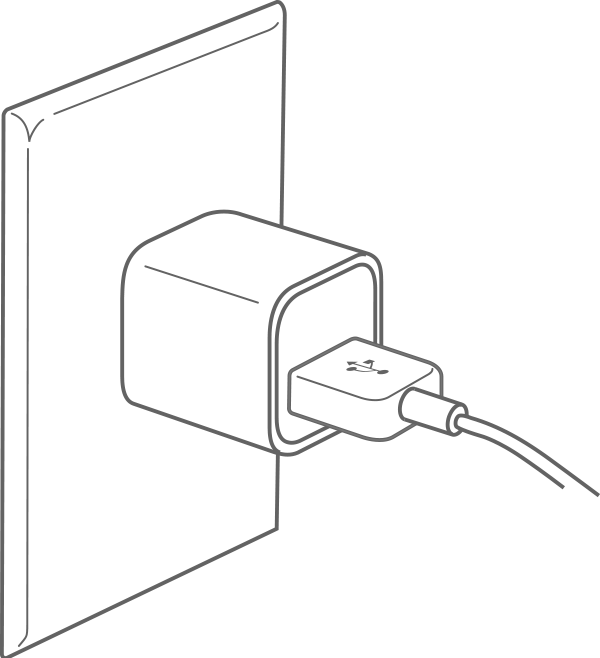
Plug the other end of the cable into a compatible USB charger. For example, connect to a USB power adapter or an Apple-certified power accessory, like a USB hub or docking station.
Plug your USB charger into a power outlet.
Charge your iPod shuffle
Use your computer or a wall power outlet.
Use a computer
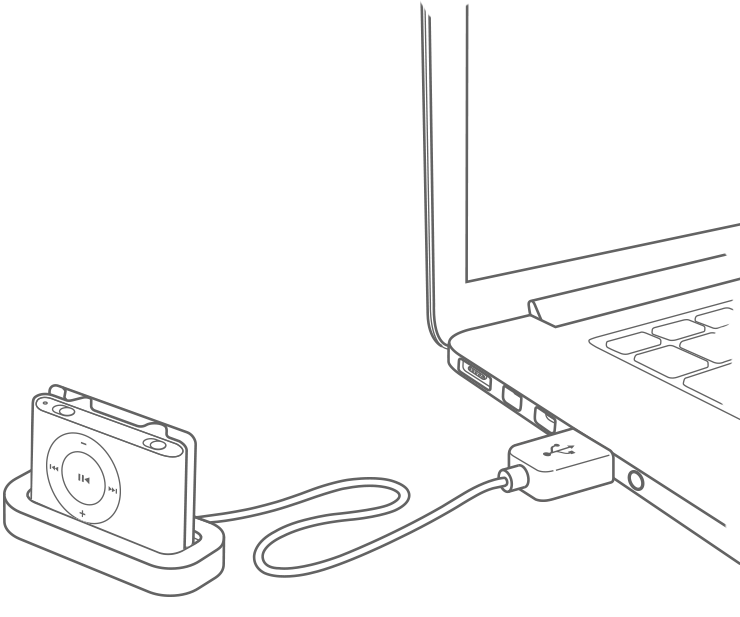
Find the Apple iPod shuffle USB cable or Apple iPod shuffle Dock that came with your iPod. Don't have it? Use an Apple-certified USB cable instead.
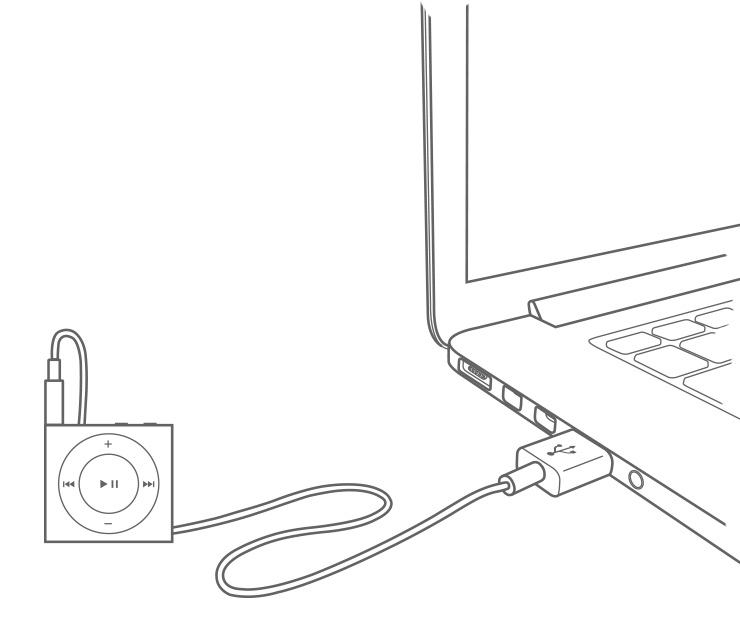
Plug the cable or dock into the headphone jack on your iPod. Plug the other end into your computer's USB port (not your keyboard's).
Keep your computer on and awake as your iPod charges.
Use a power outlet
Plug your Apple USB cable or dock into the headphone jack on your iPod.
Plug the other end of the cable into an Apple USB Power Adapter.
Plug the adapter into a power outlet.
If you need help
If your iPod charges but turns off when you unplug from power, you might need to replace the battery.*