Find the serial number of your Apple Pencil
Learn where to find the serial number of your Apple Pencil.
In iPad Settings
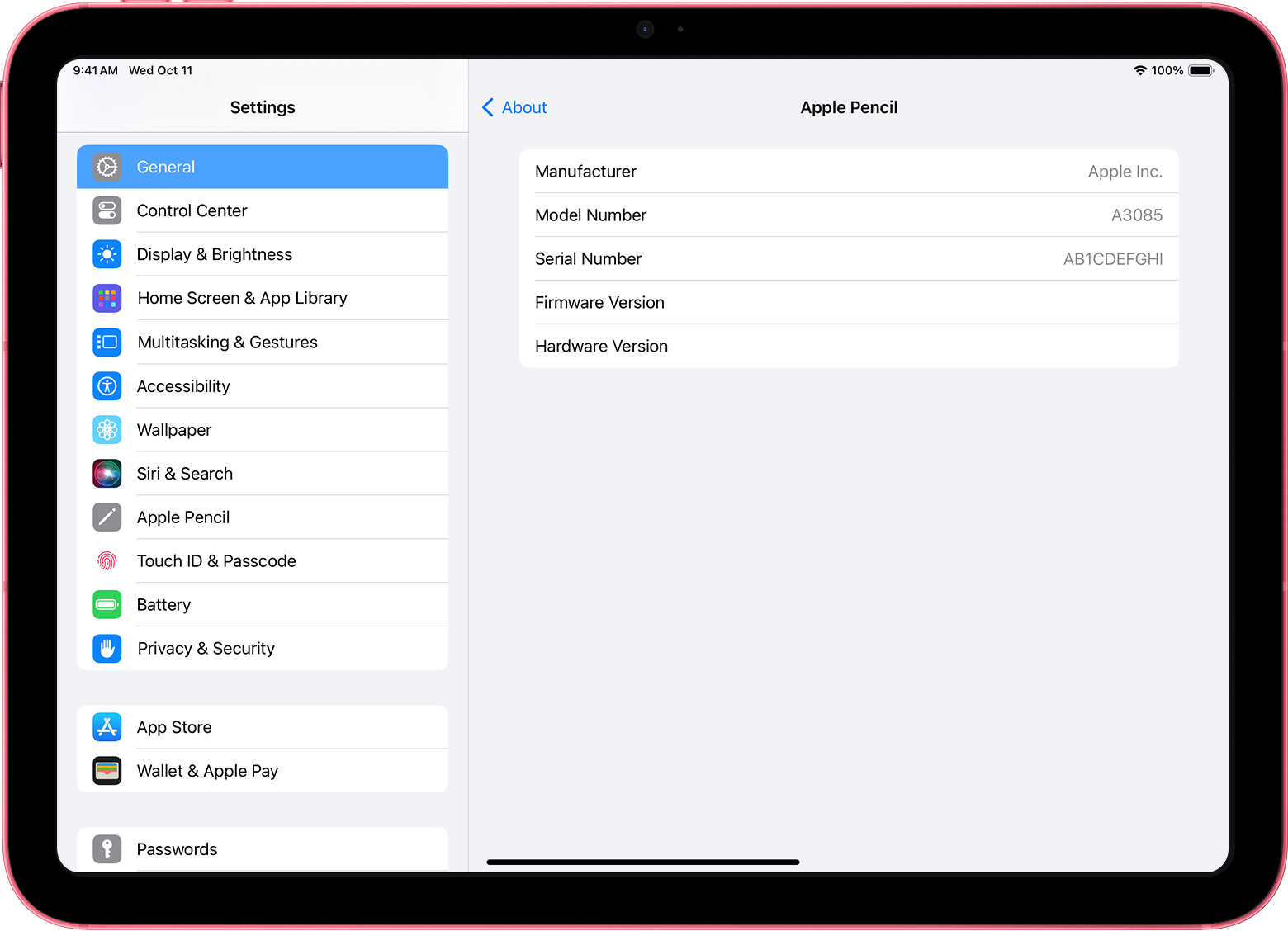
If you pair your Apple Pencil with iPad, you can find the serial number in Settings.
On your iPad, open the Settings app.
Tap General > About > Apple Pencil.
Look for Serial Number.
On the original packaging
If you have the original packaging, find the serial number next to the barcode.

On your Apple Pencil
If you don’t have the original packaging and can't pair your Apple Pencil with iPad, find the serial number on your Apple Pencil.
Apple Pencil Pro, Apple Pencil (2nd generation), and Apple Pencil (USB-C)
Remove the tip from your Apple Pencil and find the serial number engraved on the inside of your Apple Pencil.
To zoom in on the serial number, you can use Magnifier on your iPhone or iPad.

Apple Pencil (1st generation)
Remove the cap from your Apple Pencil and find the serial number engraved on the Lightning connector.

Need more help?
Tell us more about what's happening, and we’ll suggest what you can do next.