Learn about Custom Apps in Apple School Manager
Custom Apps are apps developed to meet your organization’s specific educational needs. The apps are developed either by you or by an external developer. They’re distributed privately and securely to members of your organization through Apple School Manager. Your developers submit Custom Apps through App Store Connect and assign the apps to your Apple School Manager account. After the apps are approved, they’re available to your organization, so that only you can view and access them from Apps and Books.
Custom Apps allow you to leverage the scale and ease of use of the App Store while also providing:
Security features for sensitive or private school data
A tailored look and feel, such as your school logo or branding
Unique features for users with the role of Instructor and Student within your organization
Specific functionality for a class or workflow
Special configuration for IT environments
Get Custom App licenses
Before you can get Custom App licenses, enable the ability to search for them for your organization. See Turn on Custom Apps.
In Apple School Manager
, sign in with a user who has privileges to get licenses for apps and books.To view and edit who can get licenses for apps and books, see Role privileges.
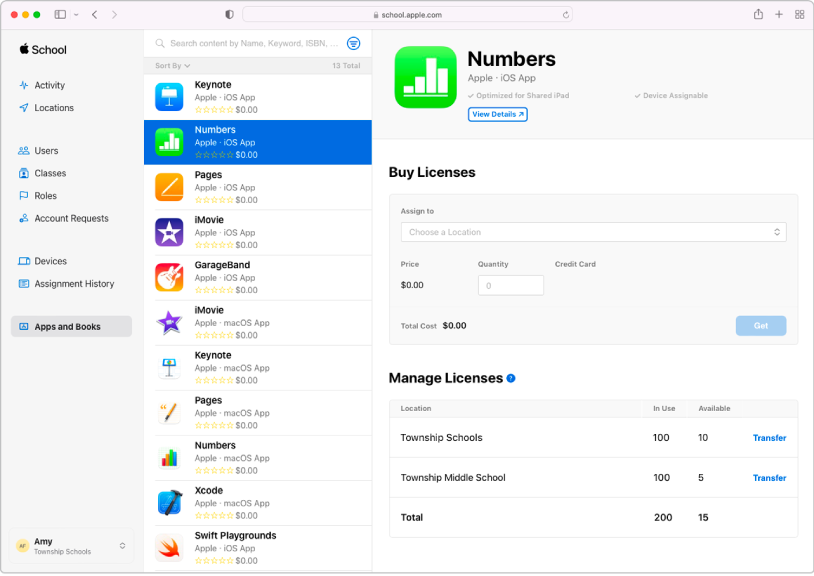
Select Apps and Books
in the sidebar, select Store, then select View Store to open Apps and Books.Select the Custom Apps tab to view the Custom Apps assigned to your organization.
Select the location where the Custom App licenses will be initially assigned.