
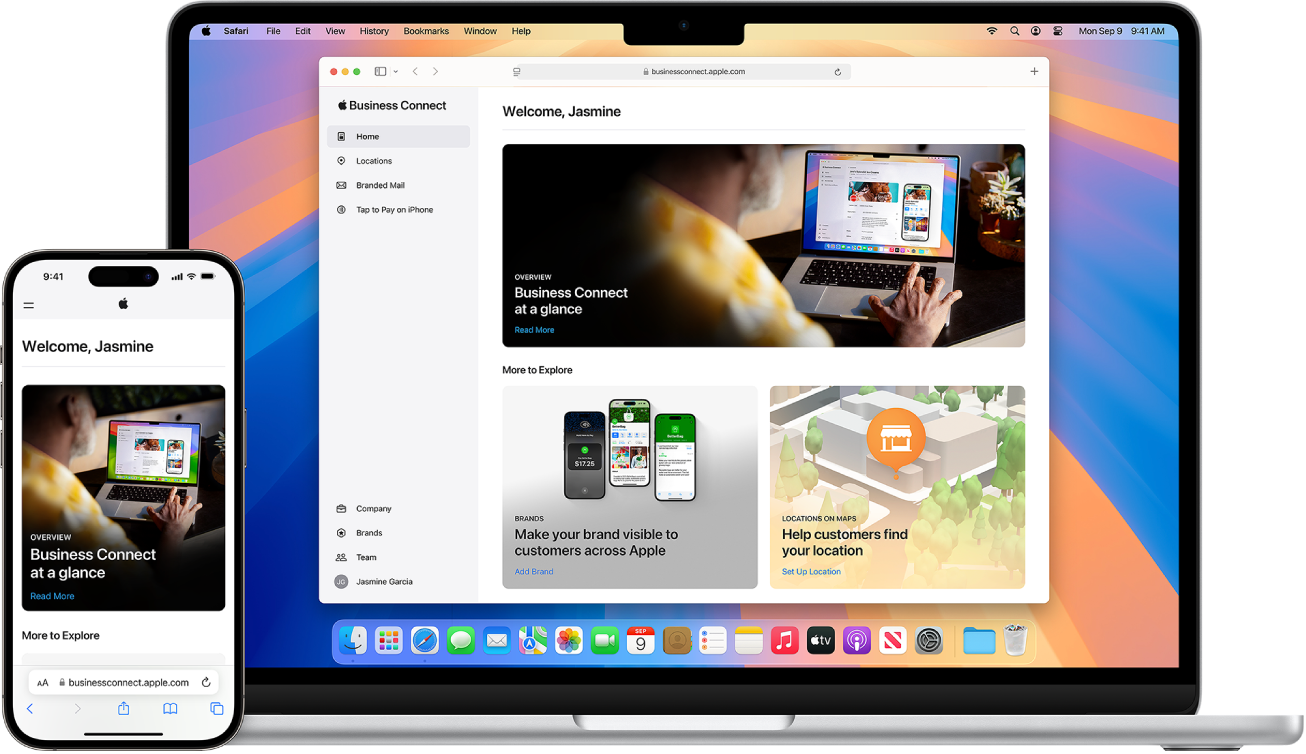
Set up Order Tracking in Apple Business Connect
When customers receive emails from merchants regarding their e-commerce purchases, they can track their order in the Wallet app on their iPhone. Apple Wallet leverages Apple Intelligence to automatically identify order confirmation and shipping details sent from either the company or the delivery carrier within the Mail app. It extracts key details including the company name, order status, and tracking number, and displays them conveniently within Apple Wallet for customers to track purchases. For more information, see the Apple Support article Track orders and purchases in Apple Wallet.
Display your brand on Order Tracking
With Branded Mail, your company can display your brand name and logo in emails, making them stand out in the Mail app. After you register your company for Branded Mail and—if you send order confirmation and tracking emails to customers—you can automatically display your brand name and logo in Order Tracking in the Wallet app.
To ensure customers get a best in-class order tracking experience, follow these best practices:
Activate Branded Mail in Apple Business Connect. This ensures your logo appears on the Orders page.
Within Apple Business Connect, ensure all of the email addresses and domains that you use for commerce-related emails are included in the Branded Mail settings.
Visually include Tracking Numbers and Order IDs in all of your commerce-related emails. This allows Apple Intelligence on their iPhone to properly associate carrier emails to your orders.
Order Tracking FAQ
How does the order status get updated?
Order status updates automatically based on information from your company and delivery carrier emails (matched using tracking or order numbers). Apple Wallet sends notifications for key status changes, like when an order ships or is delivered. To receive these notifications, go to Settings > Notifications > Wallet and turn on notifications for the Wallet app.
Are customers emails being read? Is this secure and private?
This feature leverages Apple Intelligence, designed with privacy at its core. Apple processes data securely on the customer’s device whenever possible, ensuring email content remains private while extracting only the necessary order details.
Who can use this feature?
This feature is available for customers with iPhone models that support Apple Intelligence, and who are located in countries or regions where the feature has been officially launched.
How is this automatic order tracking enabled? Do customers need to opt-in?
Yes, this feature requires customers’ consent to start scanning Mail for order information. Customers can opt-in at any time within Settings > Wallet & Apple Pay > Order Tracking > and making sure Apple Pay and Mail (Beta) is turned on.
Can customers turn this feature off?
Yes, customers can disable all order tracking (both automatic and company-provided) at any time by going to Settings > Wallet & Apple Pay > Order Tracking > and making sure Apple Pay and Mail (Beta) is turned off.
Does this only track purchases made using Apple Pay?
No, this feature tracks orders regardless of the payment method used. It works by finding relevant order and shipping emails in the Mail app for purchases made online.