Take a screenshot on your iPod touch
Save what's on your screen.
Take a screenshot on iPod touch
Press the top button and the Home button at the same time.
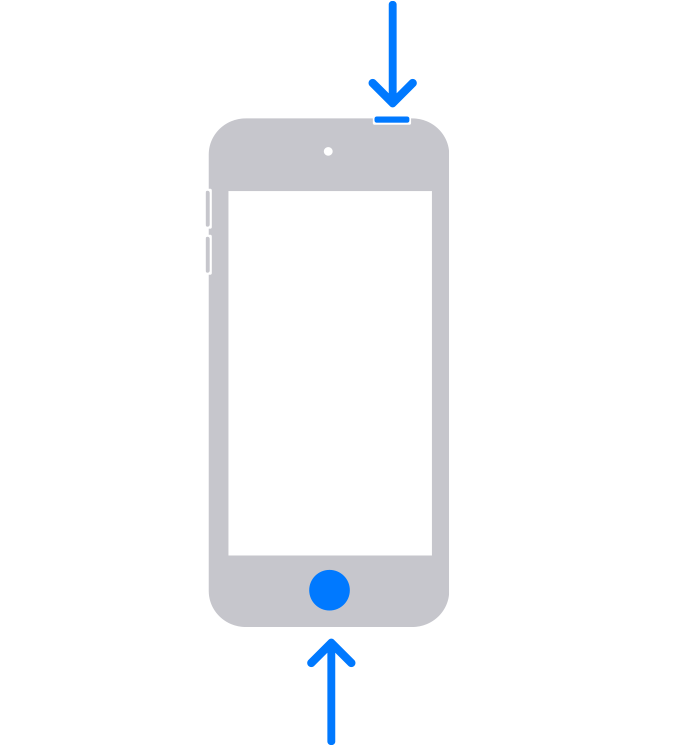
Quickly release both buttons.
Tap the screenshot in the lower-left corner.
Tap Done.
Choose Save to Photos, Save to Files, or Delete Screenshot.
Find your screenshots
If you choose Save to Photos, you can view the saved item in the Screenshots album in the Photos app, or in the All Photos album if iCloud Photos is turned on.
Learn more
Published Date: