Prepare your iPhone for Express Replacement Service
After you schedule Express Replacement Service*, you'll get a kit that has your replacement iPhone and everything that you need to send back your original iPhone.
Before you return your original iPhone
If you have an iPhone 18 Pro Max, learn how to prepare for shipping. For other iPhone models, follow the steps below to ship your iPhone to Apple.
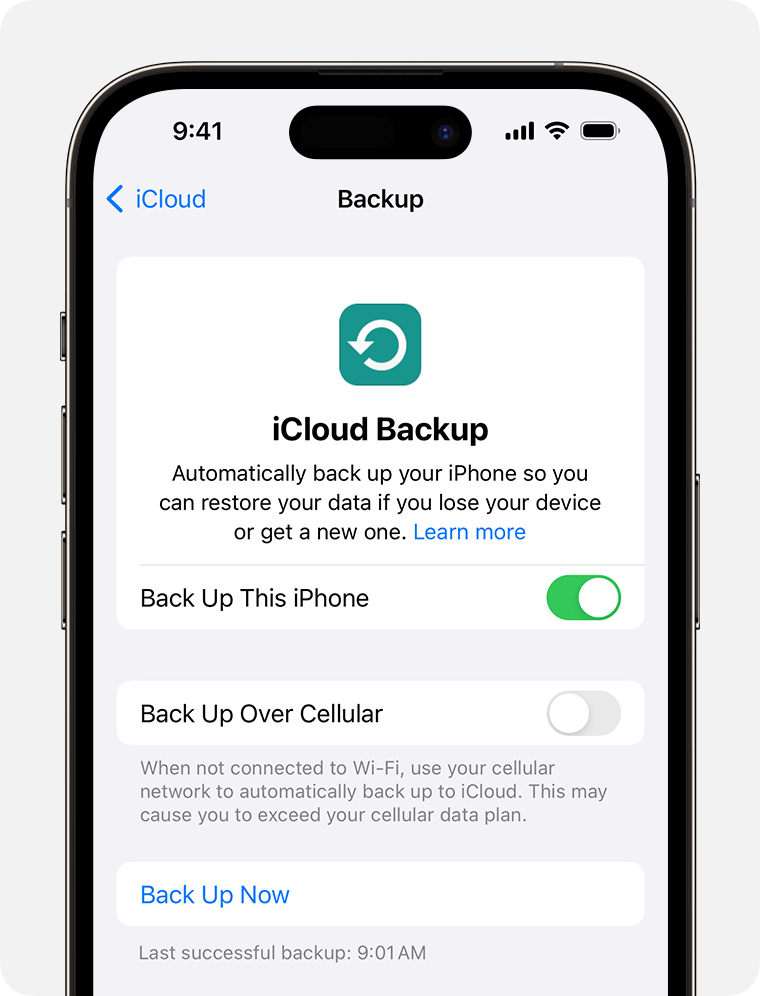
Back up your iPhone
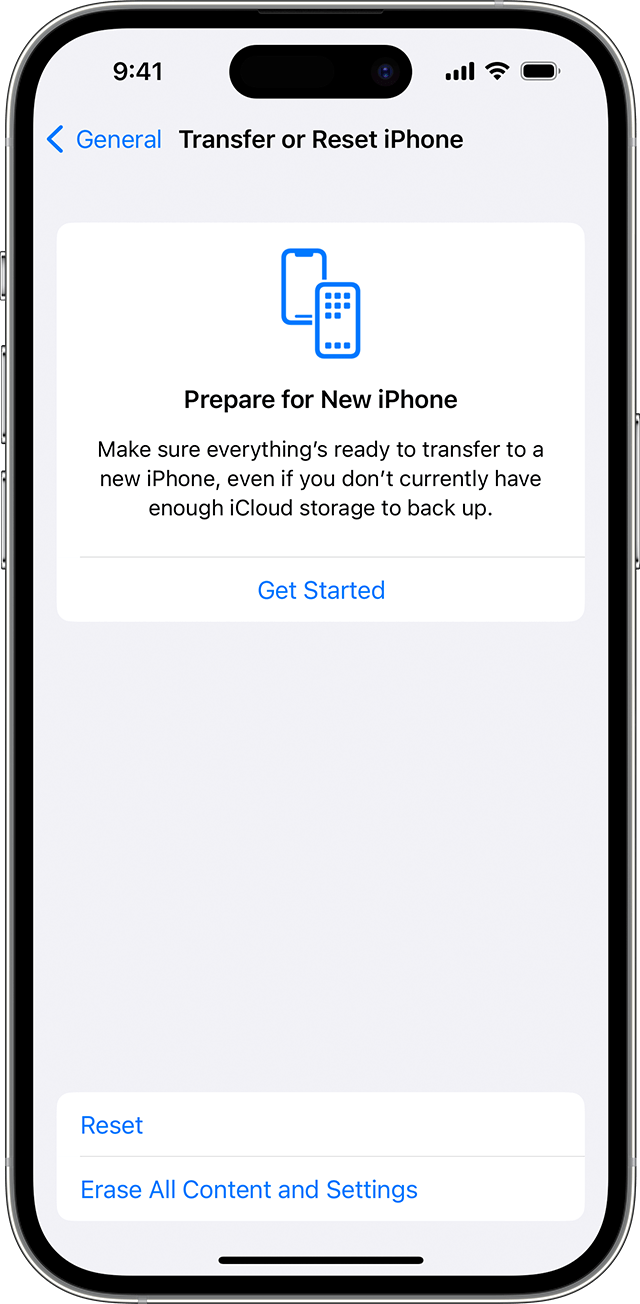
Erase your iPhone to delete your personal data and remove it from your Apple Account: In Settings, tap General > Transfer or Reset iPhone, then tap Erase All Content and Settings. You need to enter your Apple Account password to confirm.
Transfer your mobile service to your new iPhone:
If your original iPhone uses a physical SIM card, switch it to your new iPhone or transfer it as an eSIM to your new iPhone.
If your original iPhone uses eSIM, transfer to an eSIM on your new iPhone.
Power down your original iPhone.
Pack your original iPhone
Your Express Replacement Service kit includes everything that you need to pack up and send your original iPhone to Apple — including the smaller white or natural box and larger shipping box that your replacement iPhone arrived in, which you use to pack up your original iPhone and ship it to Apple.
Place your iPhone into the smaller white or natural box. Don’t include anything else — such as a phone case, power adaptor, USB cable or other accessory. If you include extra items in the box, they won’t be returned.
Put the smaller box into the same larger shipping box that was delivered to you. If there’s a battery sticker pasted on the outside of the box, make sure it’s not covered by tape or a shipping label.
Ship your original iPhone to Apple
If you have a pre-printed TNT shipping label,
Remove the TNT shipping label from the box.
Note the consignment number — it starts with “GE” and you can find it next to the barcode on the shipping label.
Put the postage box with your packaged iPhone in the TNT satchel, seal the satchel and place the shipping label in the clear plastic pocket.
Then contact TNT Customer Service to arrange a collection:
Email: customerservice.nz@tnt.com
Subject line: “Apple collection — iPhone“, followed by the TNT consignment number
In the email, note that you’re using a pre-paid satchel on account number
320792, whether your collection address is a residence or business, and provide your phone number.
Call: 0800 275 868
Note that you’re using a pre-paid satchel on account number 320792, whether your collection address is a residence or business, and provide your phone number.
If there is no pre-printed shipping label,
To arrange collection, email DHL New Zealand Customer Service: aukad.applerma@dhl.com. Mention that you’re using a pre-paid return service. Provide the information below in your email request:
DHL tracking number for the replacement unit. This tracking number is a 10 digit numerical reference that is available on your replacement unit shipping label or email.
Preferred Pick Up Date (at least 2 working days after the email is sent to DHL).
DHL will respond to your email and provide the return shipping label within 1 working day. Please print out the return shipping label provided by DHL via email and attach the provided DHL shipping label on the box, covering the replacement unit shipping label completely.
DHL may use a 3rd party (New Zealand Post) for collection.
When you give your packaged product to the DHL courier, make sure you get proof of collection to confirm that you’ve returned your original product. Apple isn’t responsible for any damage sustained during delivery.
Apple will release the temporary hold on your card after we process your original device and confirm that the issue is covered. If your original device is not returned within 10 business days or is found ineligible for service due to unauthorised modifications or severe damage, the hold will be charged to your card.
*Express Replacement Service is an AppleCare benefit that is not available in all countries or regions.
