Use Apple Intelligence on your iPad
With iPadOS 26, Apple Intelligence* is integrated across your apps and experiences to help you communicate, express yourself, and get things done more easily. It delivers intelligence that’s useful and relevant for you, all while protecting your privacy.
Note: Apple Intelligence is not available on all iPad models or in all languages or regions.** To access the most recent available features, make sure you’re using the latest version of iPadOS.
Turn on Apple Intelligence
If Apple Intelligence is off, you can turn it on to access the latest features across iPadOS 26. Go to the Settings app  , tap Apple Intelligence & Siri, then do one of the following:
Tap the button next to Apple Intelligence.
Tap Turn on Apple Intelligence.
The option you see is based on the version of iPadOS you have and if you’ve previously set up Apple Intelligence.
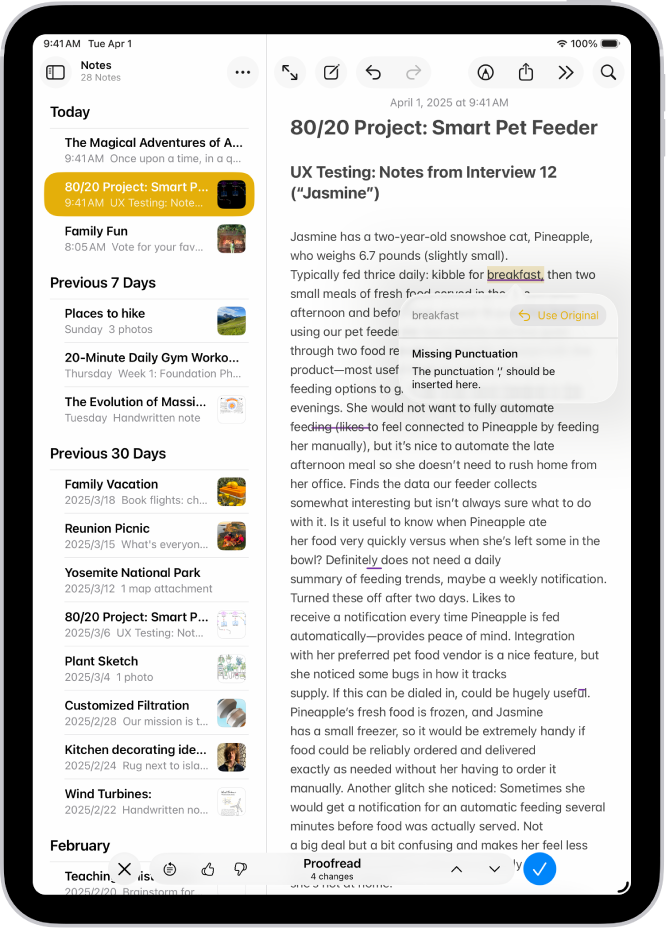
Find the perfect words
Transform how you communicate using Writing Tools that can summarize text, proofread your work, and help you find the right wording and tone.
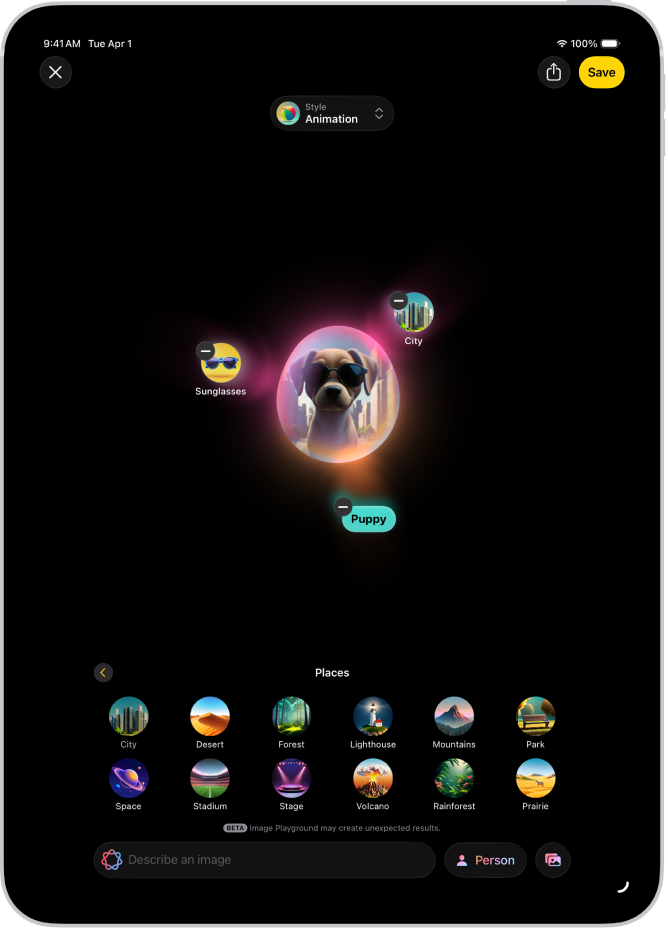
Create one-of-a-kind images and your own emoji
Produce fun, original images in moments with Image Playground or Image Wand. You can also make custom emoji from simple text descriptions with Genmoji.
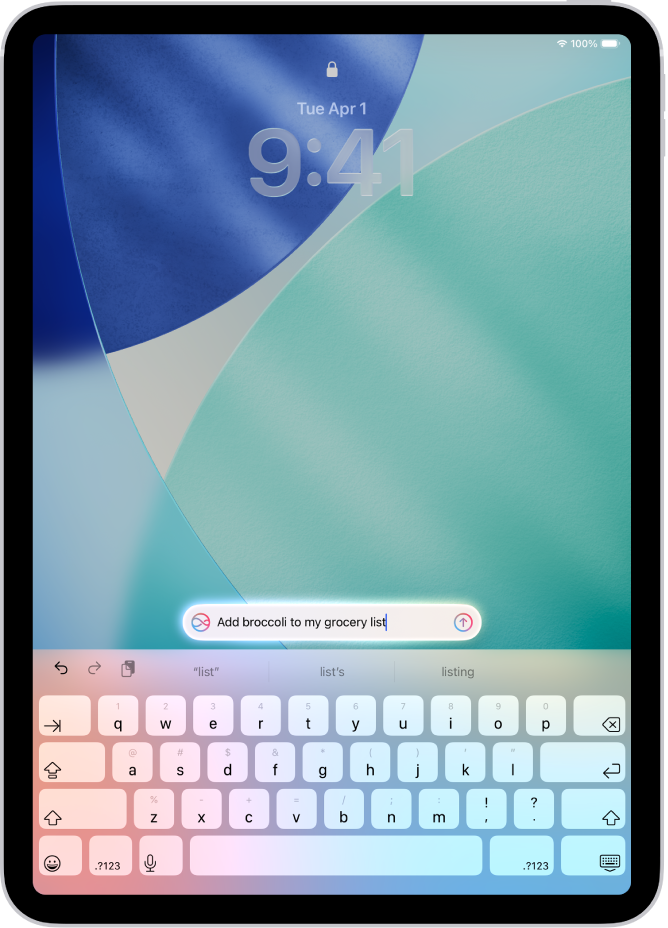
Do more with Siri
Type requests to Siri, get answers to questions about your Apple products, and more.
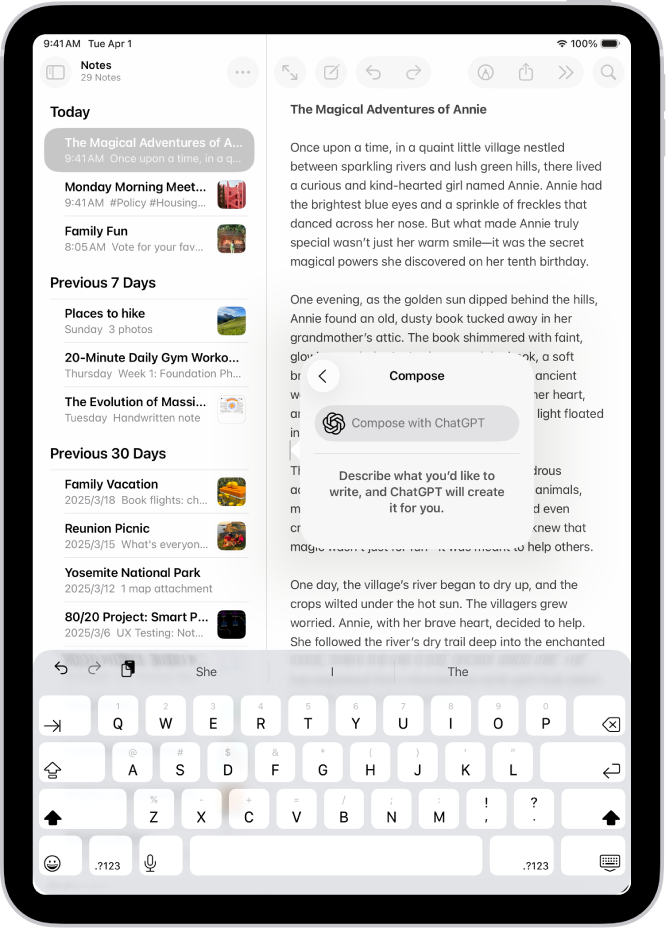
Tap into ChatGPT
Access ChatGPT within Apple Intelligence experiences, and tap into even more expertise when you use Siri, Writing Tools, Image Playground, and more.
Communicate across languages in real time
With Live Translation, you can automatically translate messages in the Messages app, display live translated captions in FaceTime, and get spoken translations for calls in the Phone app.
Use Apple Intelligence with apps
 View your most urgent emails, craft quick email responses with Smart Reply, and summarize long emails. |  Messages See summaries of unread conversations, send original images and customize backgrounds with Image Playground, craft fast responses with Smart Reply, and more. |
 Notes After you record audio, use Apple Intelligence to generate a summary of the transcript. |  Phone Generate a summary of a phone call you record, and view voicemail summaries. |
 Photos Find photos with natural-language search, create memory movies, and remove distracting objects with Clean Up. |  Reminders Use Apple Intelligence to get suggested reminders, and automatically categorize related reminders into sections within a list. |
 Safari Use Apple Intelligence to generate a summary of a webpage in the Safari app. |  Shortcuts Intelligent actions in Shortcuts can summarize text, create images, tap directly into Apple Intelligence models, and more. |
 And more… Check the Apple Intelligence website for more information about features, supported devices, and languages. |
Turn off Apple Intelligence
Go to the Settings app , tap Apple Intelligence & Siri, then tap the button next to Apple Intelligence.