Use Universal Clipboard to copy and paste between your Apple devices
With Universal Clipboard, you can copy content such as text, images, photos, and videos on one Apple device, then paste the content on another Apple device.
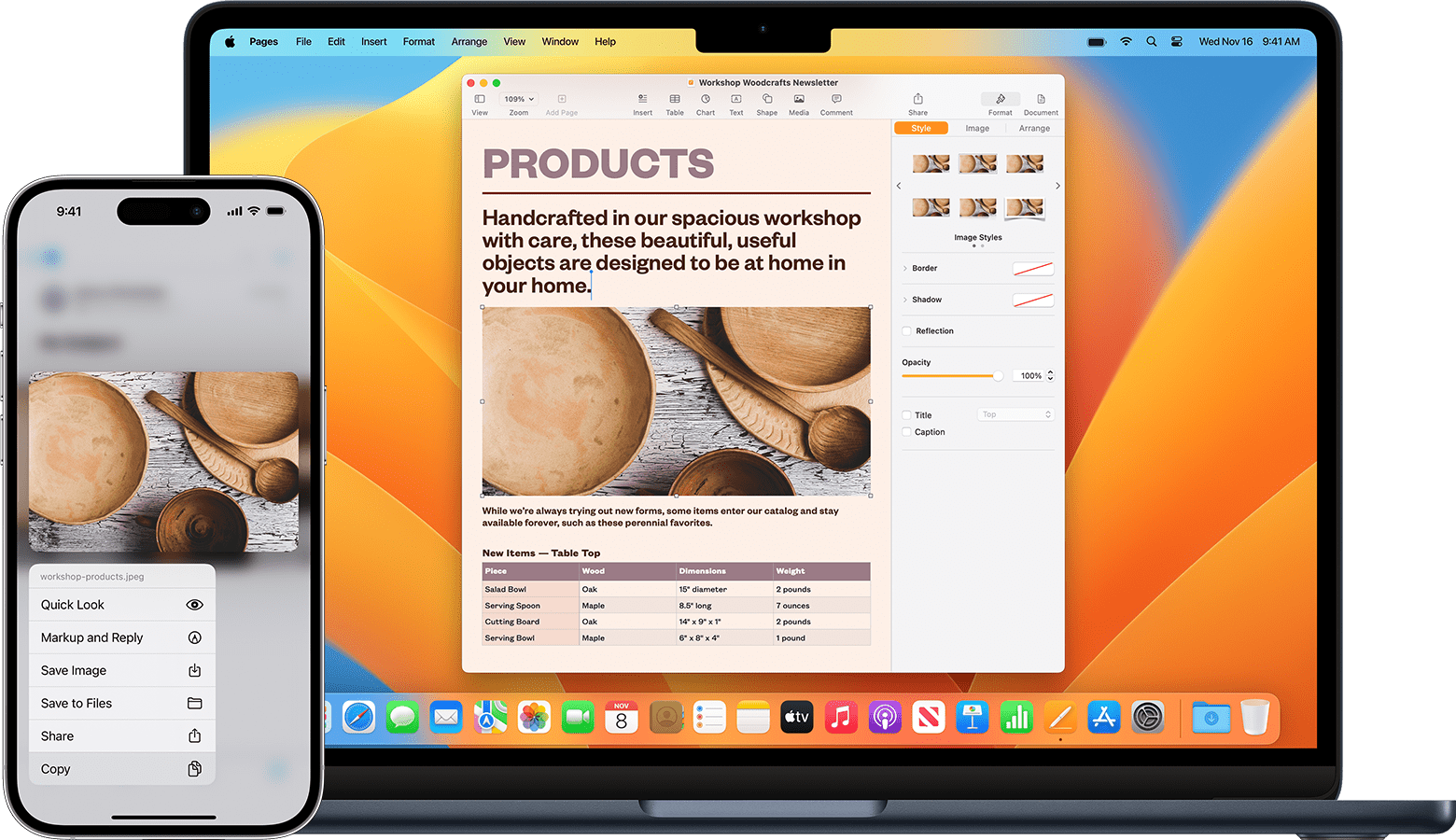
Set up Universal Clipboard
Use Universal Clipboard with any Mac, iPhone, iPad, or Apple Vision Pro that meets the Universal Clipboard system requirements. It works when your devices are set up as follows:
Your devices are near each other.
Each device is signed in with the same Apple Account.
Each device has Bluetooth and Wi-Fi turned on.
Each device has Handoff turned on (it's turned on by default). Learn how to turn on Handoff.
Use Universal Clipboard
On one device, copy the text, image, file, or other content as you normally would.
The content is automatically added to the clipboard of your other nearby device. It remains there briefly, or until you replace it by copying something else on either device.
On the other device, paste the content as you normally would.
If Universal Clipboard isn’t working
Install any available Apple software updates, such as updates for your Mac or updates for your iPhone.
Restart your devices.
Make sure that you’ve set up Universal Clipboard correctly on each device, including that your devices are near each other.
