Library
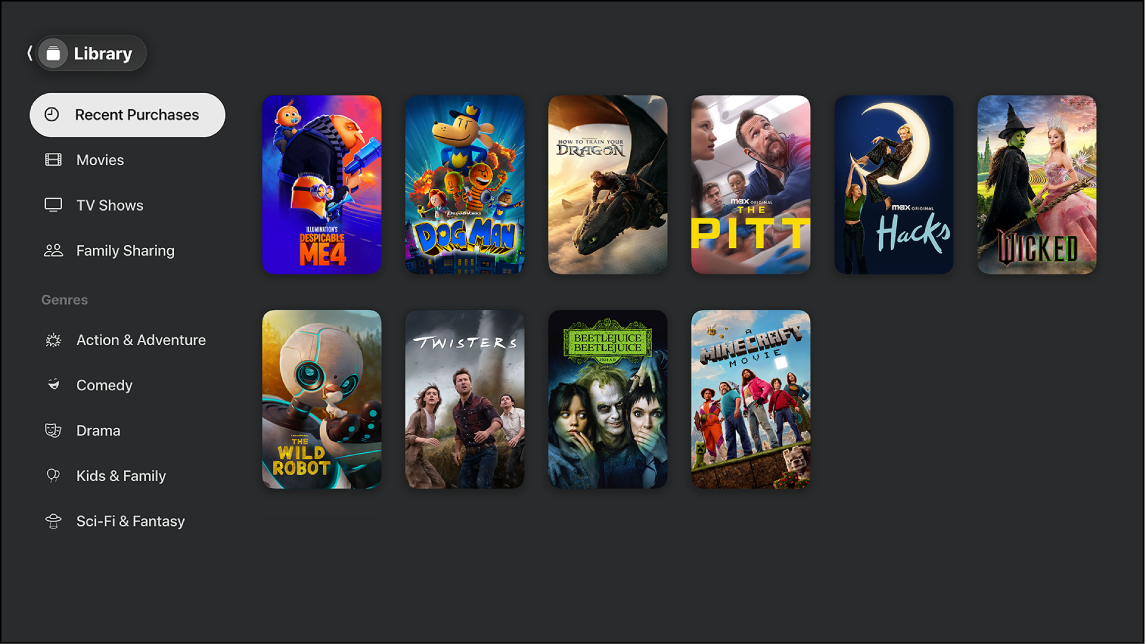
The Apple TV app library contains shows and movies you purchased, rented, and downloaded. If you use Family Sharing, you can also view purchases made by family members.
To access your library, do any of the following in the Apple TV app:
TV or living room device: Open the sidebar, then select Library.
Mac, Windows, or iPad: In the sidebar, select one of the categories under Library.
iPhone: Tap Library.
Android: Tap Downloads to access TV shows and movies you downloaded. To access purchased or rented content, go to tv.apple.com.