If your Mac says a software update is required to connect to iPhone or iPad
Older software on your Mac needs to be updated to support newer software on your iPhone, iPad or iOS device.
Install the update
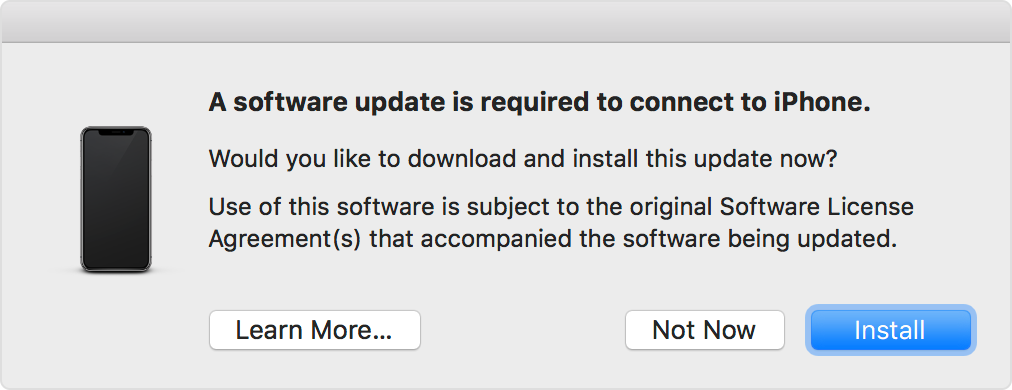
To install the update on your Mac, click the Install button in the alert message.
After the update has been installed, you should be able to connect to your device as expected.
If the update doesn’t install successfully or doesn’t resolve the issue, install the latest macOS updates on your Mac. (To support iOS 17 and iPadOS 17 or later, your Mac must be using macOS High Sierra 10.13 or later.)
Find out what to do if your Mac software is up to date but your Mac doesn’t recognise your iPhone or iPad.
Need more help?
Tell us more about what’s happening and we’ll suggest what you can do next.
Published Date:
